killakrzydav
Super Fans
-
Joined
-
Last visited
Everything posted by killakrzydav
-
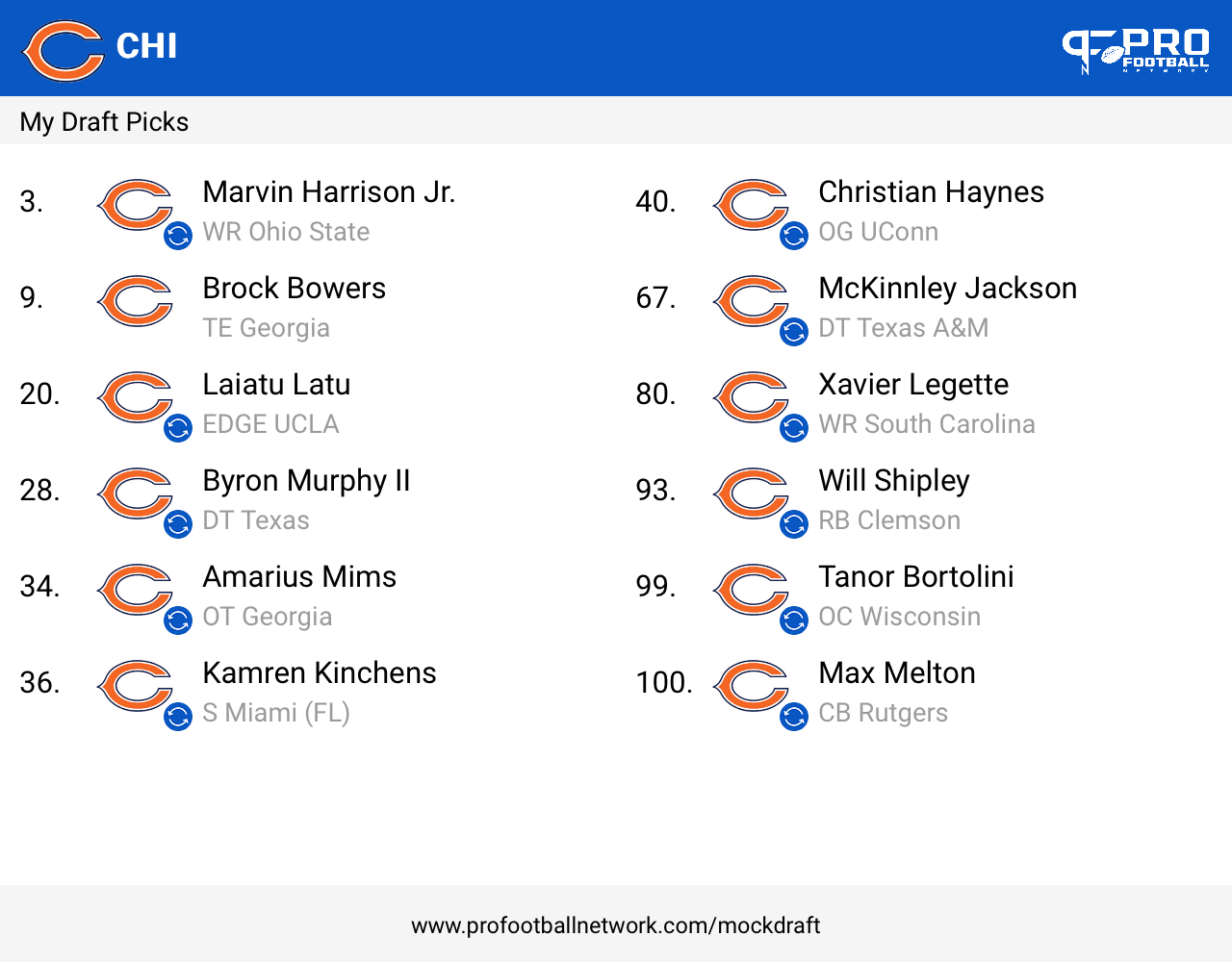
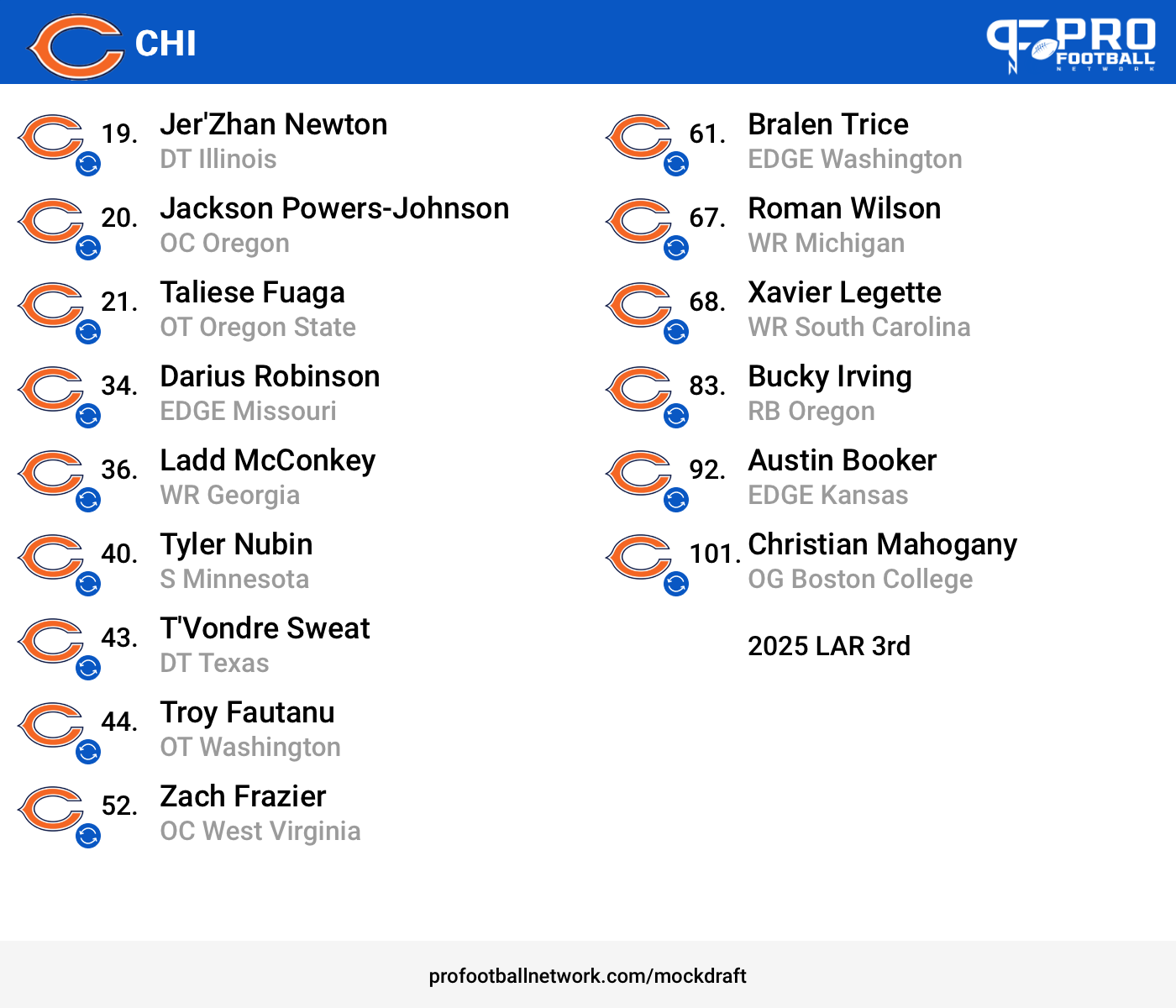
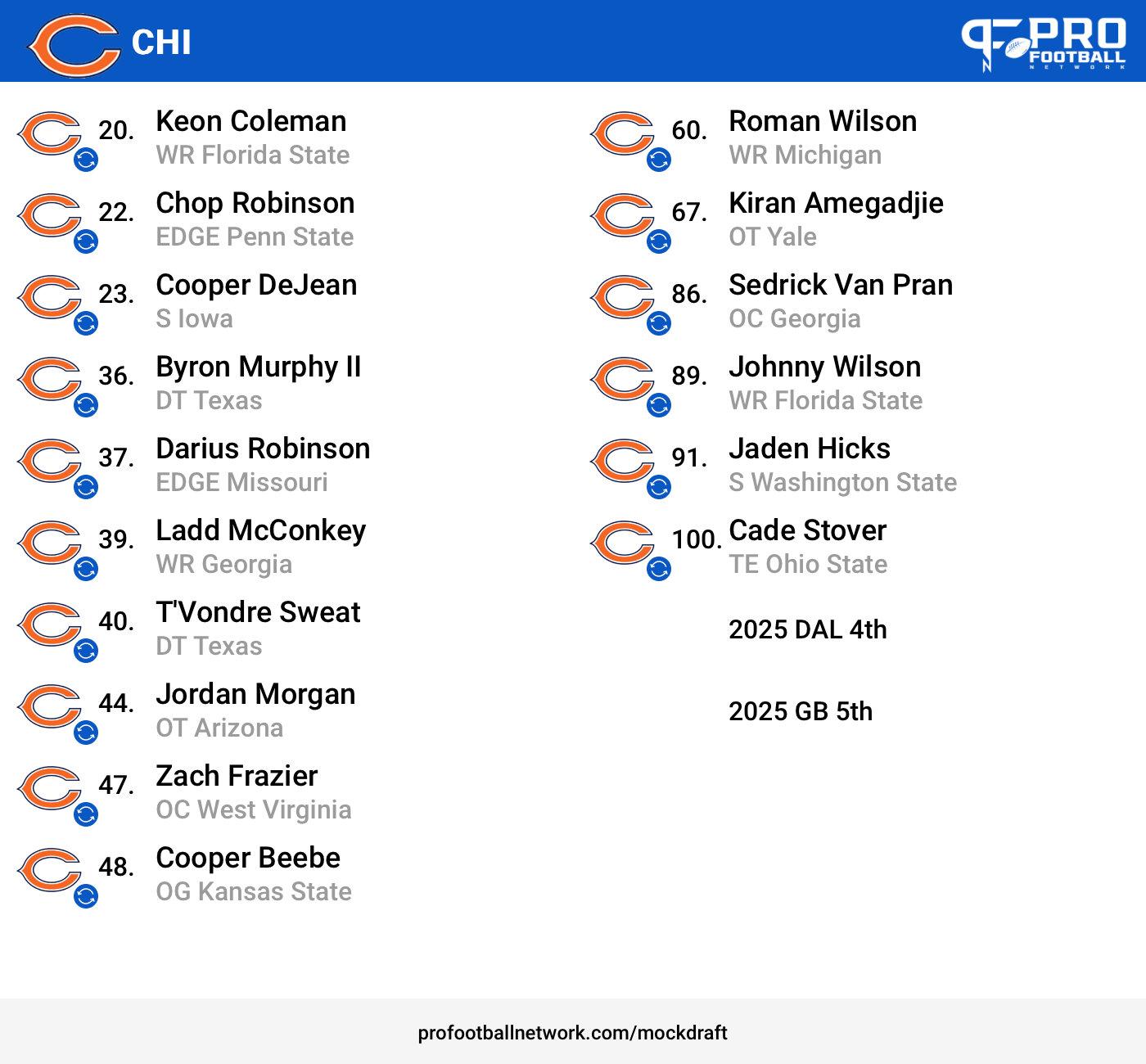
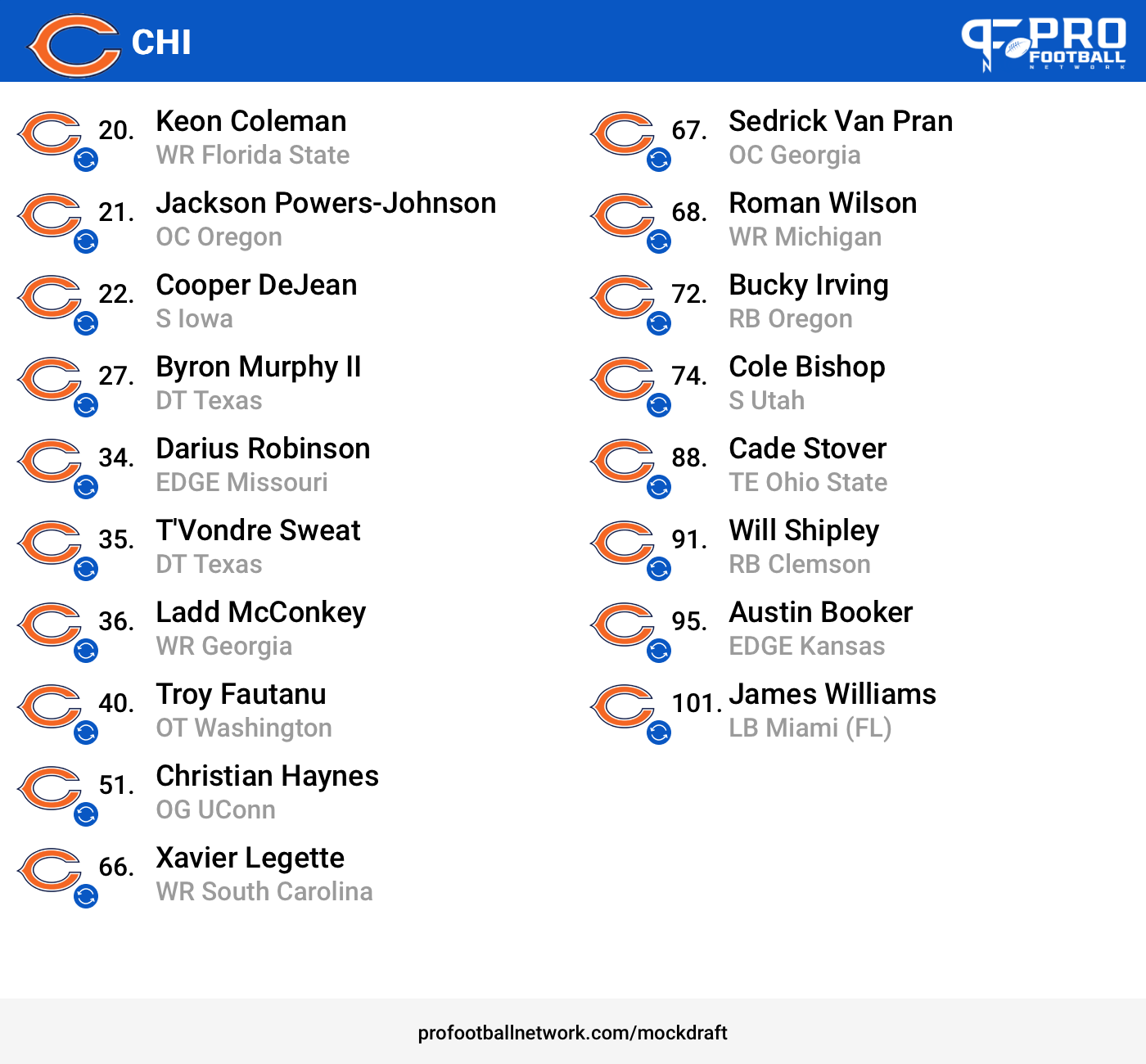
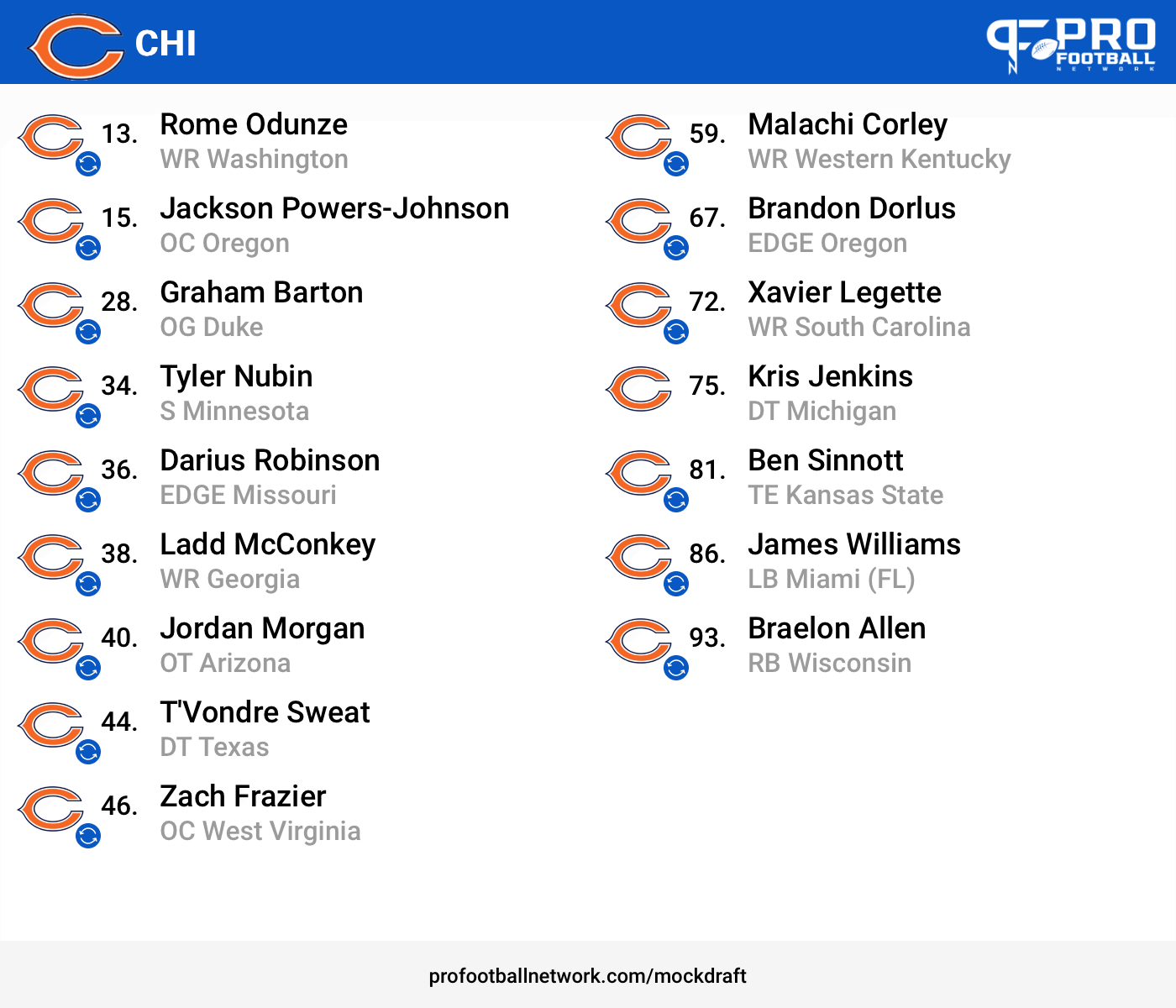
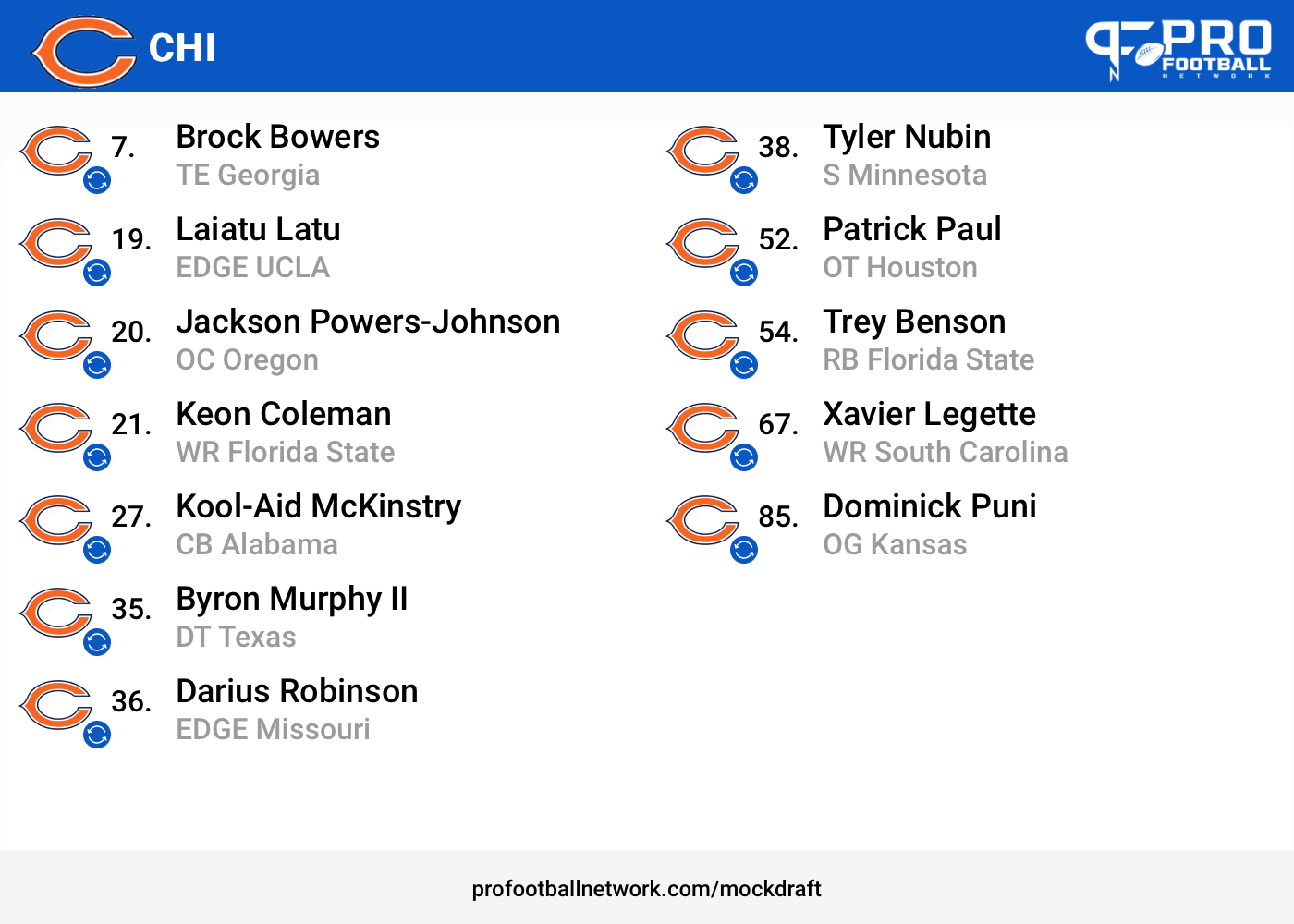
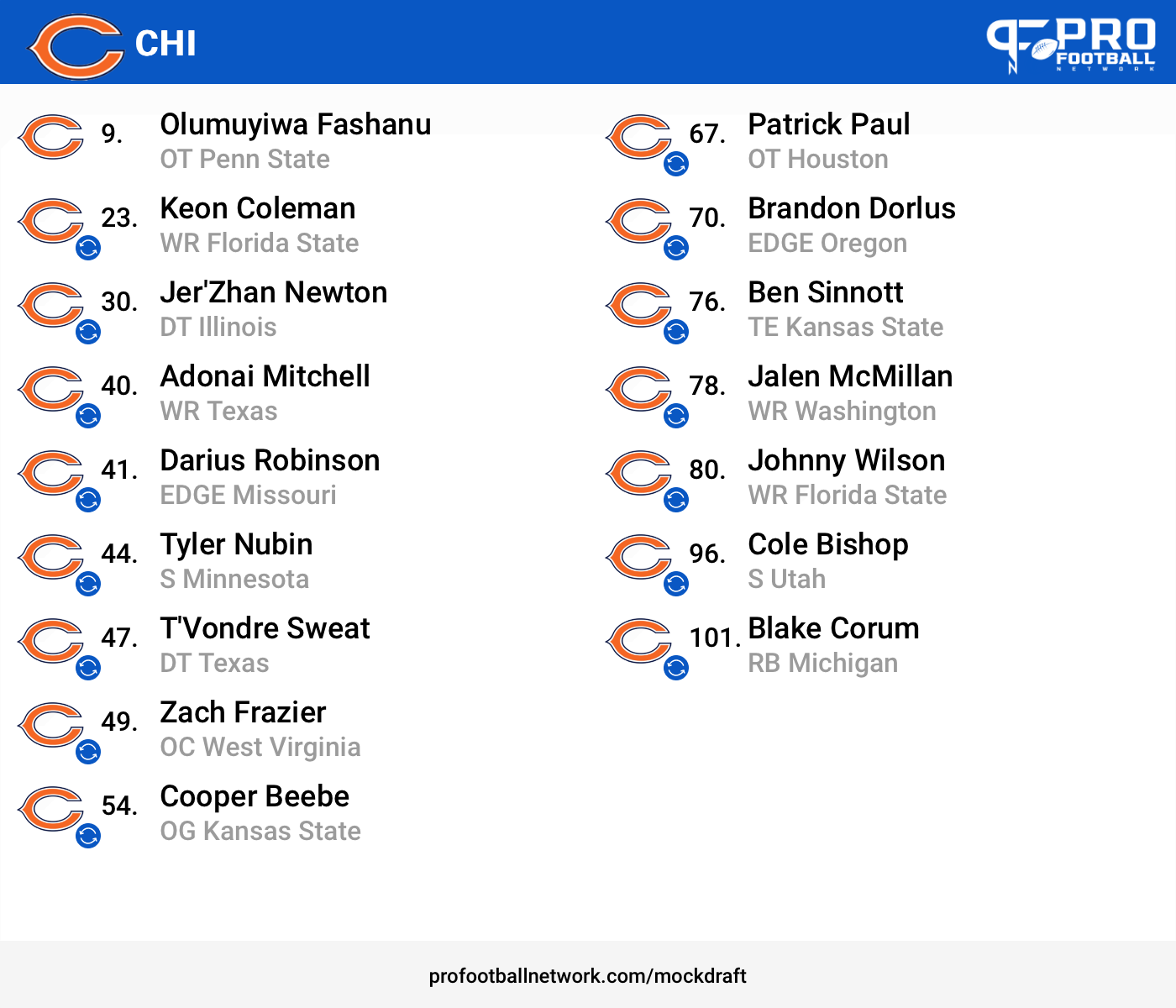
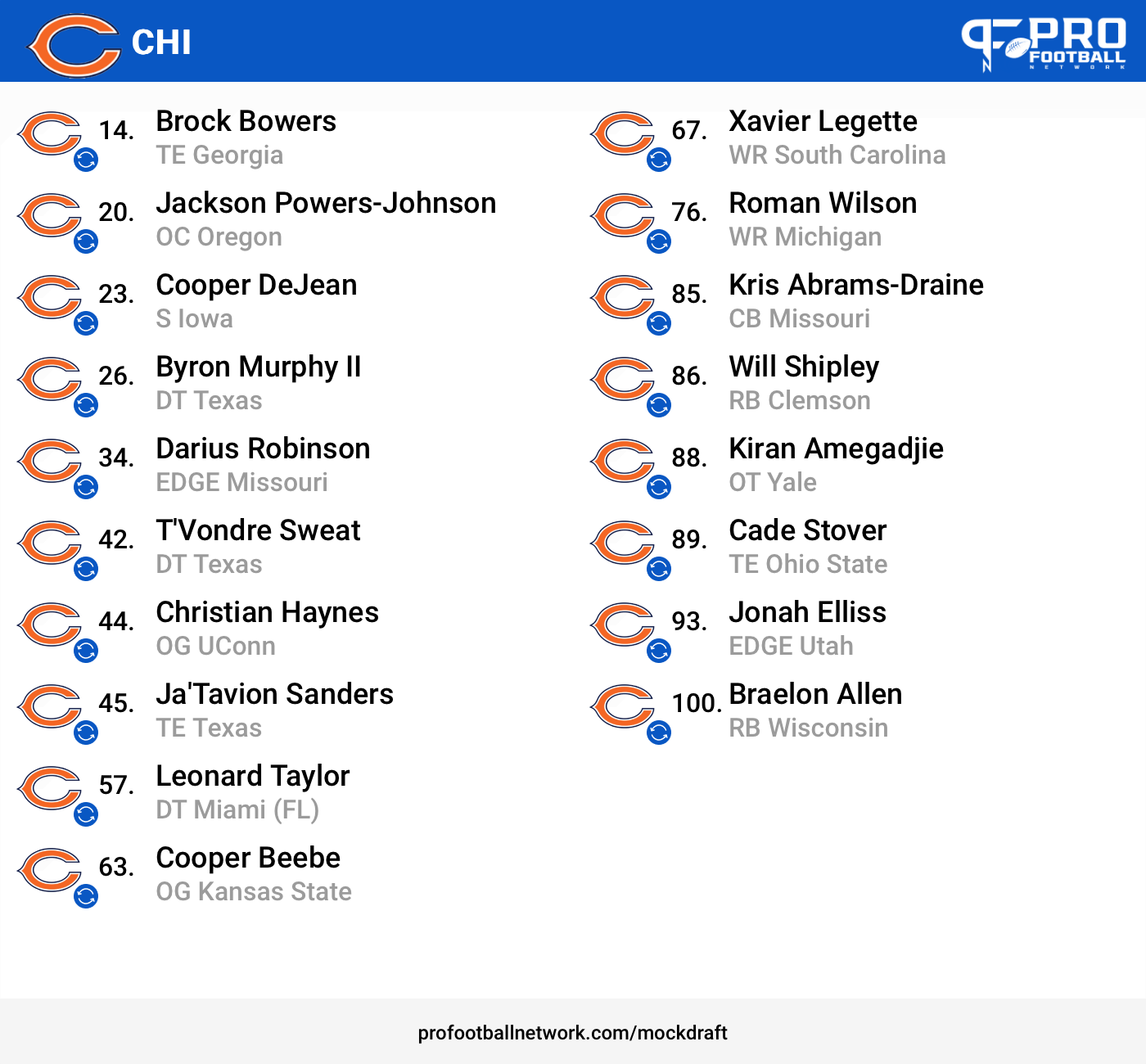
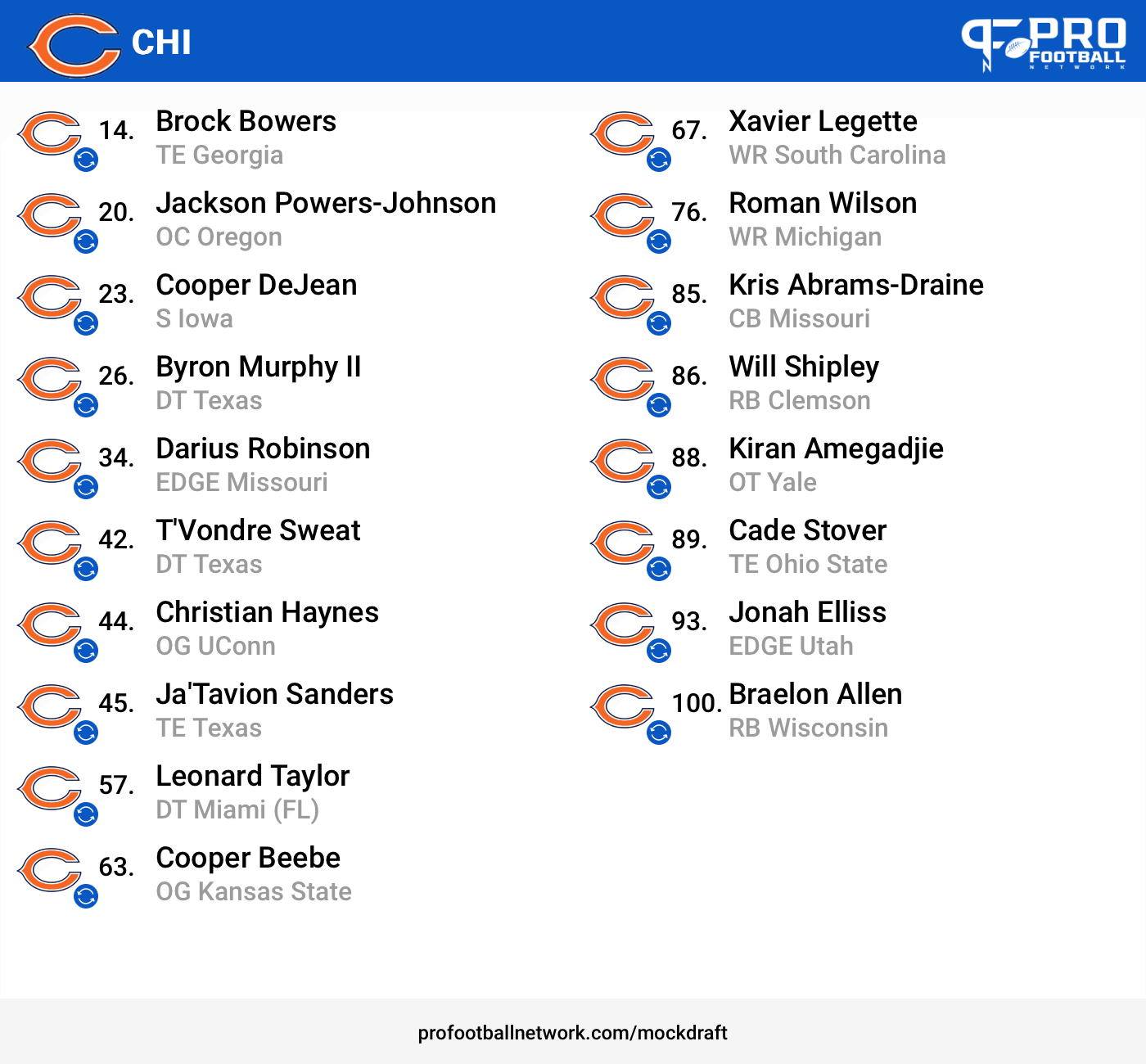
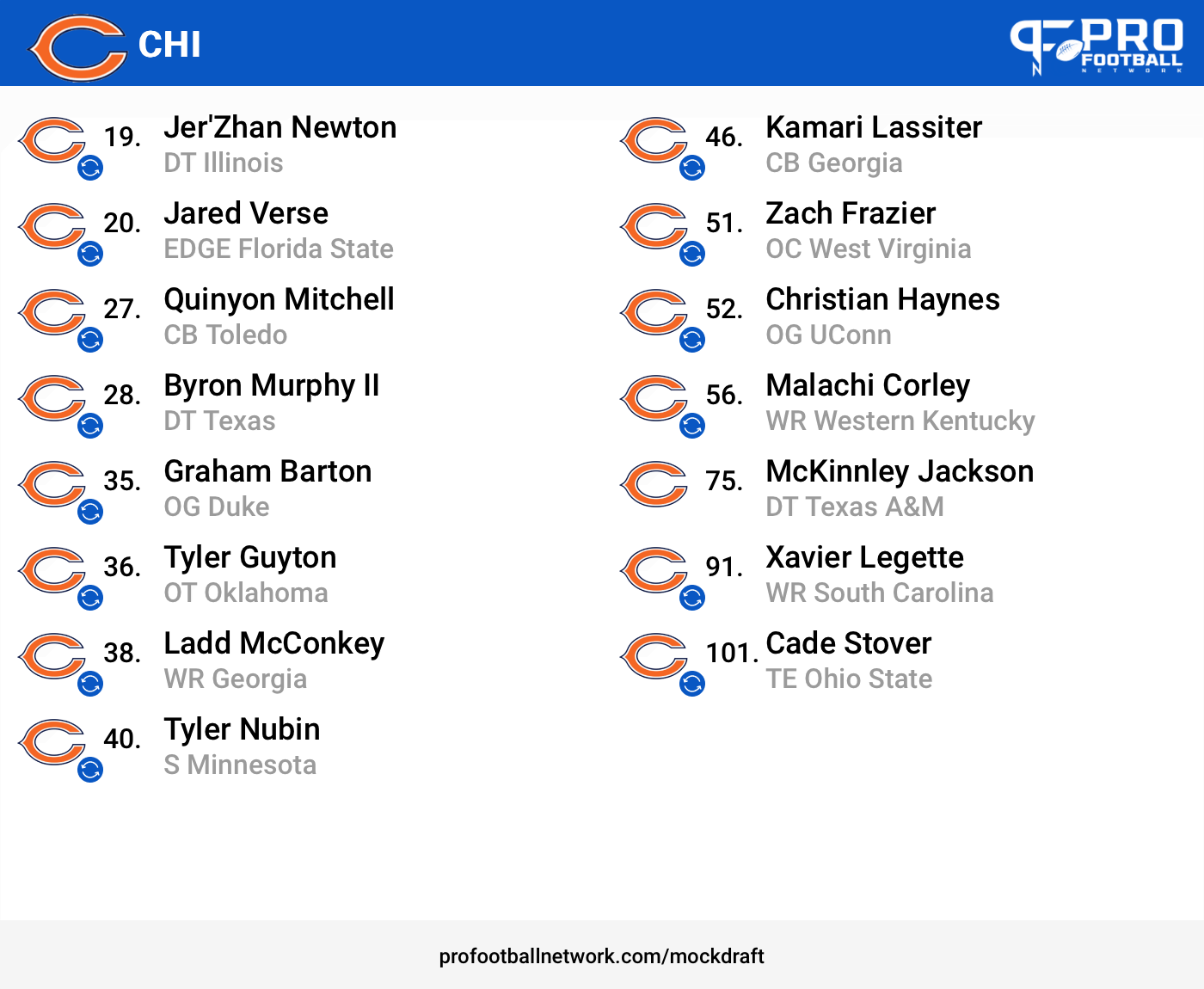
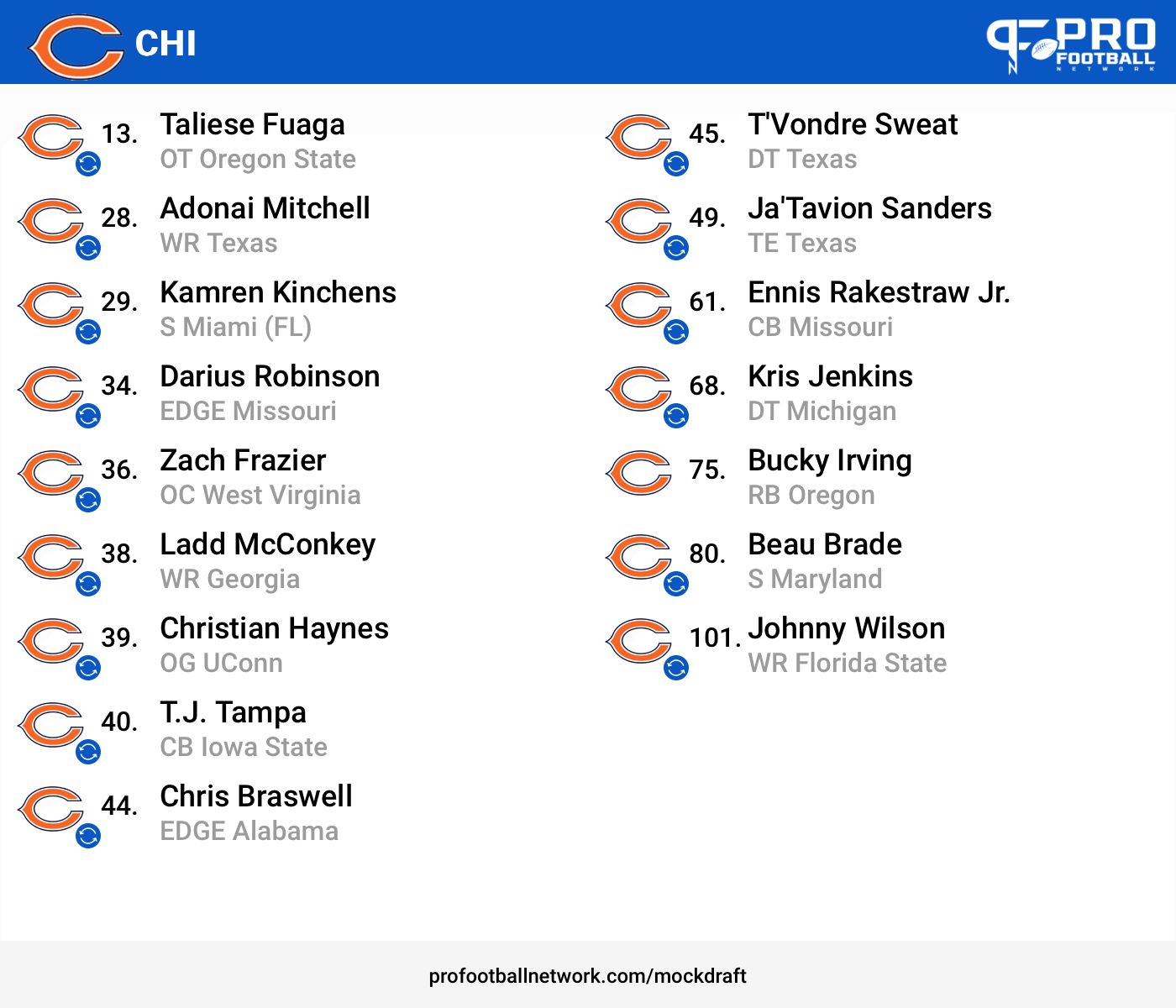
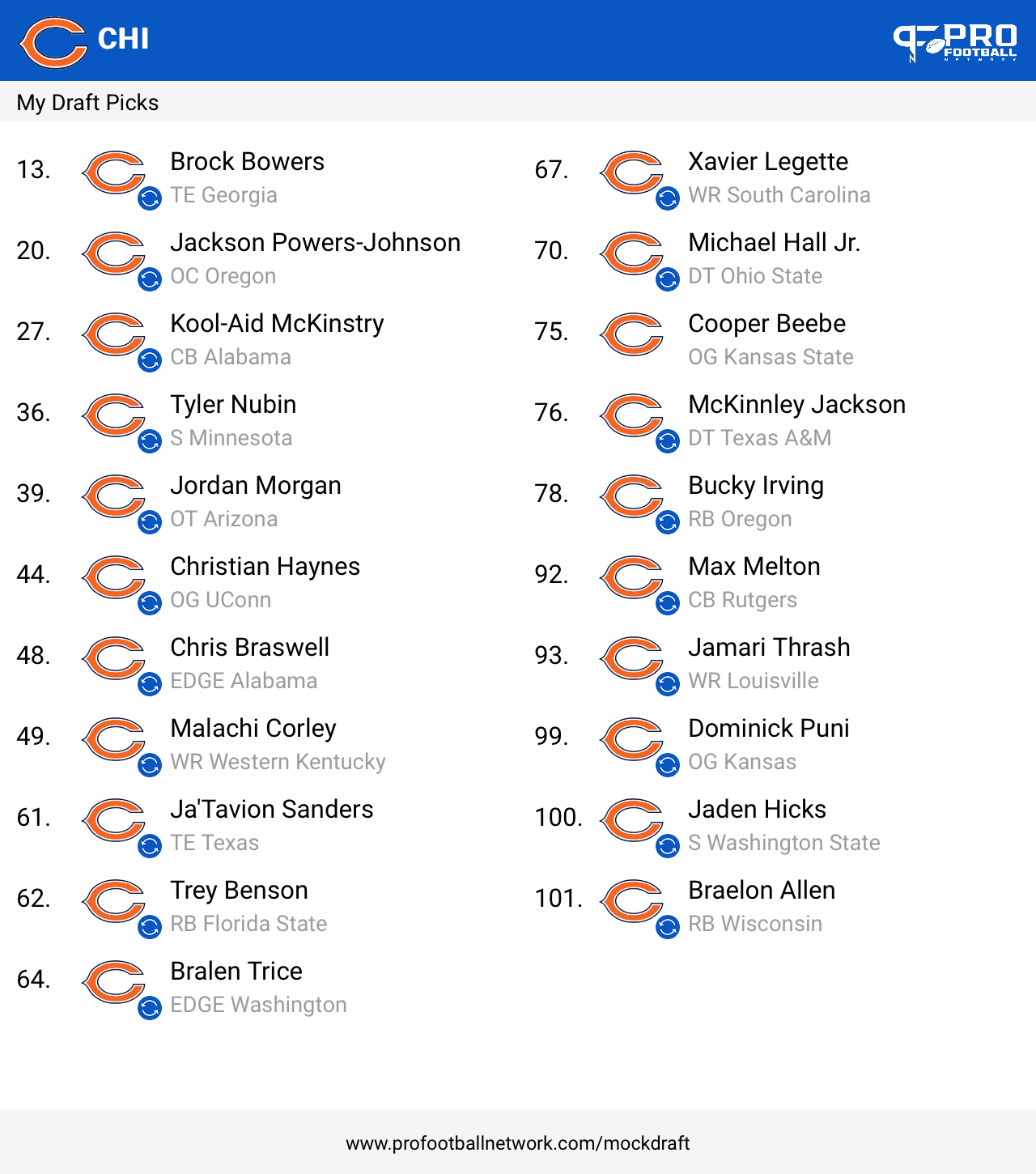
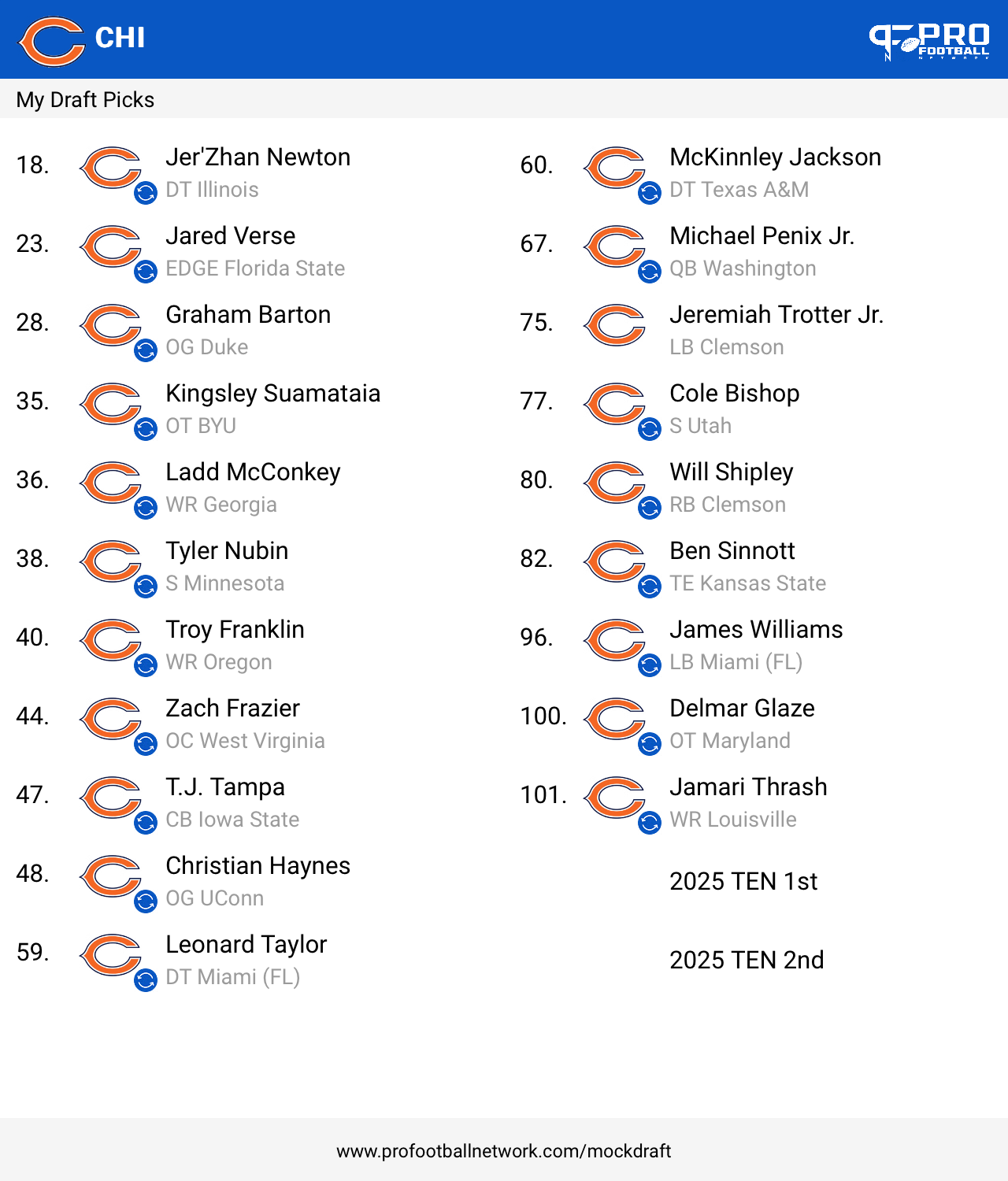
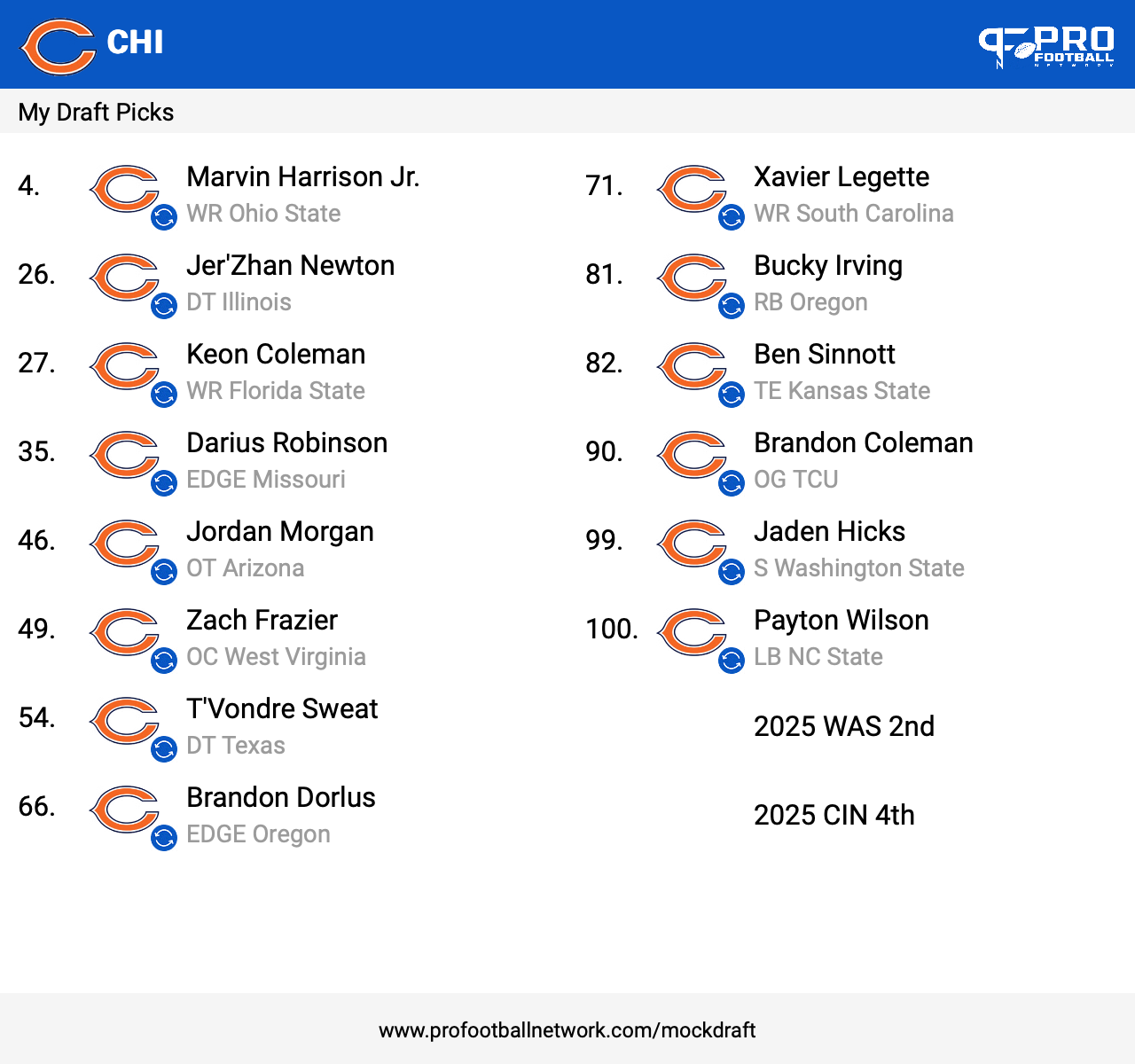
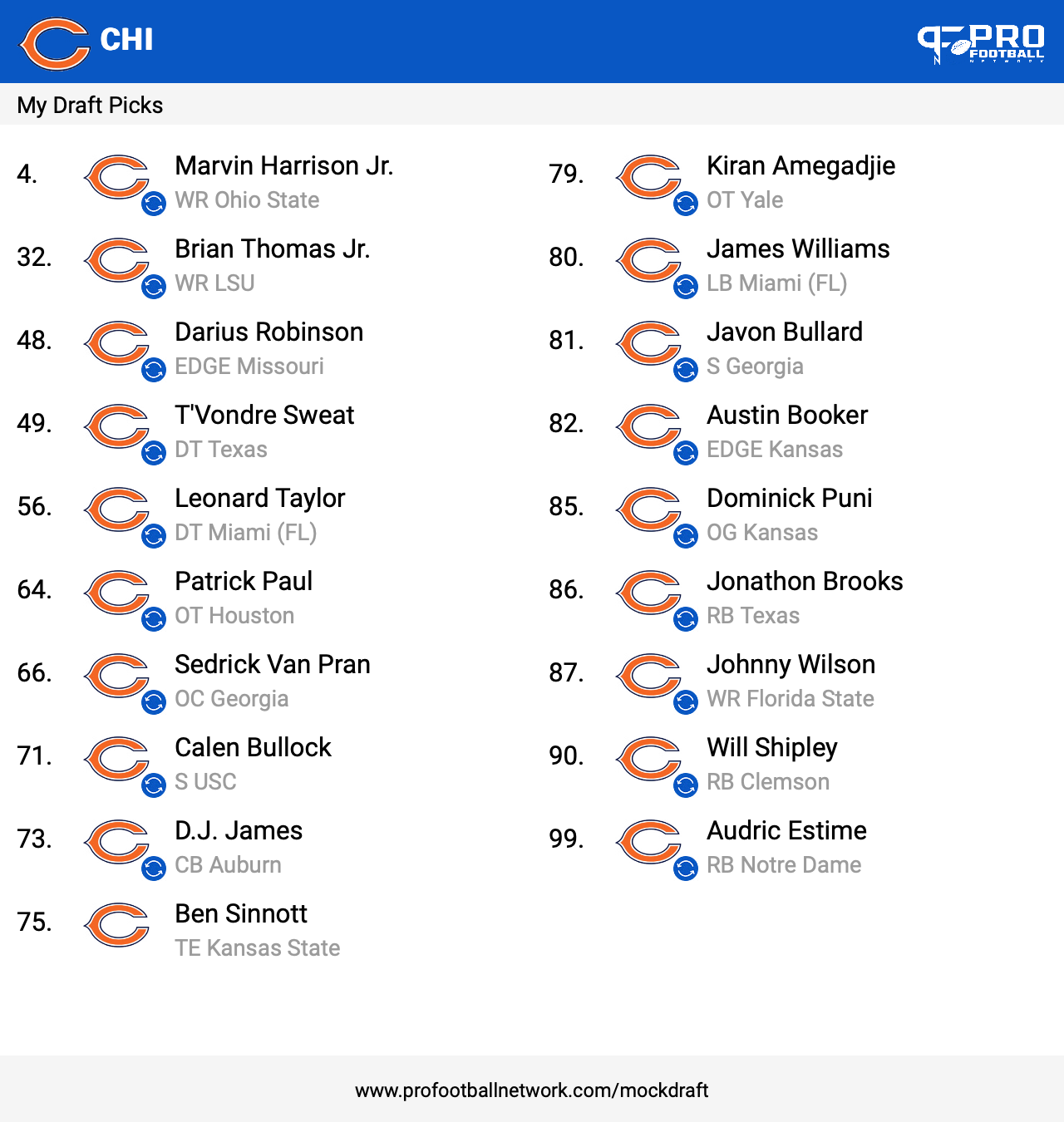
Travis is the most skilled of the group. FSU plays slow or he processes slow. I watched every fsu game this year unfortunately.No I wouldn’t make that trade22 is my tops. I have hit 21 twice.Thanks!I see five to six absolute stars. All receivers, Newton, Bucky, Sweat. 2 Shots at a edge...manCapped my trades again.
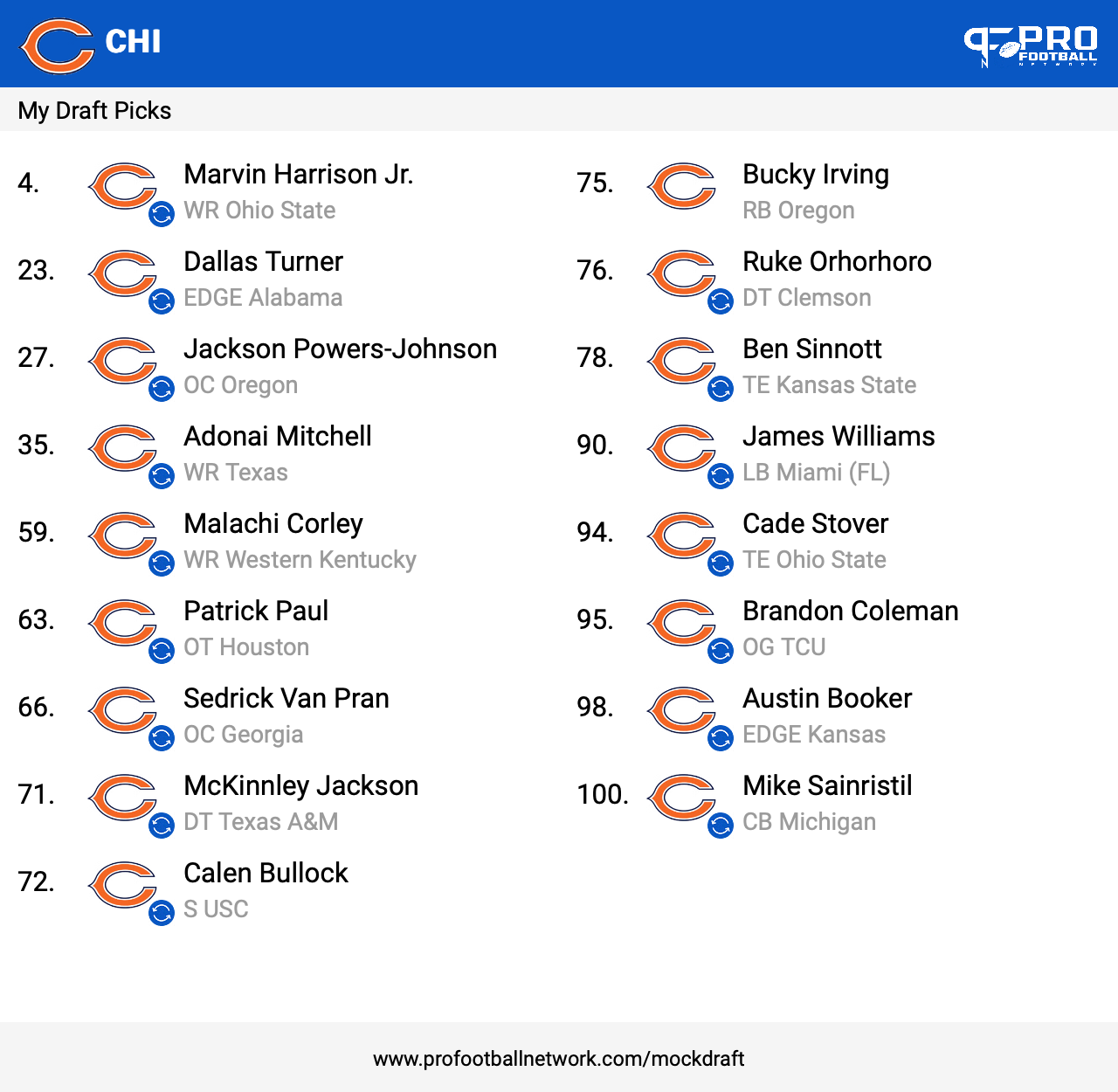
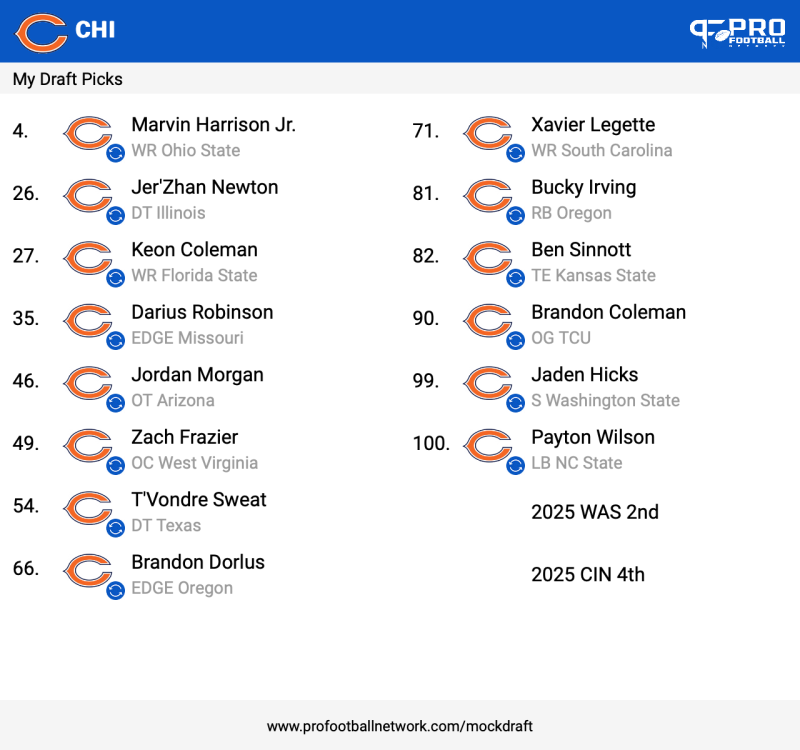 I love looking at it because Im such a dreamer.Only way we get him is if we trade at 9. I don't think we have any choice but to trade one of the other because we have too many holes.A falling Dallas Turner ceased trade downs. This might be the best one yet.
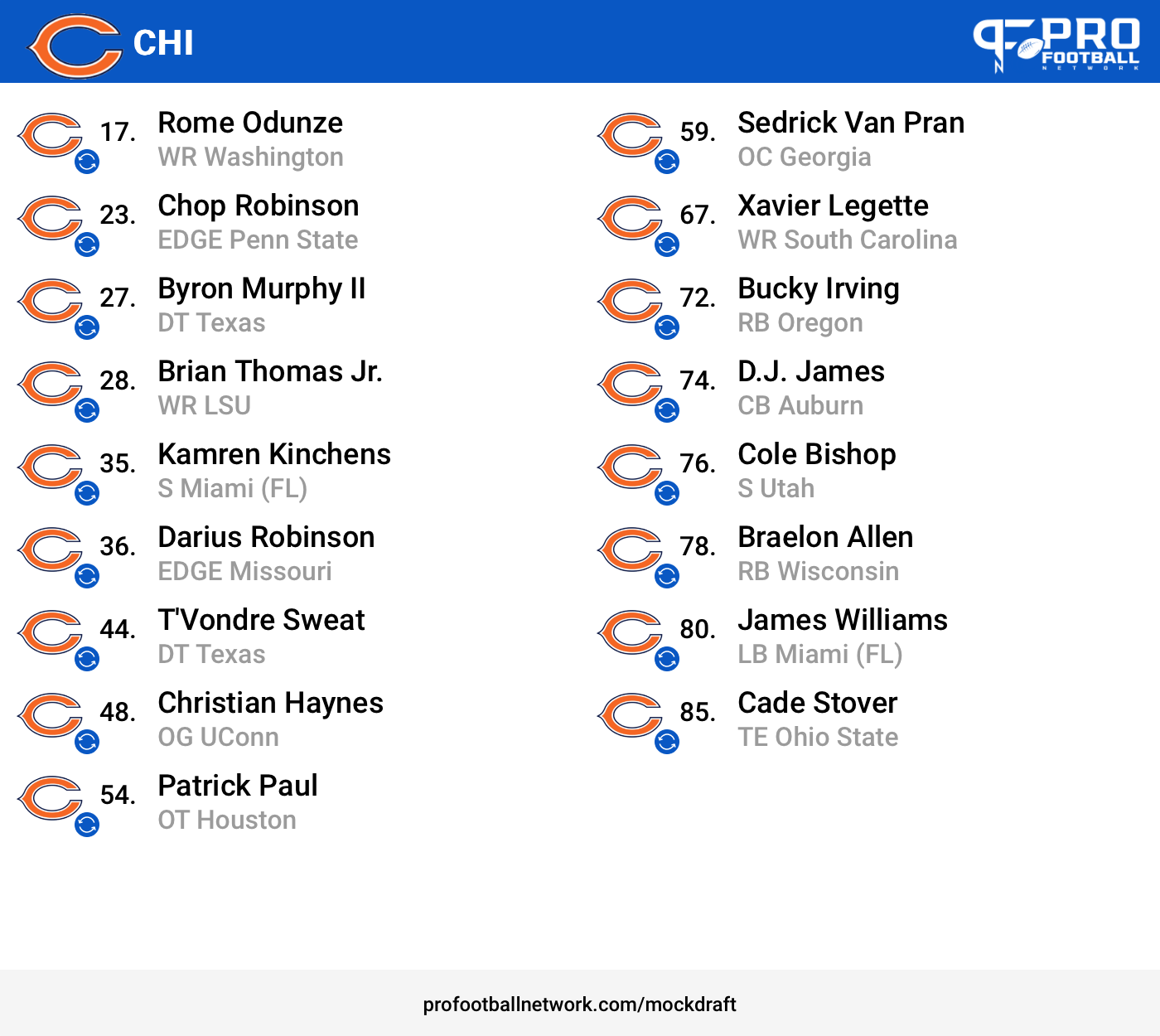
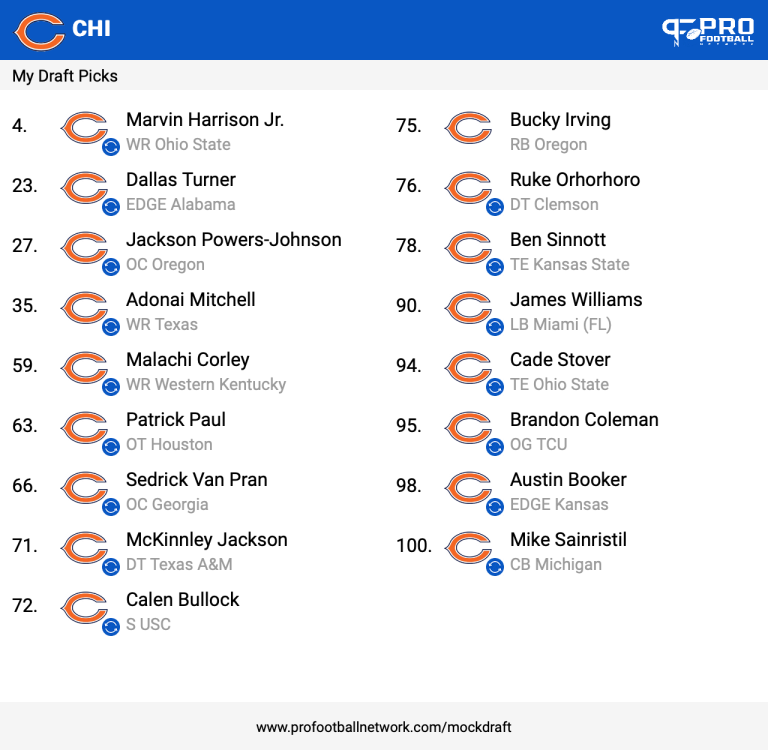 Here's a light 19 piece. Messed up with the double tackles but shit this is beautiful. 3 WRs over 6-4"!! And all holes filled !
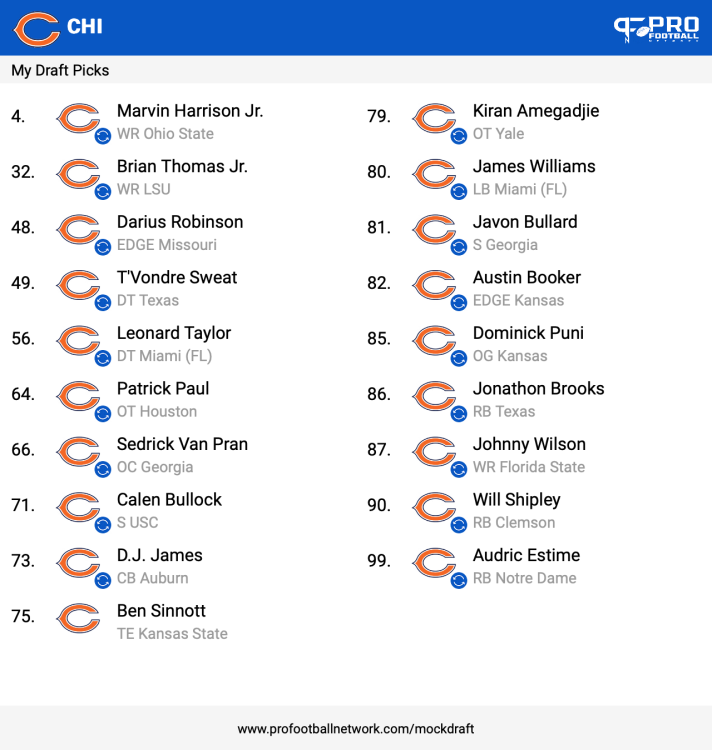 What sucks is I really really like JF. I want to see him succeed here or his next destination. If Carolina didn't absolutely blow us for lunch and gift wrap the number one pick, I don't think we select a QB at 9. Its Carolinas fault.
Account
Navigation
Search
Configure browser push notifications
Chrome (Android)
- Tap the lock icon next to the address bar.
- Tap Permissions → Notifications.
- Adjust your preference.
Chrome (Desktop)
- Click the padlock icon in the address bar.
- Select Site settings.
- Find Notifications and adjust your preference.
Safari (iOS 16.4+)
- Ensure the site is installed via Add to Home Screen.
- Open Settings App → Notifications.
- Find your app name and adjust your preference.
Safari (macOS)
- Go to Safari → Preferences.
- Click the Websites tab.
- Select Notifications in the sidebar.
- Find this website and adjust your preference.
Edge (Android)
- Tap the lock icon next to the address bar.
- Tap Permissions.
- Find Notifications and adjust your preference.
Edge (Desktop)
- Click the padlock icon in the address bar.
- Click Permissions for this site.
- Find Notifications and adjust your preference.
Firefox (Android)
- Go to Settings → Site permissions.
- Tap Notifications.
- Find this site in the list and adjust your preference.
Firefox (Desktop)
- Open Firefox Settings.
- Search for Notifications.
- Find this site in the list and adjust your preference.