killakrzydav
Super Fans
-
Joined
-
Last visited
Everything posted by killakrzydav
-
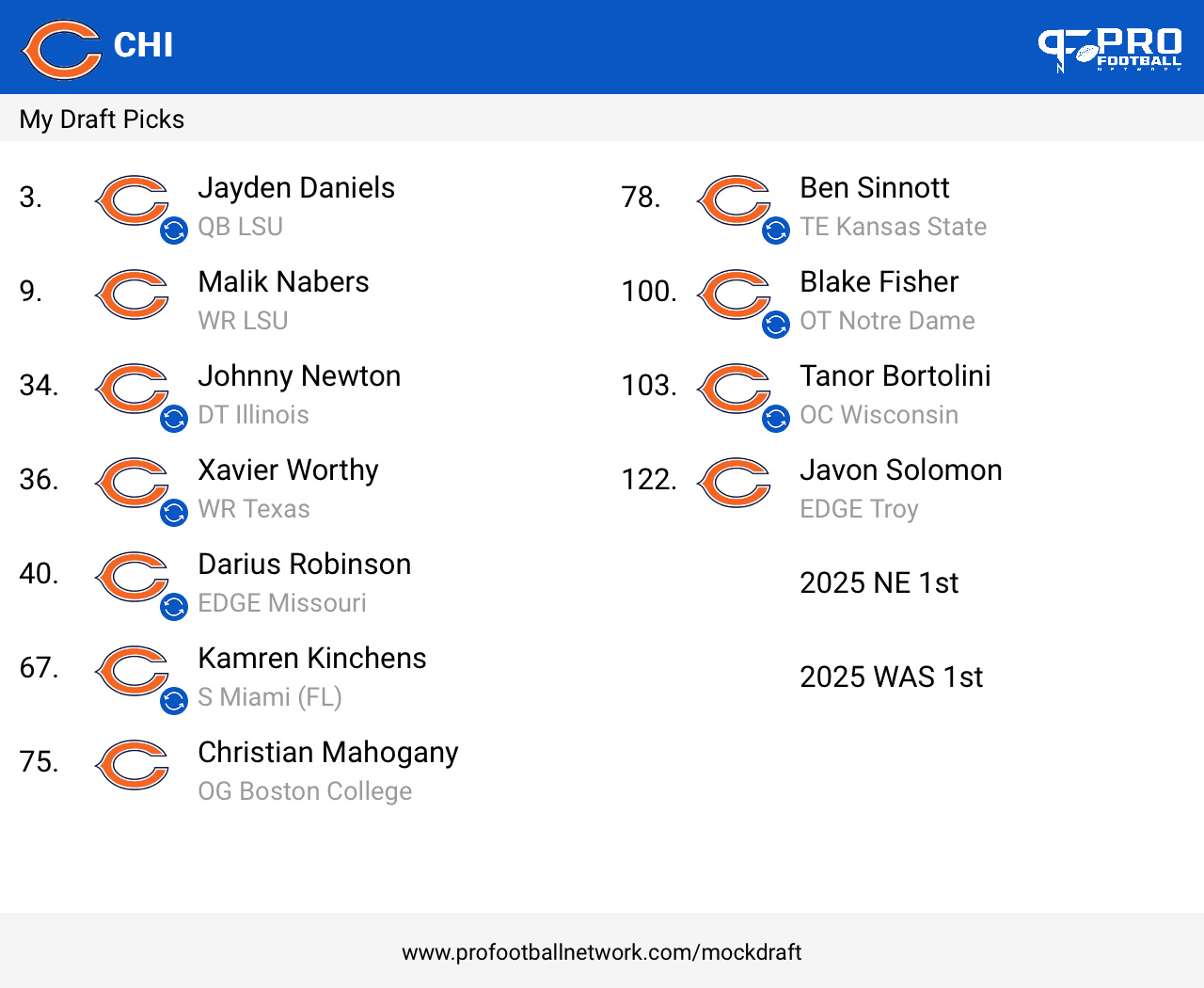
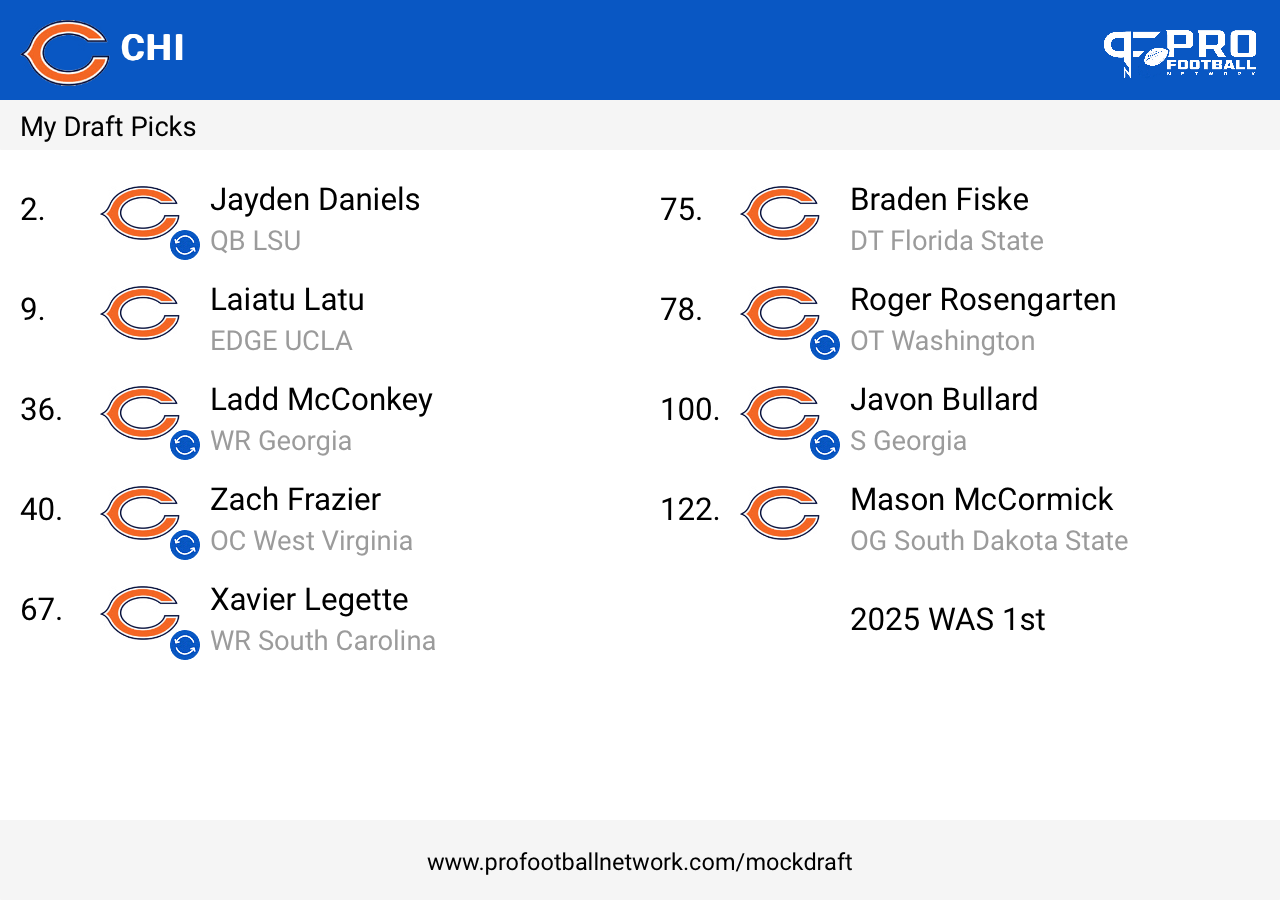
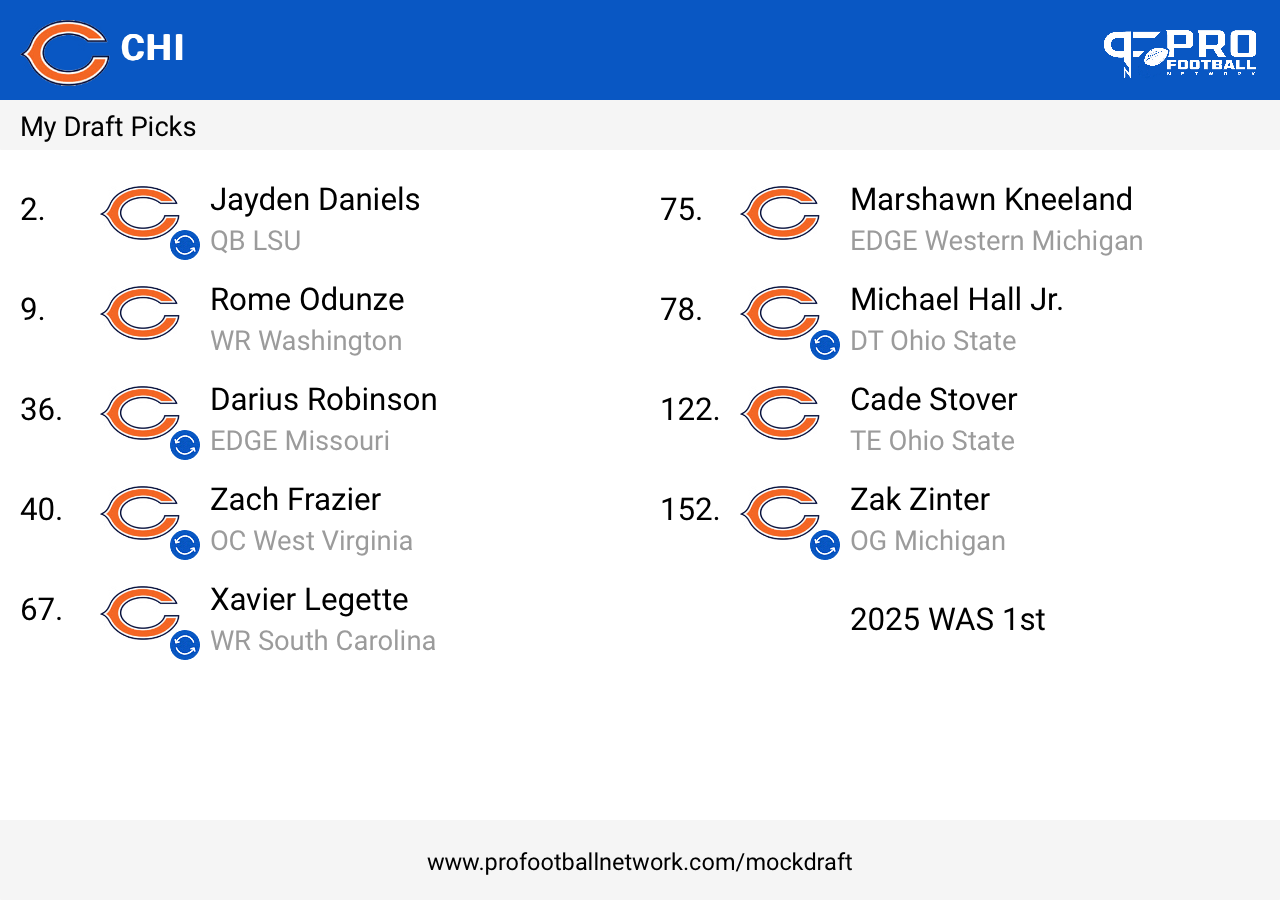
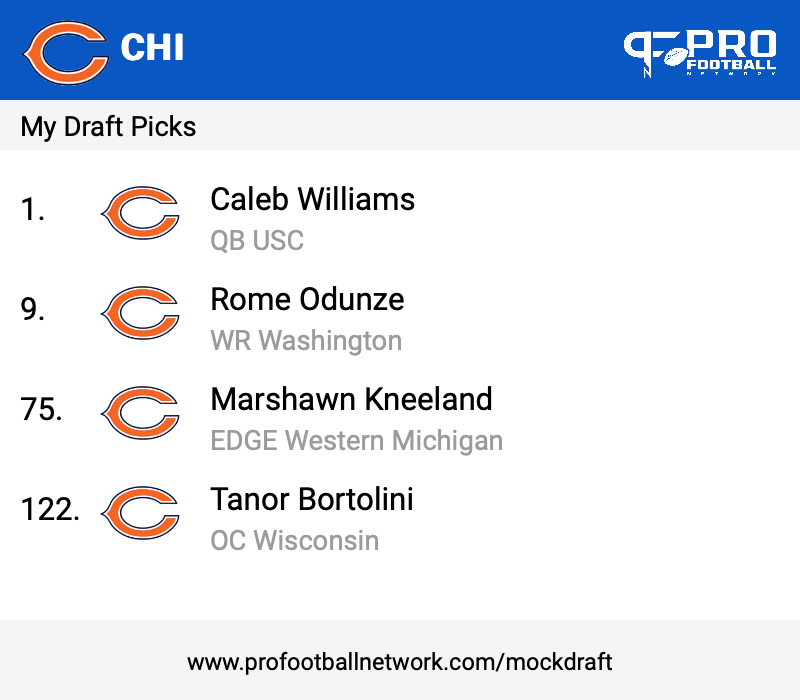
Washington is open to trading #2Wowzers, look at Keenan sucking up to homie already. Wish dude would grow a few inches.Bryce Young shortThat boy is little!Yea, that's the rumor. IMO, it should be bigger deal for/against MHJ.Most know that I’m a Daniels not CW guy.One to two then two to four only
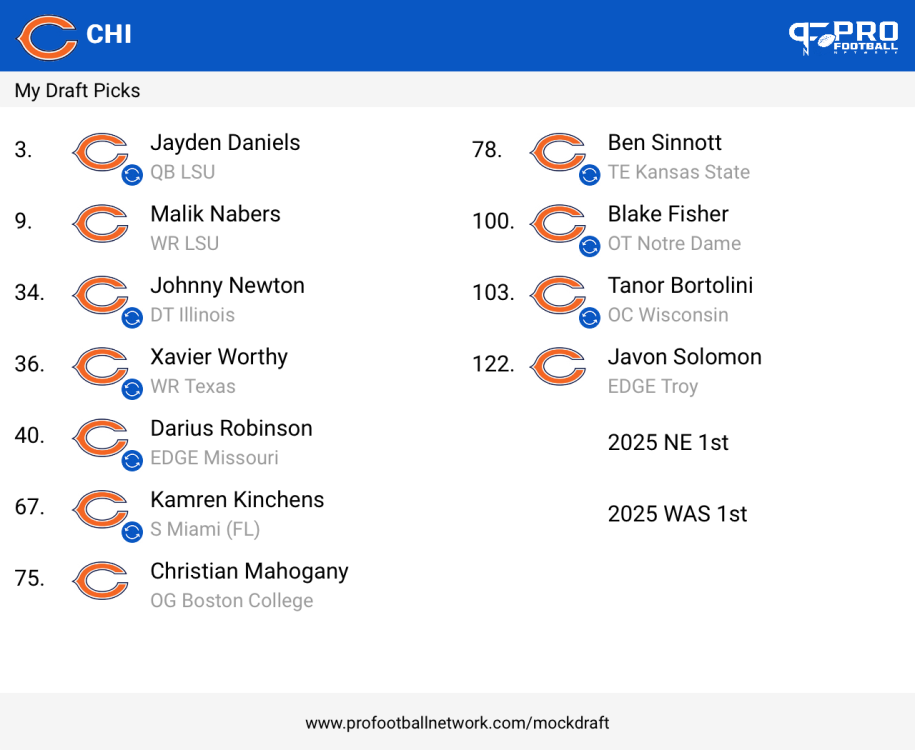 One to two then two to three only
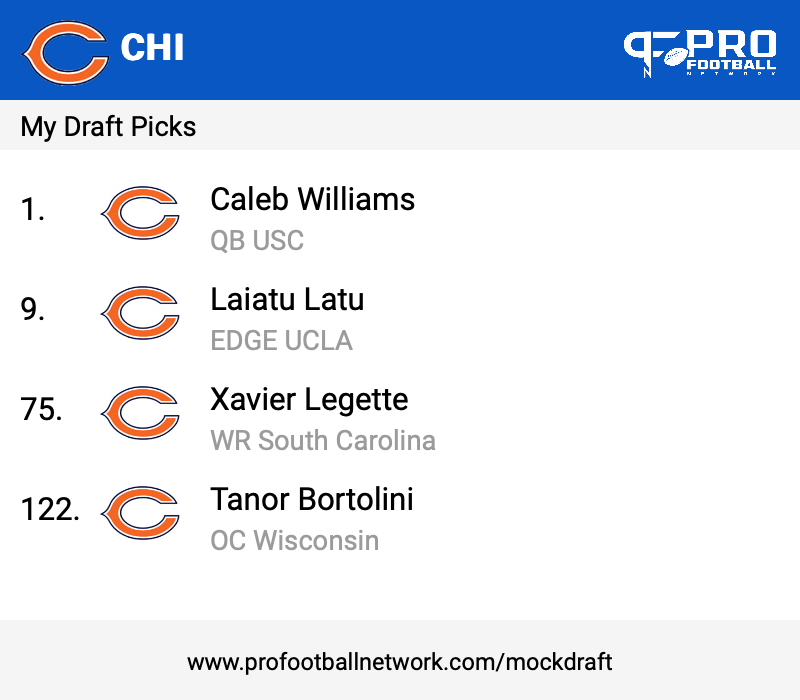
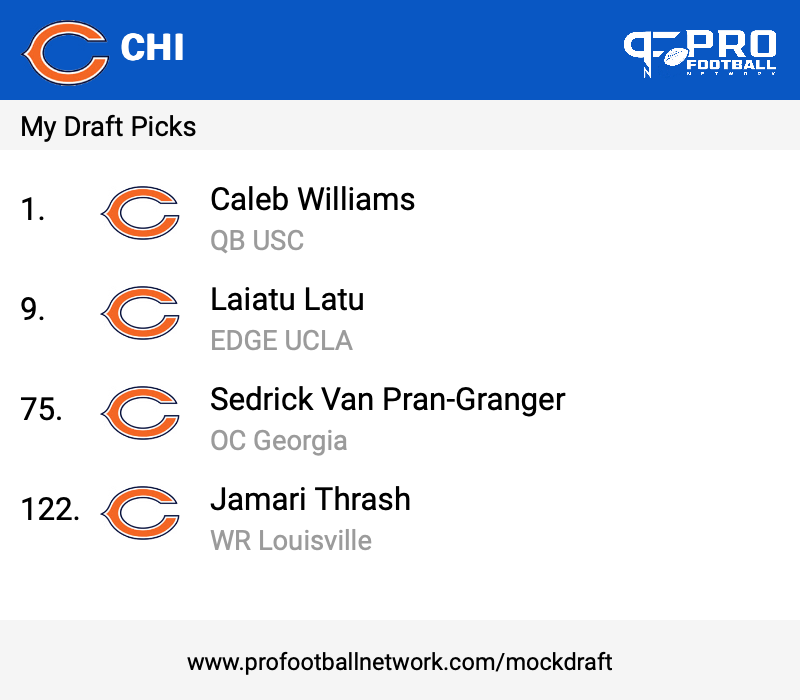
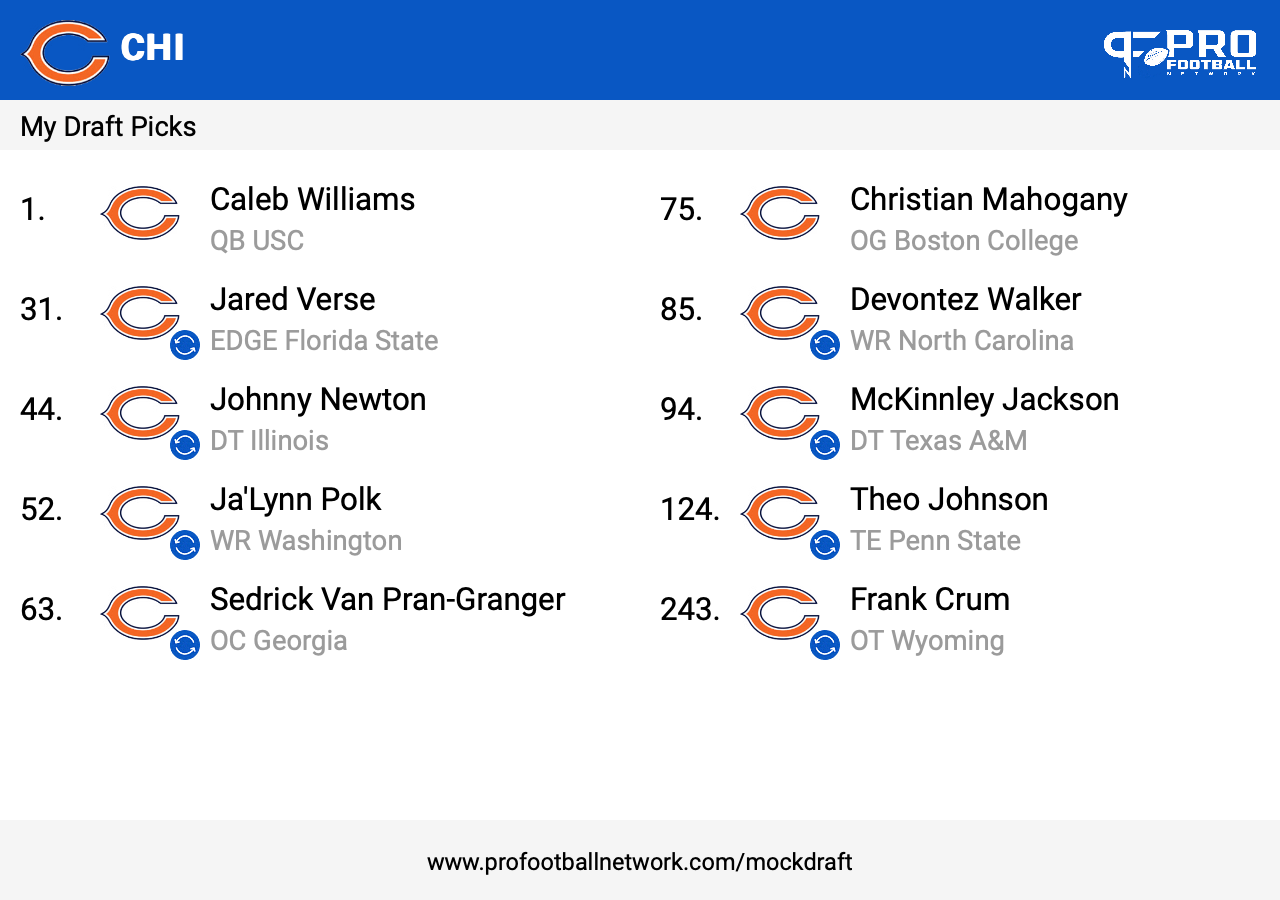
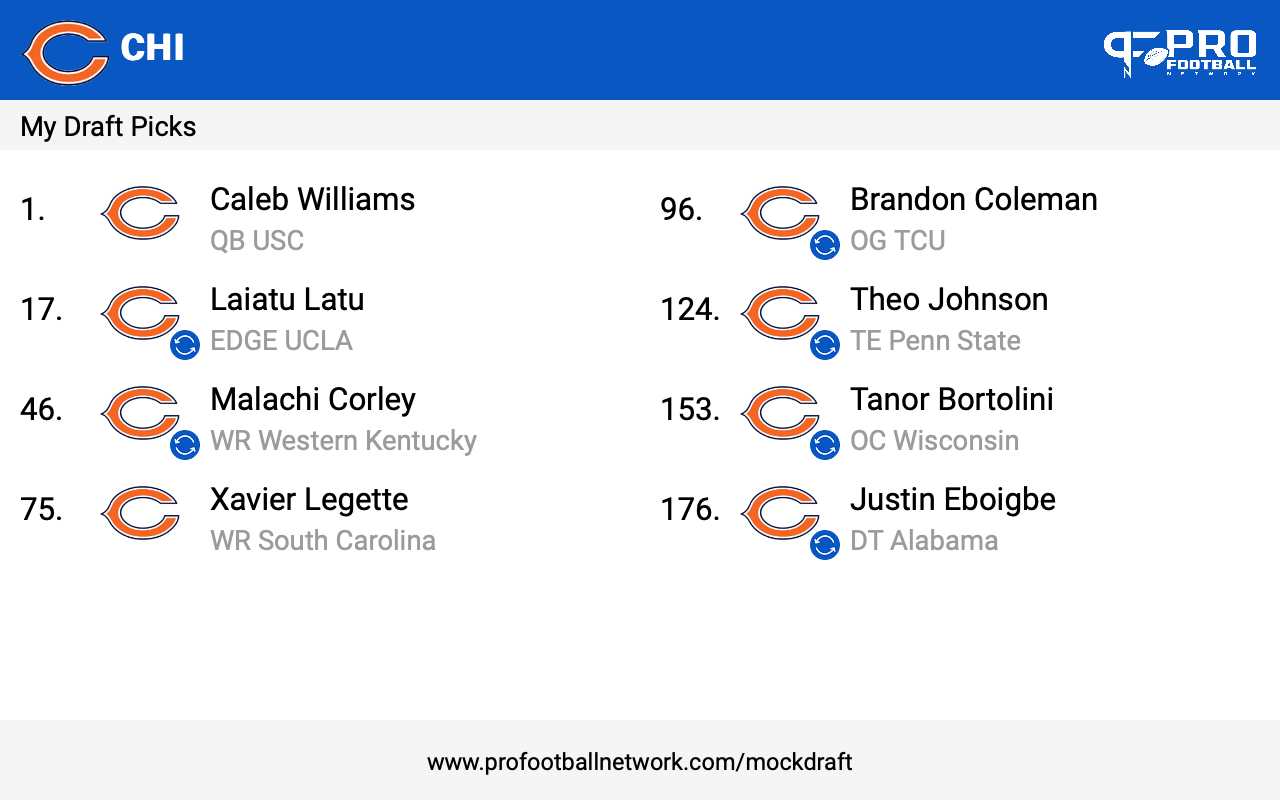
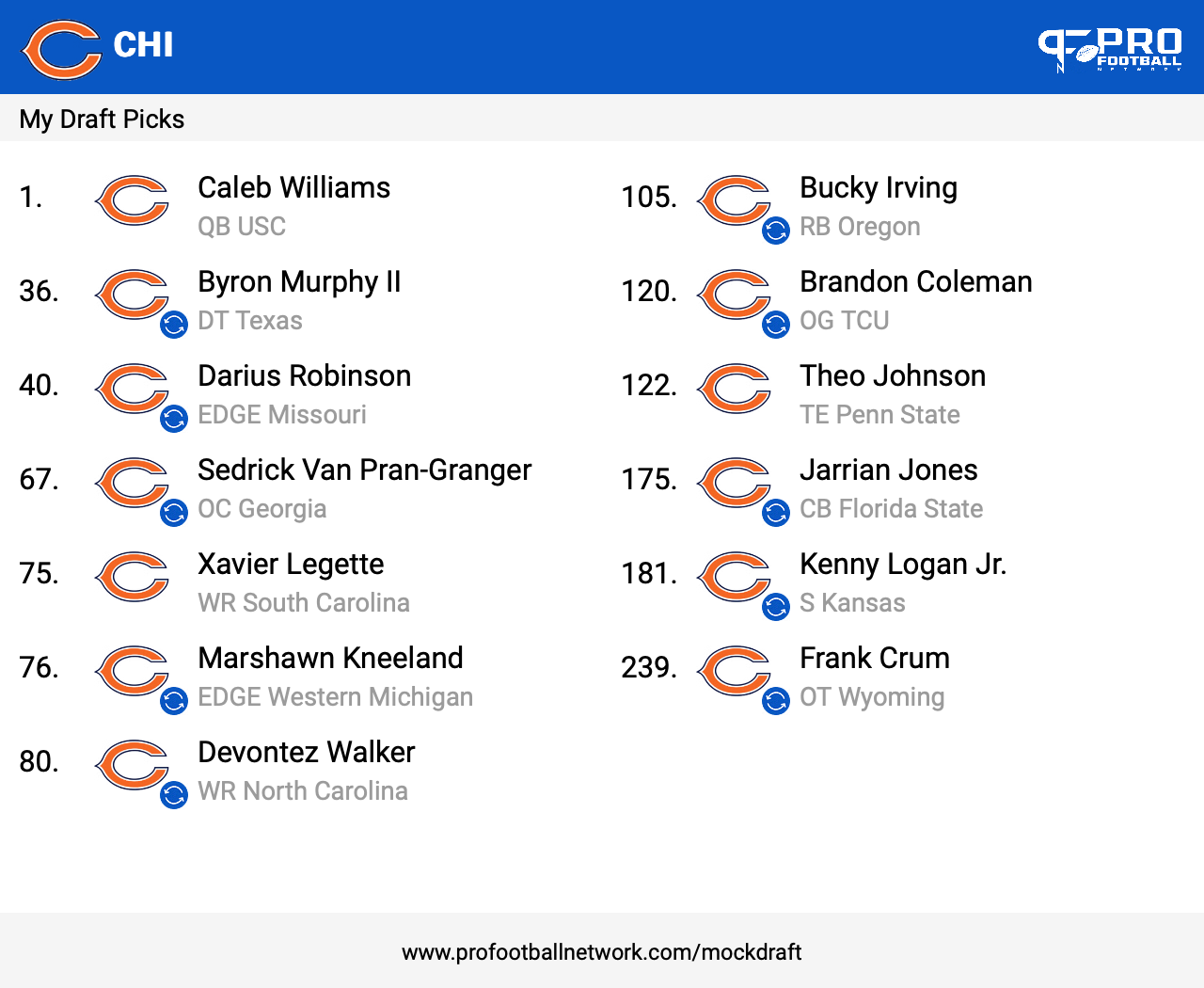
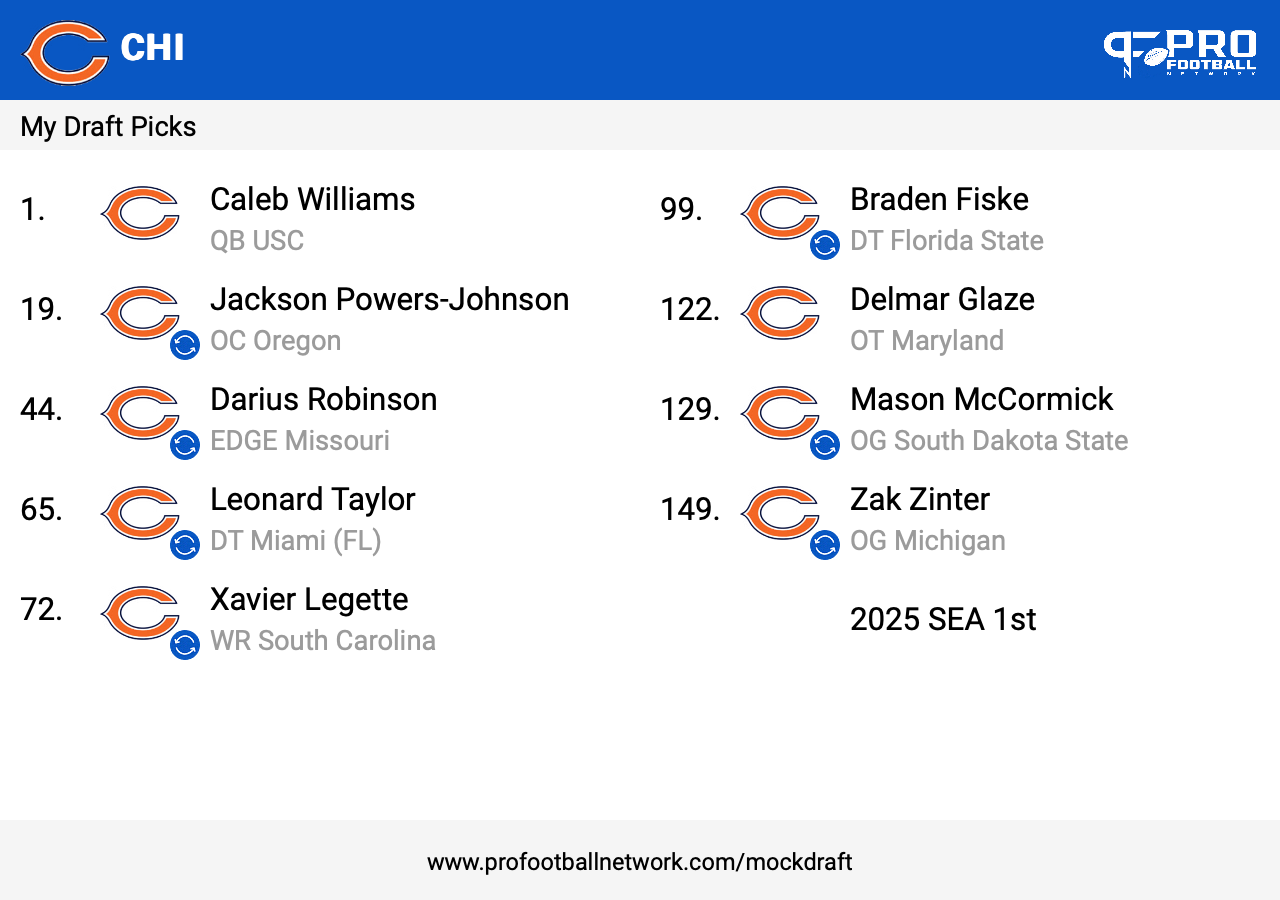
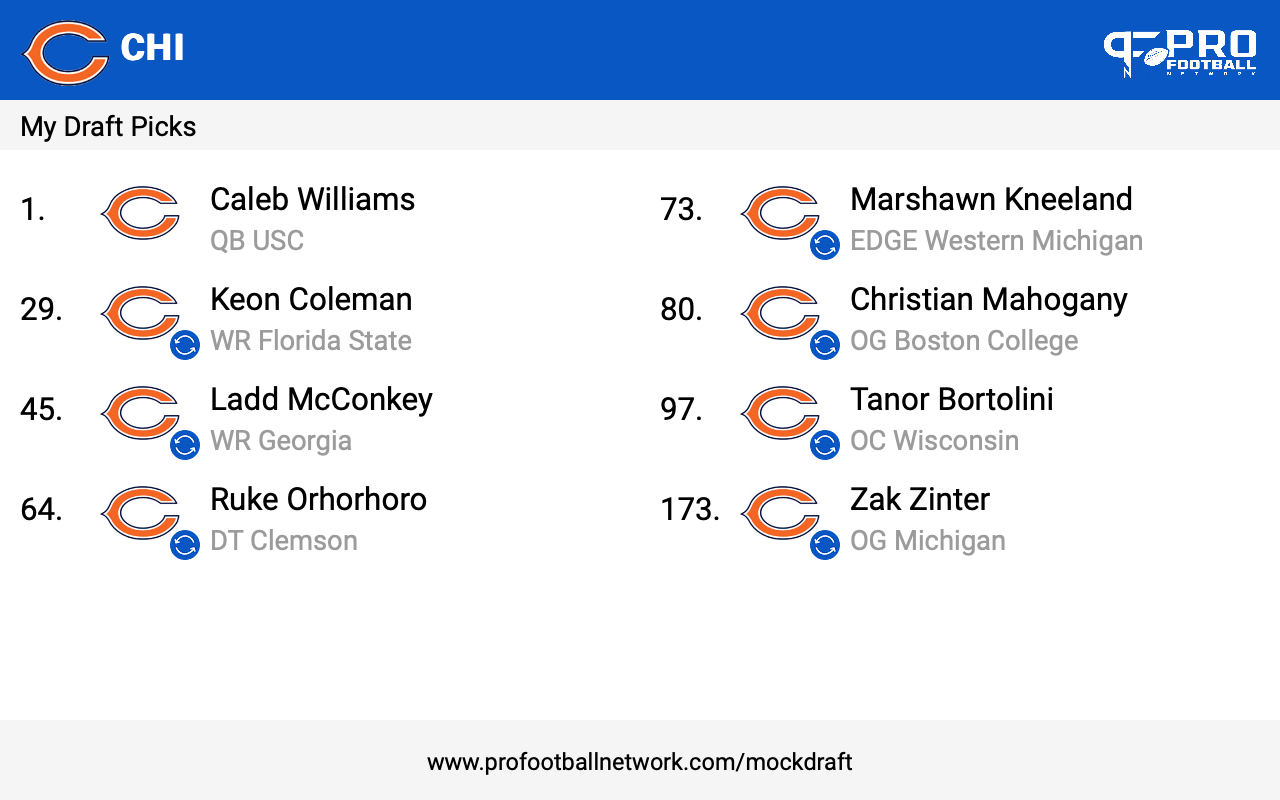
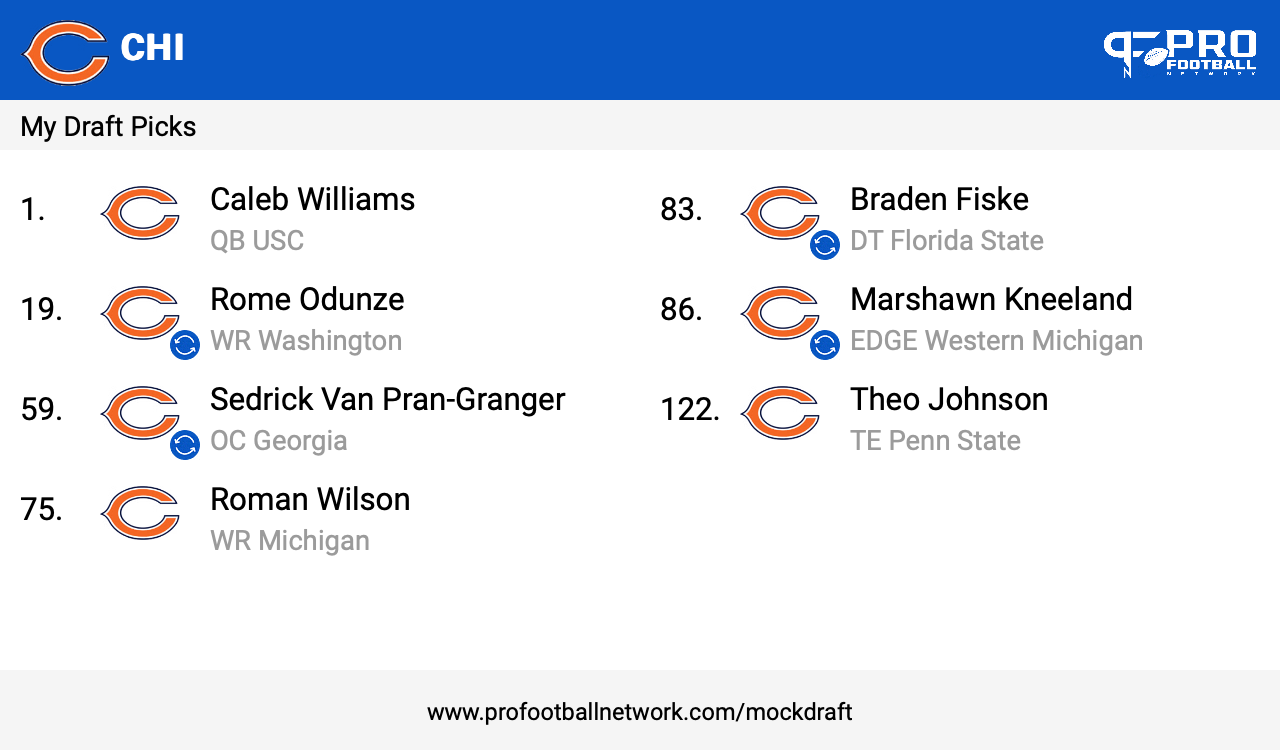
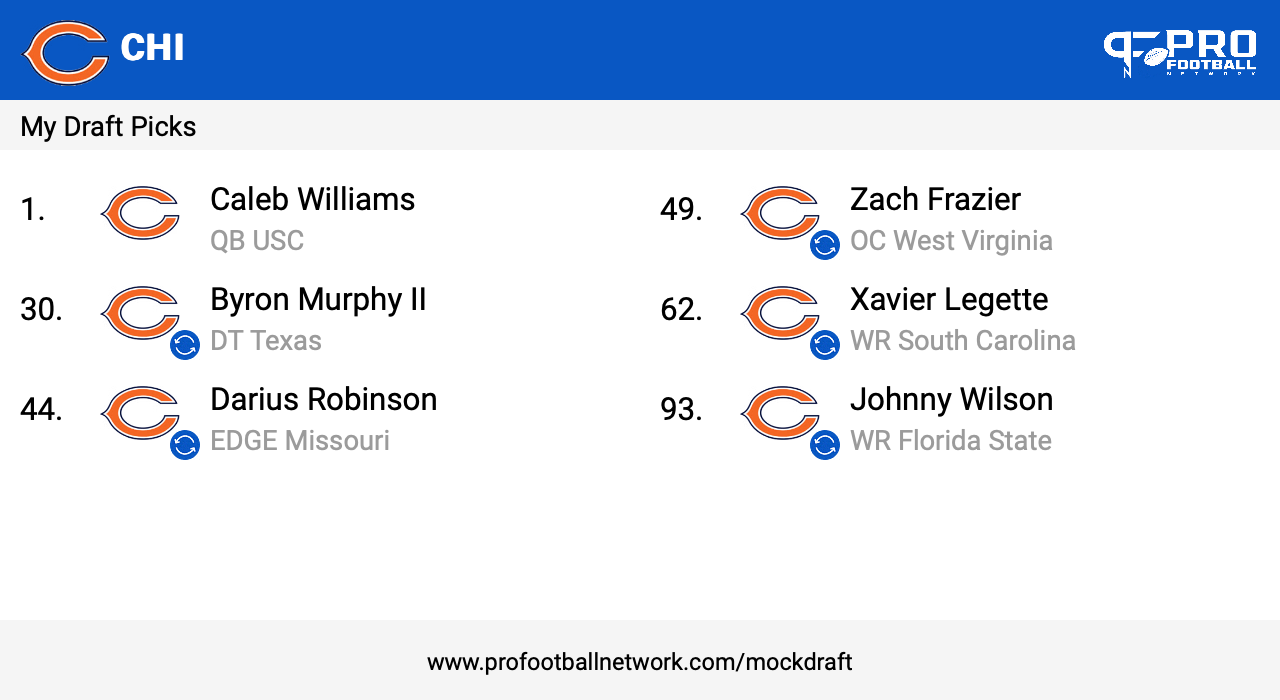
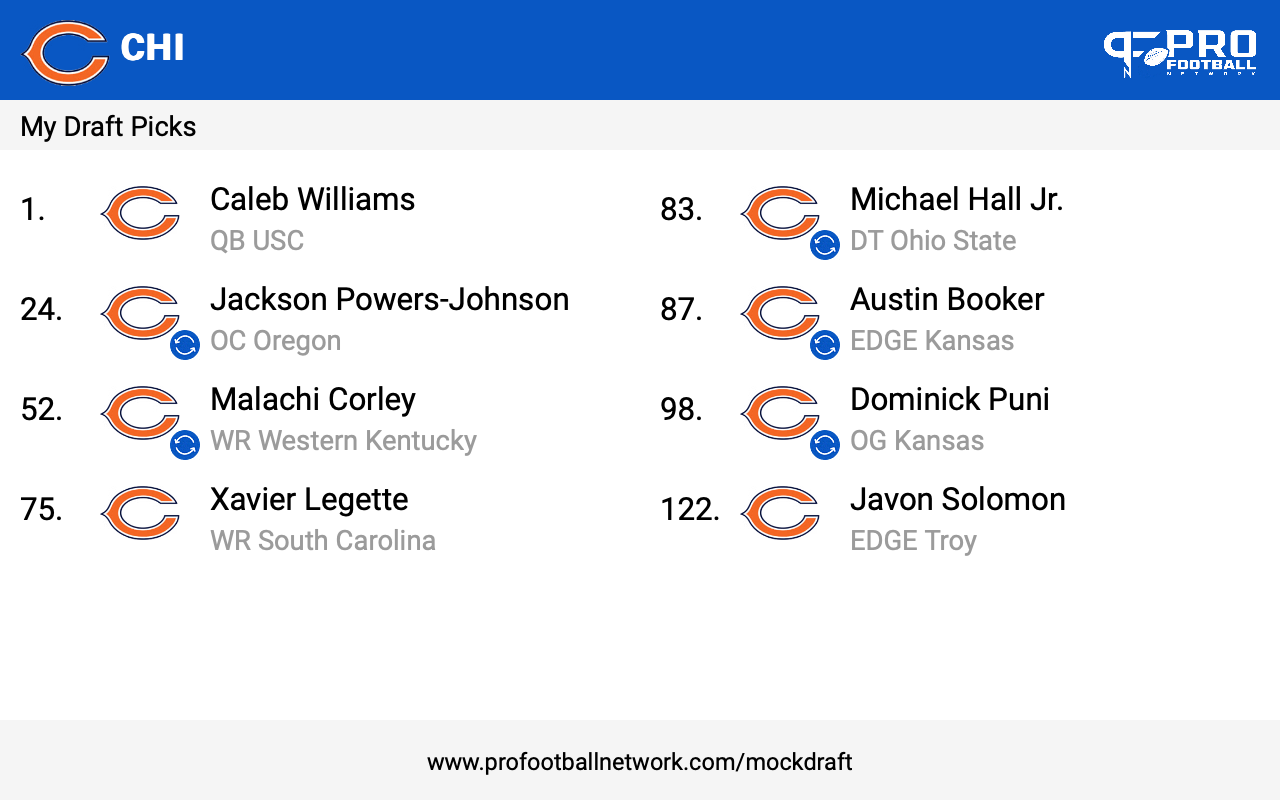
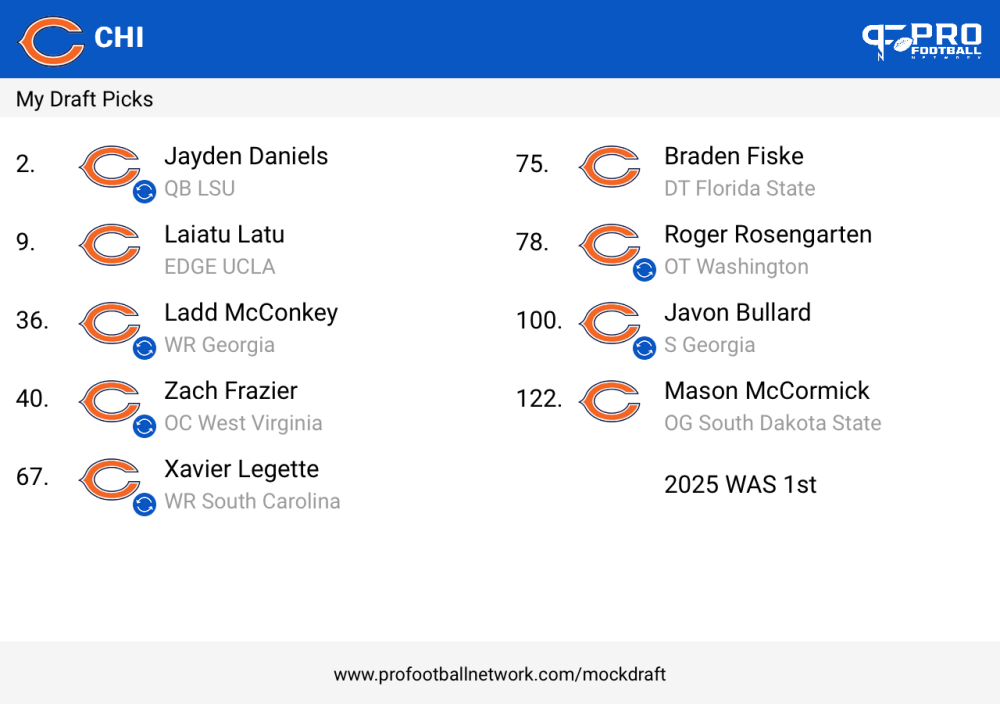 Yessur bossa; I’ll get right on that for you sireI would trade down to 20ish if I was POLES. Try to get as many picks in the top 75-80. There's still good depth and injured pieces that would've went high but Im not huge on selecting busted up people. Now that I have started 7 round drafts, you will see Minter in my drafts though.
Account
Navigation
Search
Configure browser push notifications
Chrome (Android)
- Tap the lock icon next to the address bar.
- Tap Permissions → Notifications.
- Adjust your preference.
Chrome (Desktop)
- Click the padlock icon in the address bar.
- Select Site settings.
- Find Notifications and adjust your preference.
Safari (iOS 16.4+)
- Ensure the site is installed via Add to Home Screen.
- Open Settings App → Notifications.
- Find your app name and adjust your preference.
Safari (macOS)
- Go to Safari → Preferences.
- Click the Websites tab.
- Select Notifications in the sidebar.
- Find this website and adjust your preference.
Edge (Android)
- Tap the lock icon next to the address bar.
- Tap Permissions.
- Find Notifications and adjust your preference.
Edge (Desktop)
- Click the padlock icon in the address bar.
- Click Permissions for this site.
- Find Notifications and adjust your preference.
Firefox (Android)
- Go to Settings → Site permissions.
- Tap Notifications.
- Find this site in the list and adjust your preference.
Firefox (Desktop)
- Open Firefox Settings.
- Search for Notifications.
- Find this site in the list and adjust your preference.