killakrzydav
Super Fans
-
Joined
-
Last visited
Everything posted by killakrzydav
-
Nabers gets all the hype but Thomas may be the better compliment to Moore.
-
Love the stability. A couple coaching decisions to not let him try the 55 yarder baffled me. I swear every game he's missed kicks I was on the over total of both teams. Points win games
-
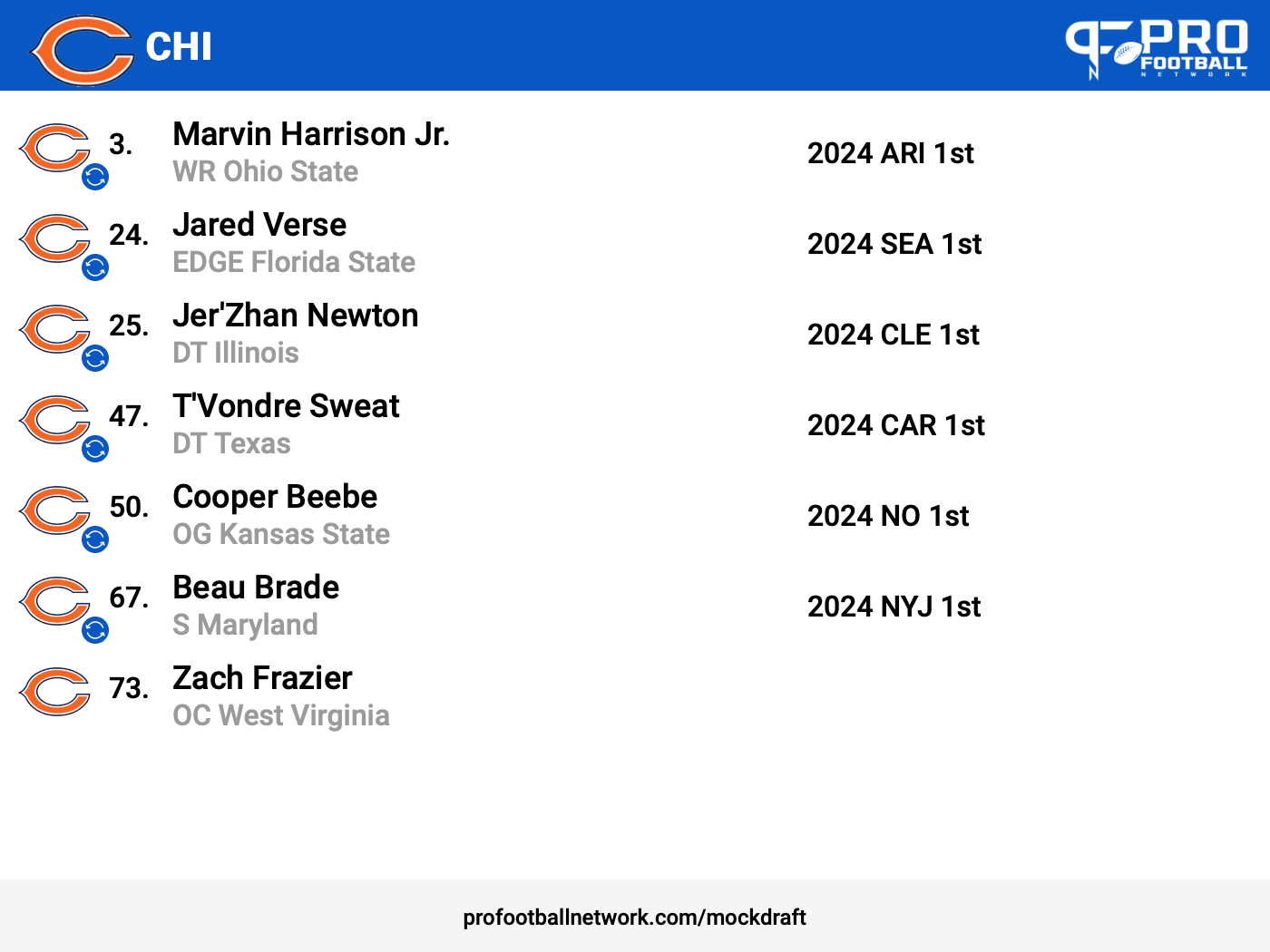
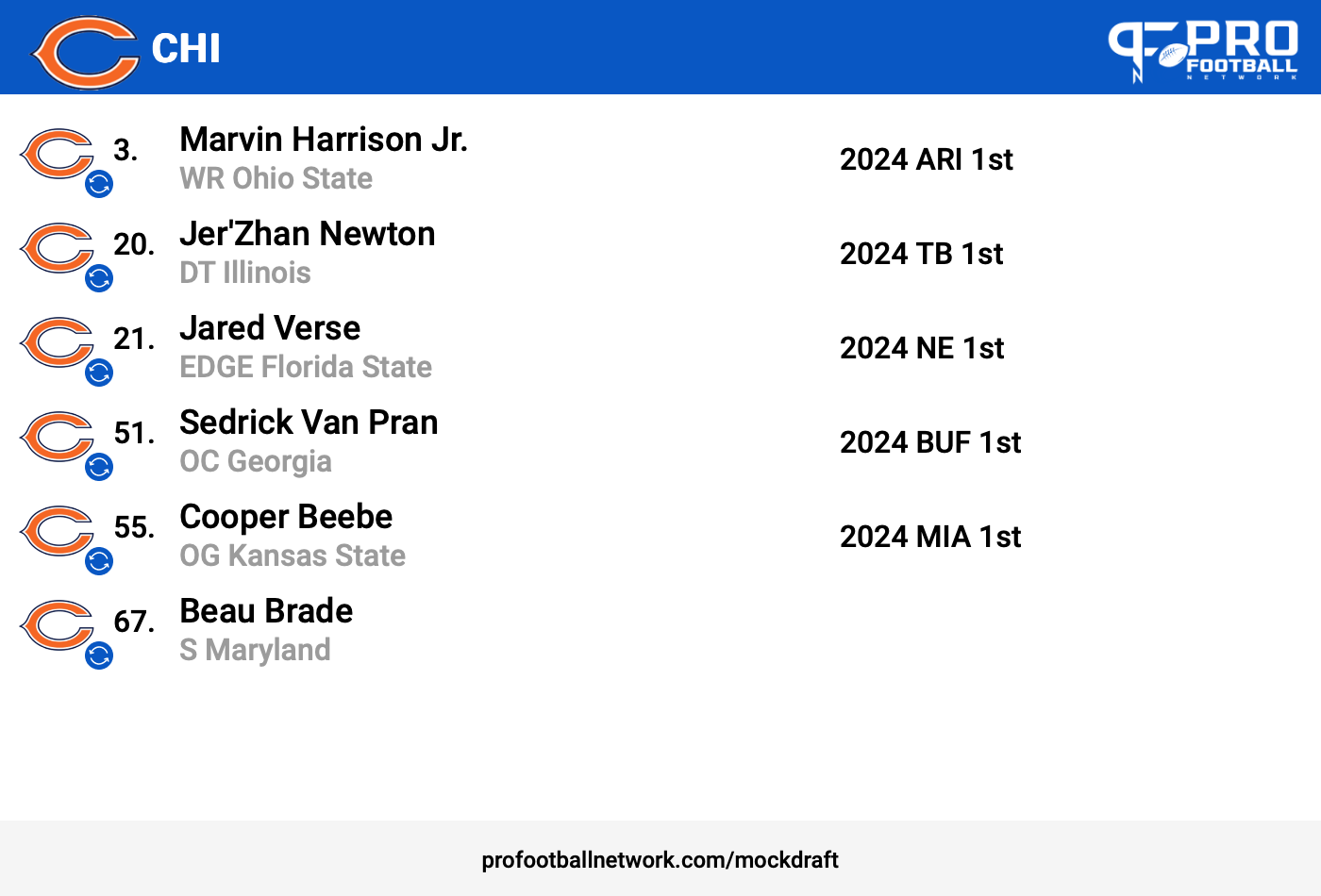
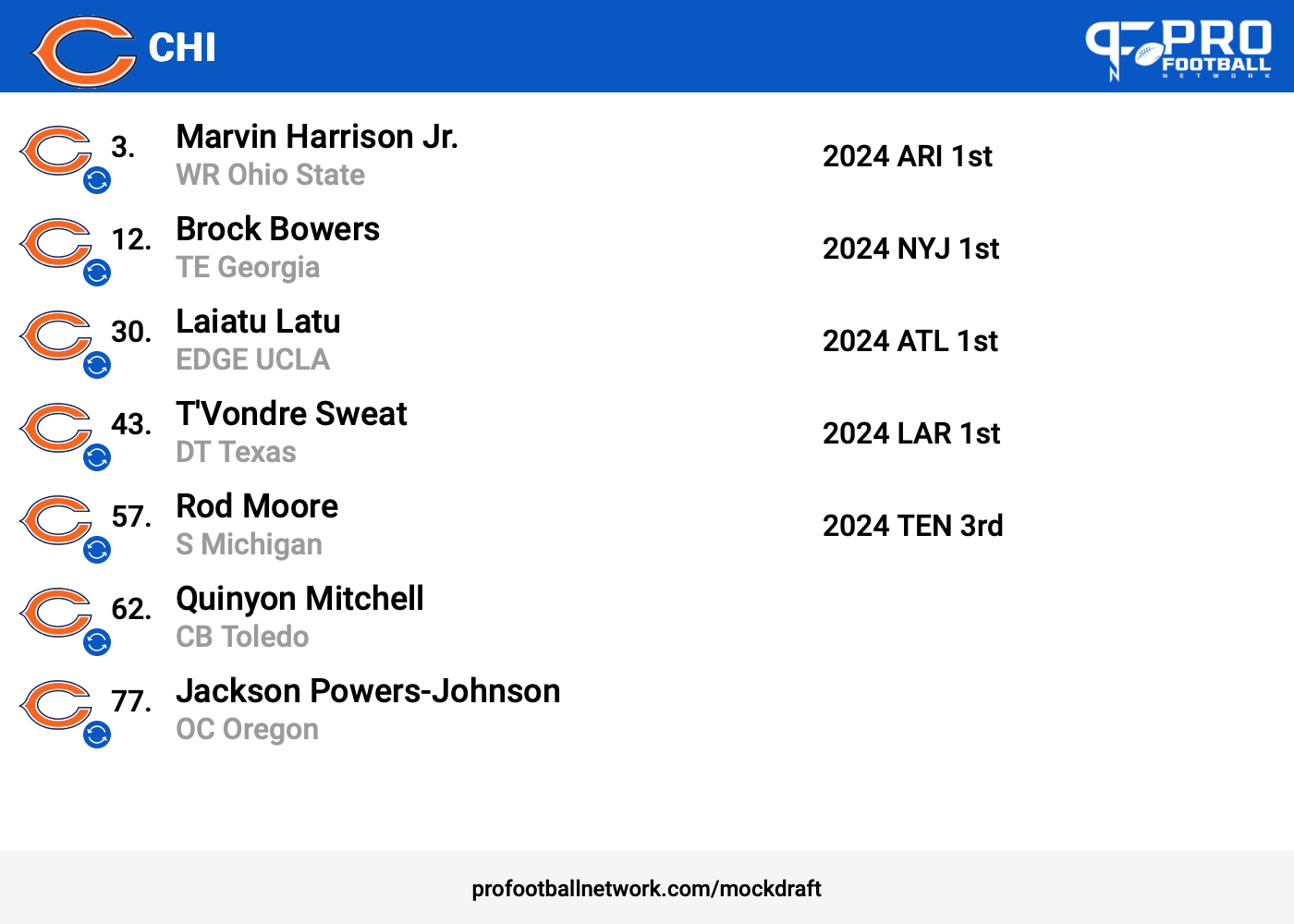
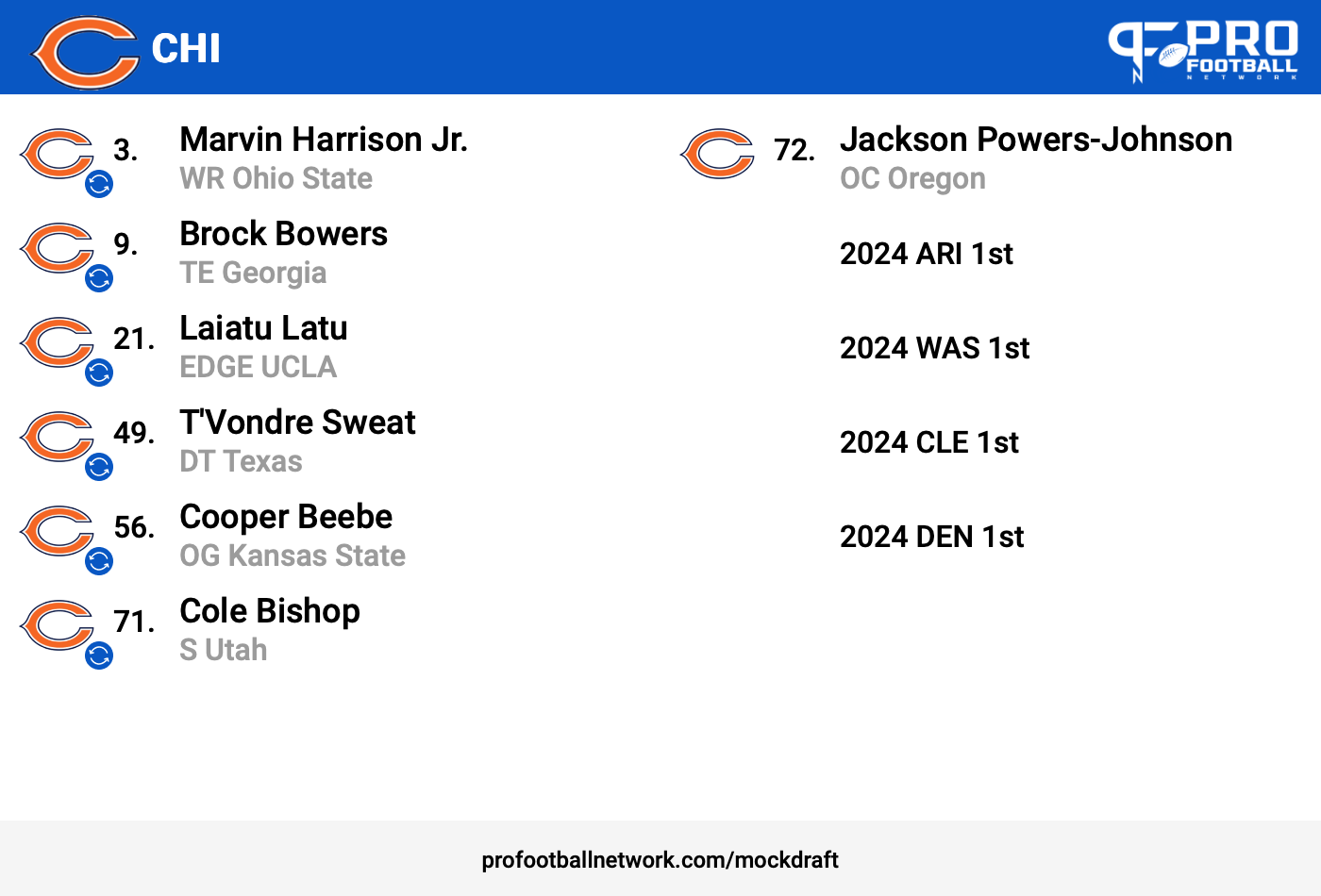
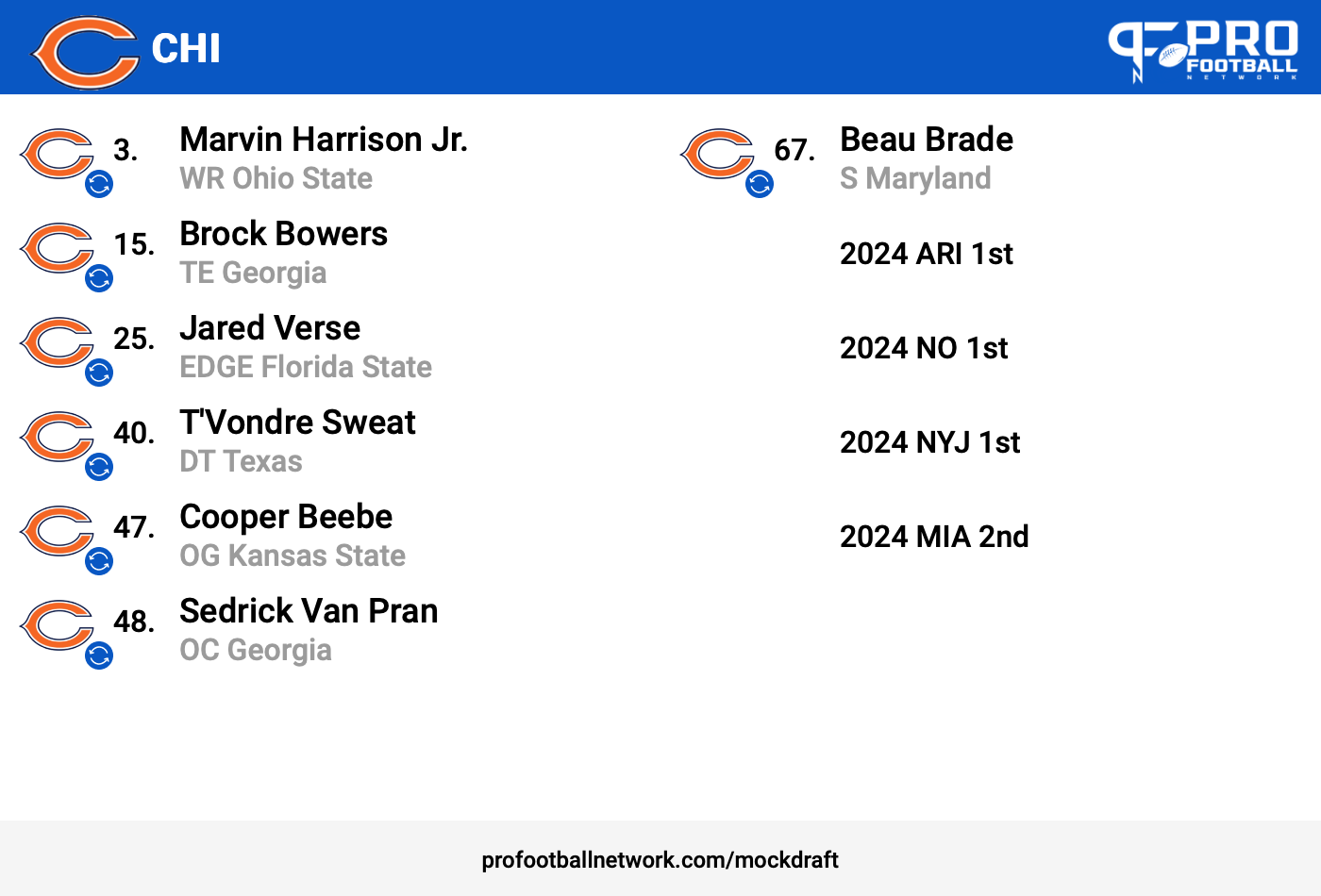
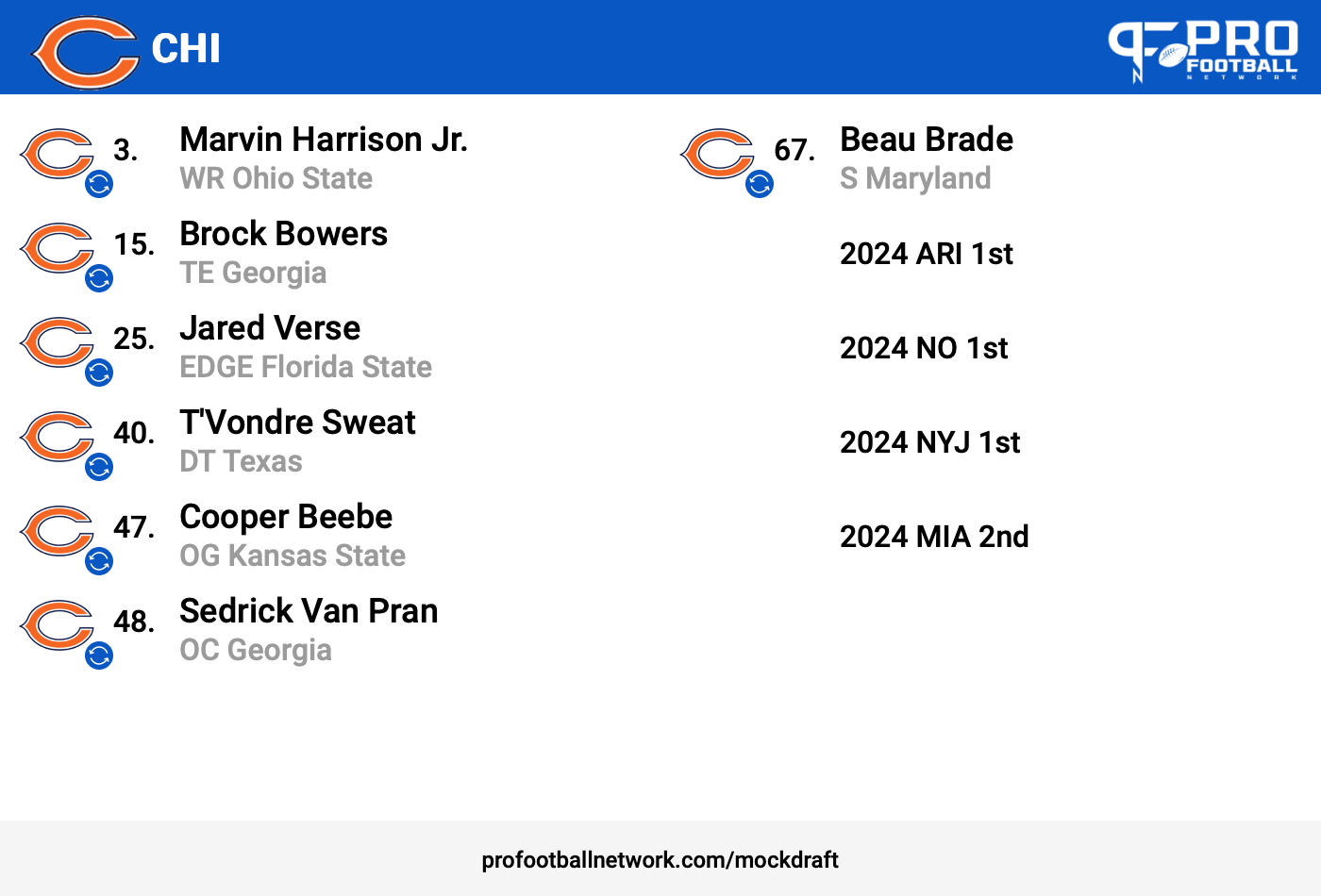
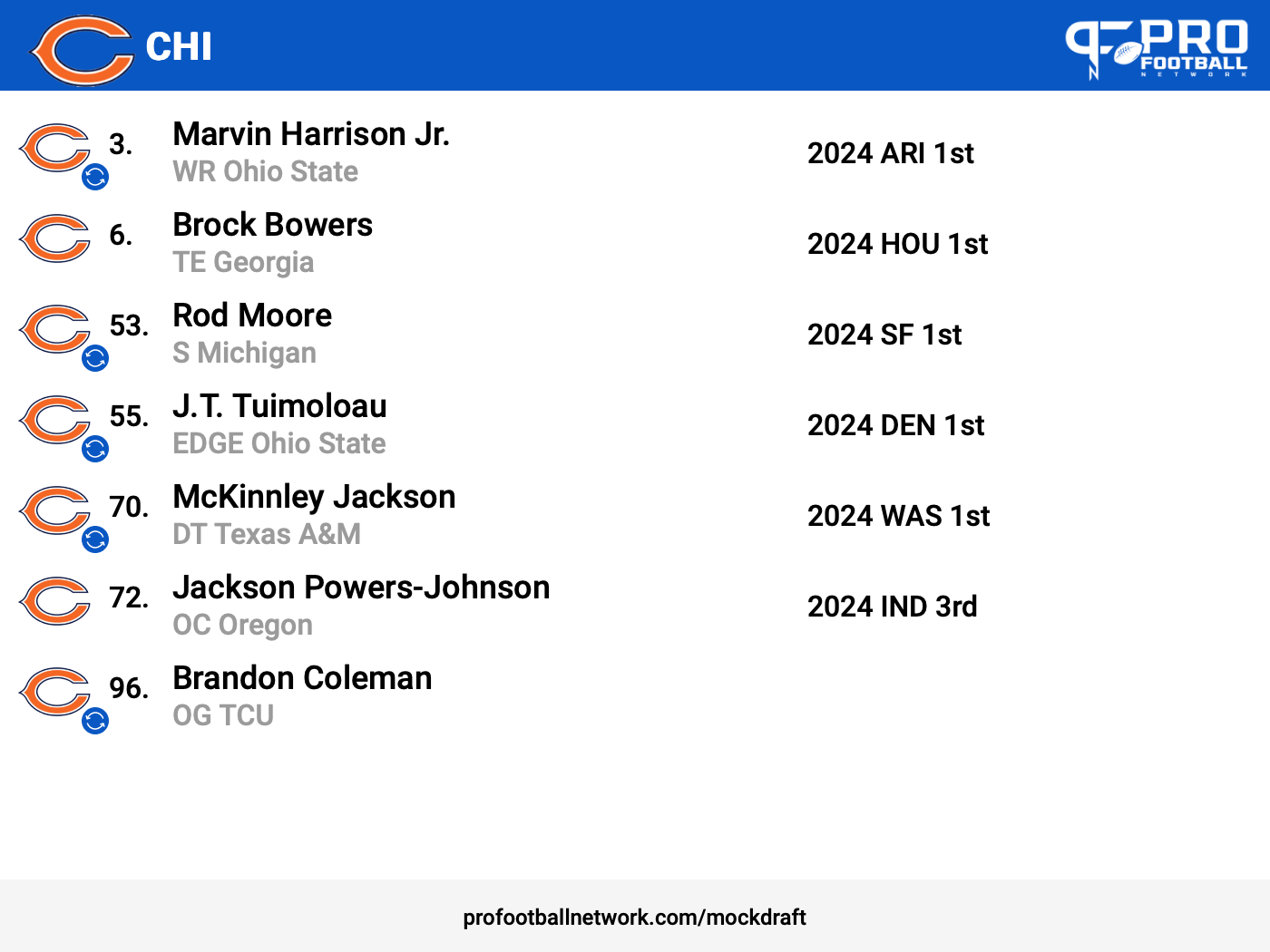
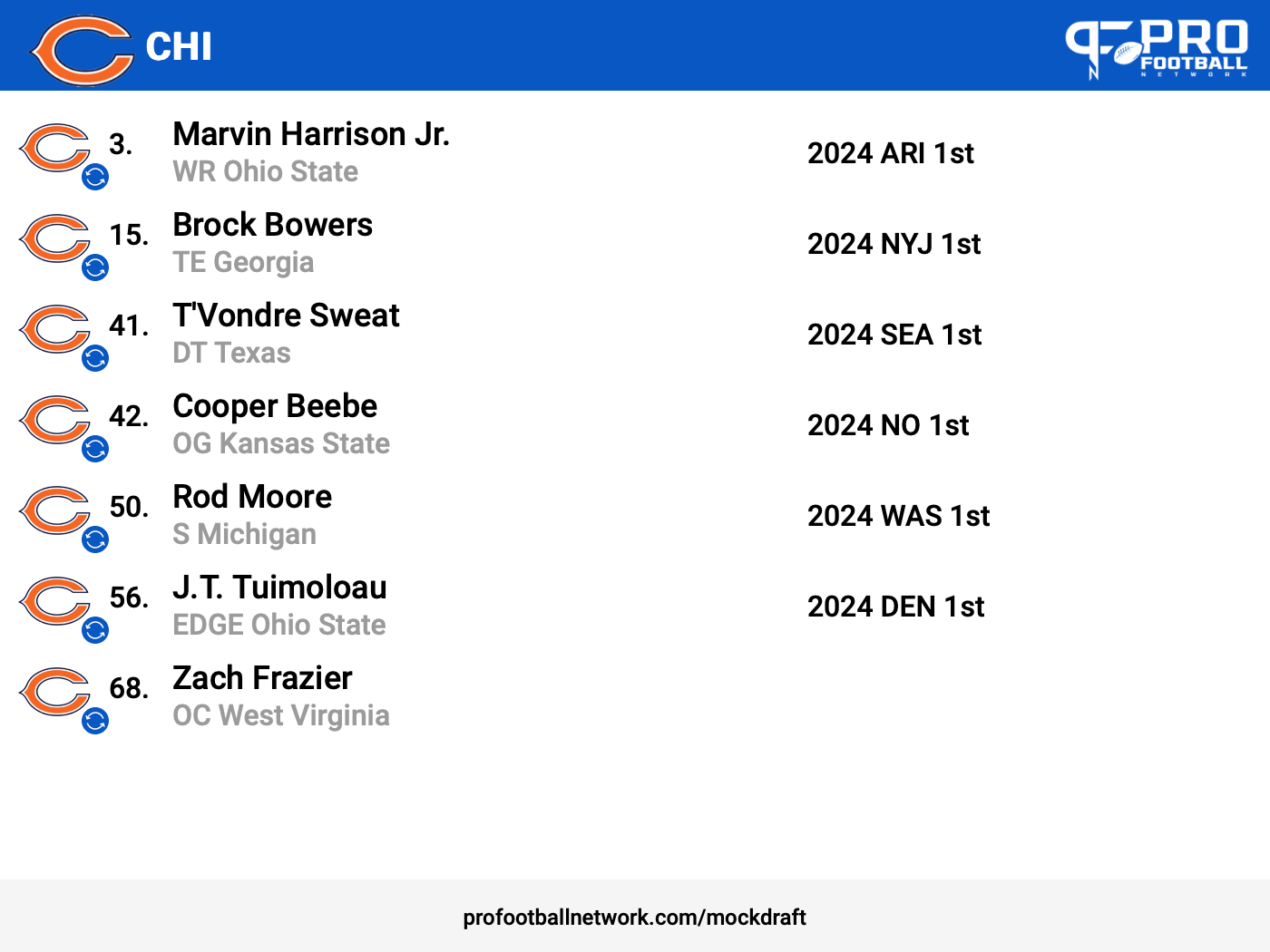
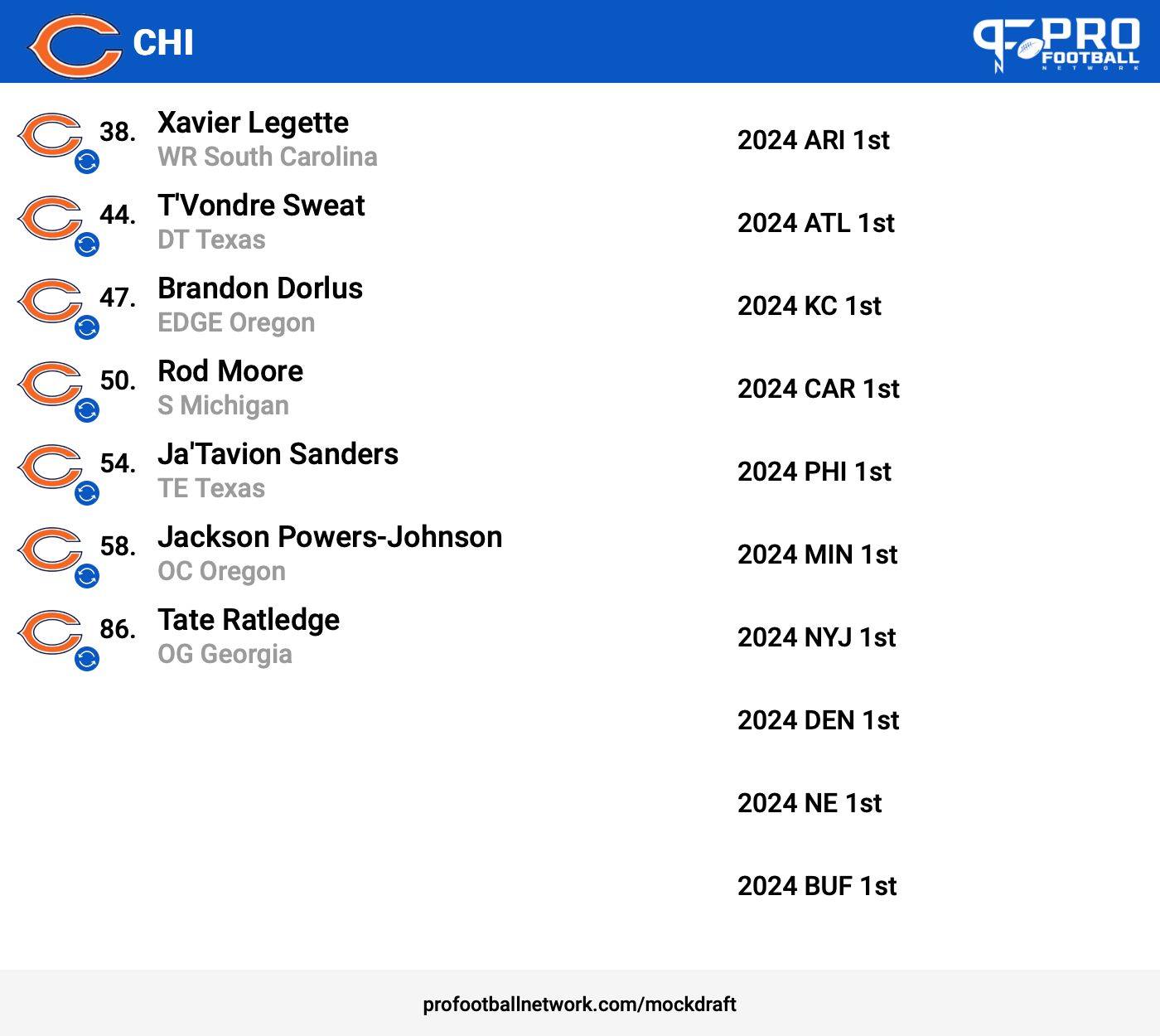
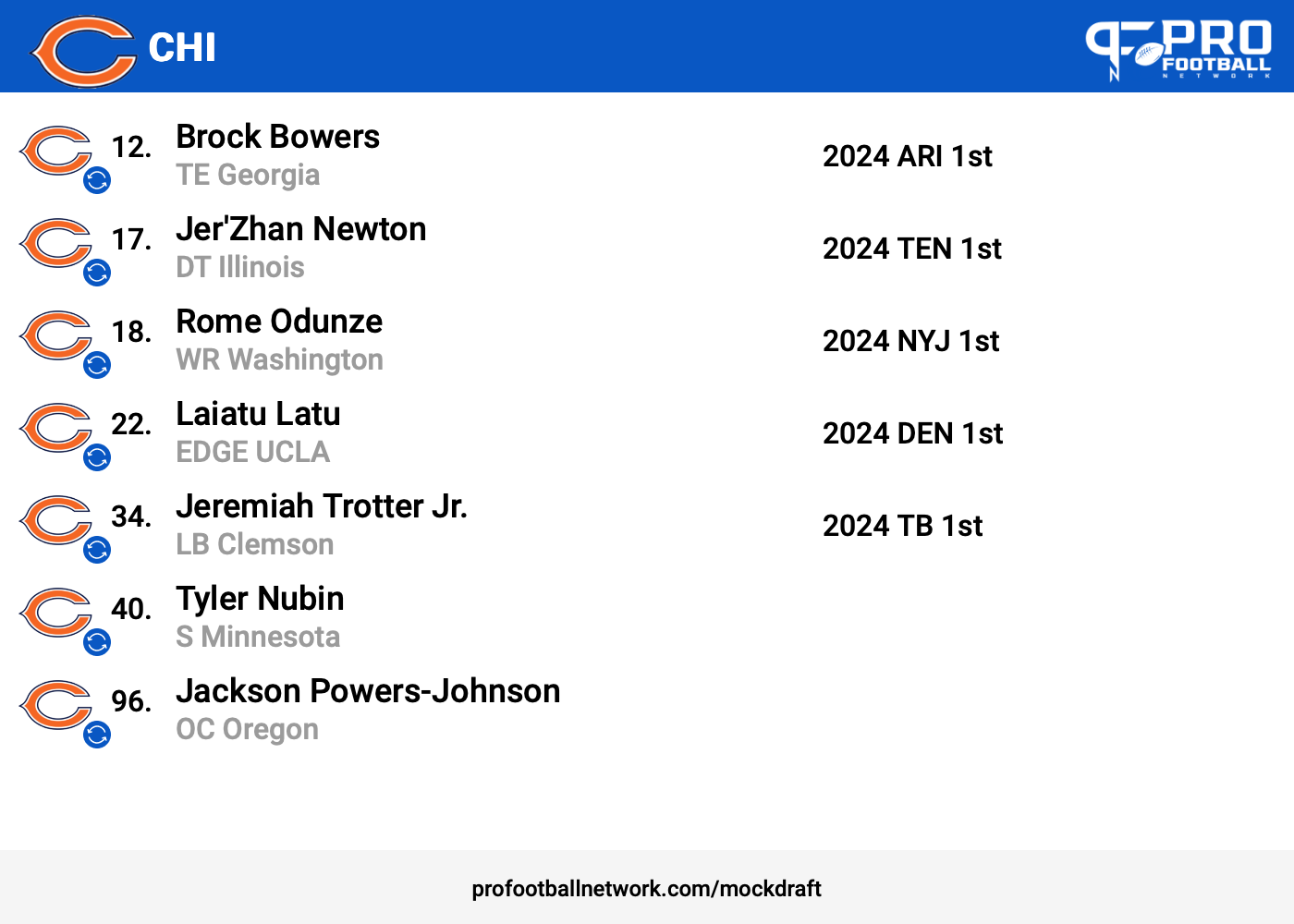
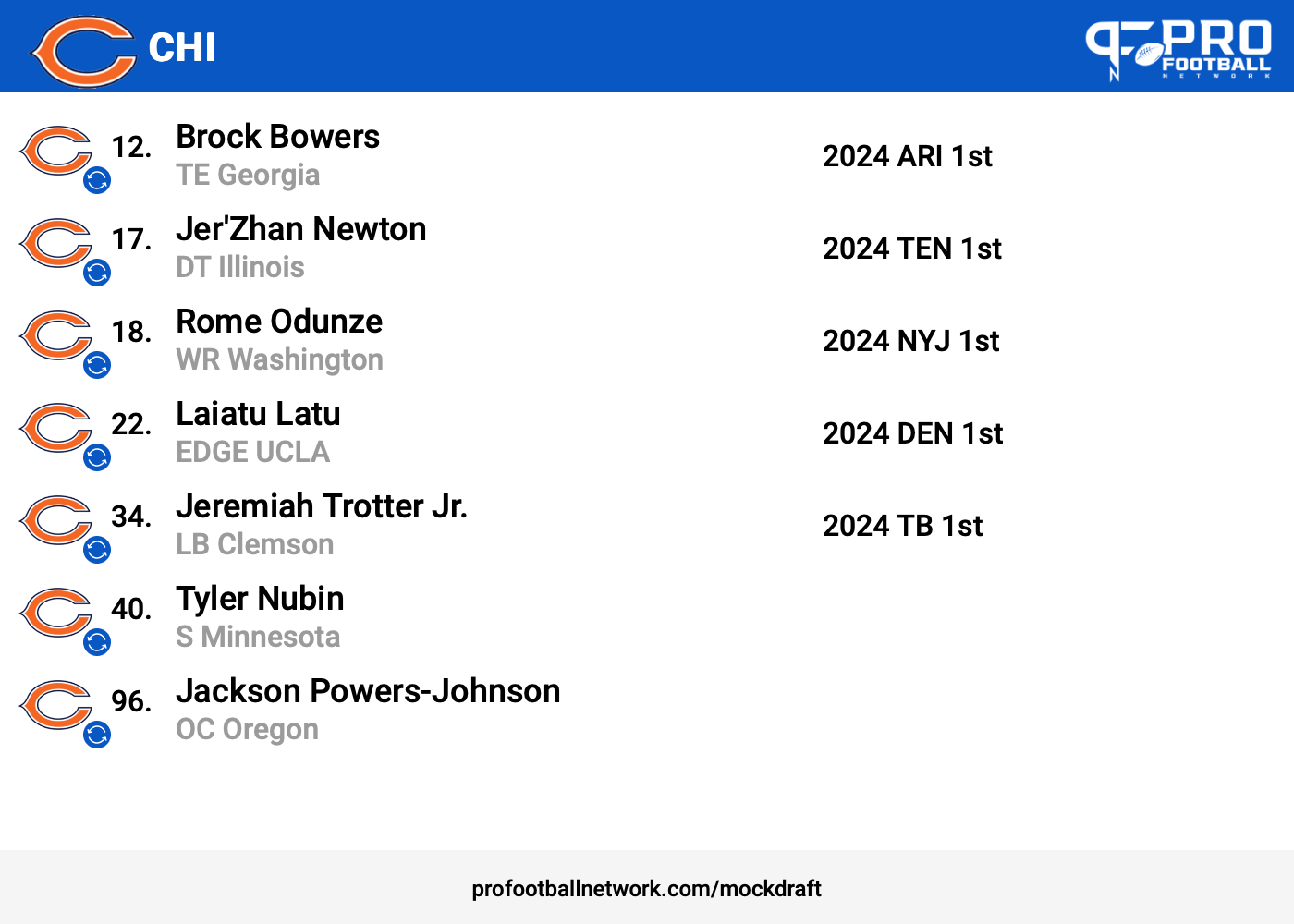
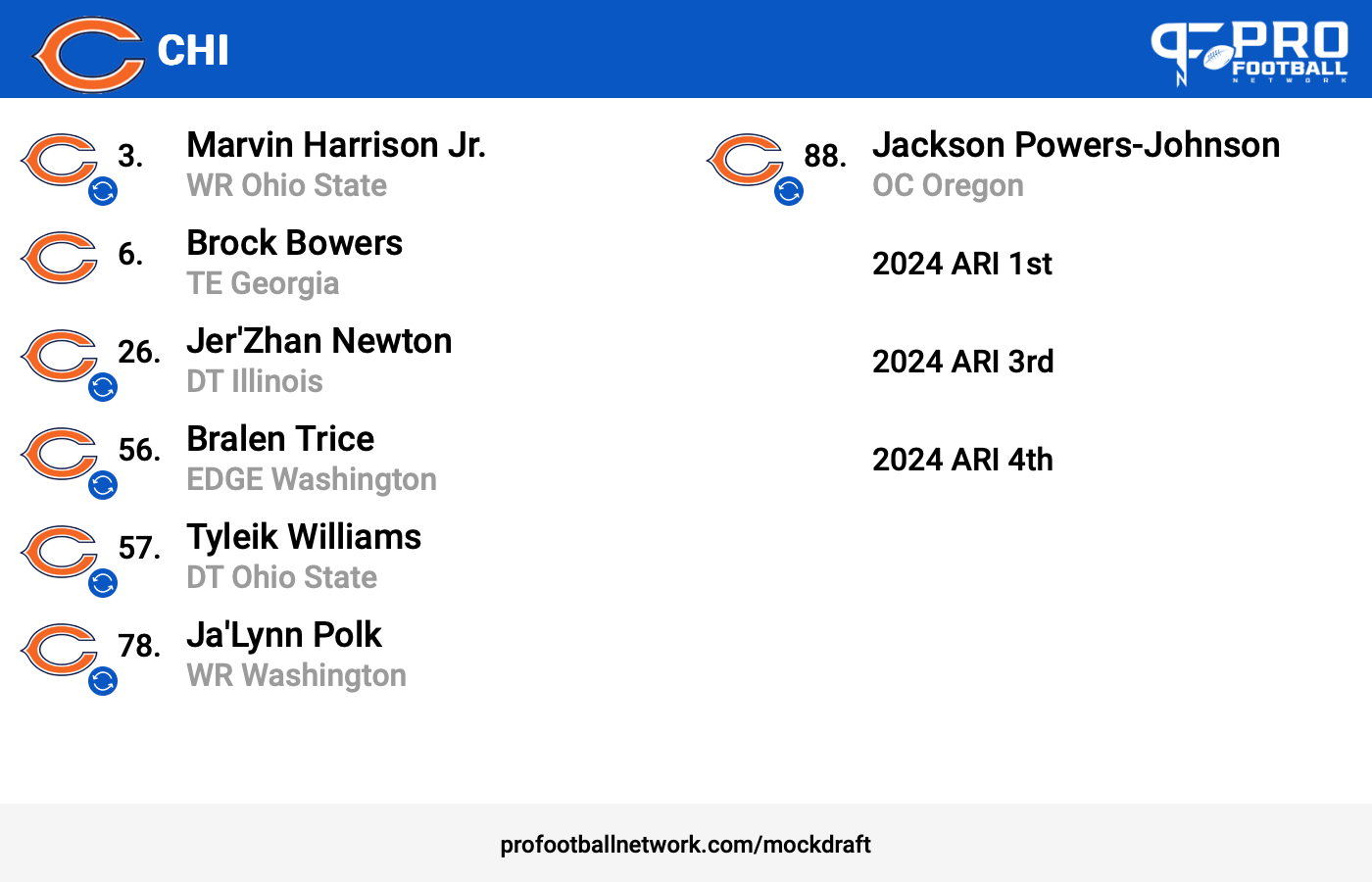
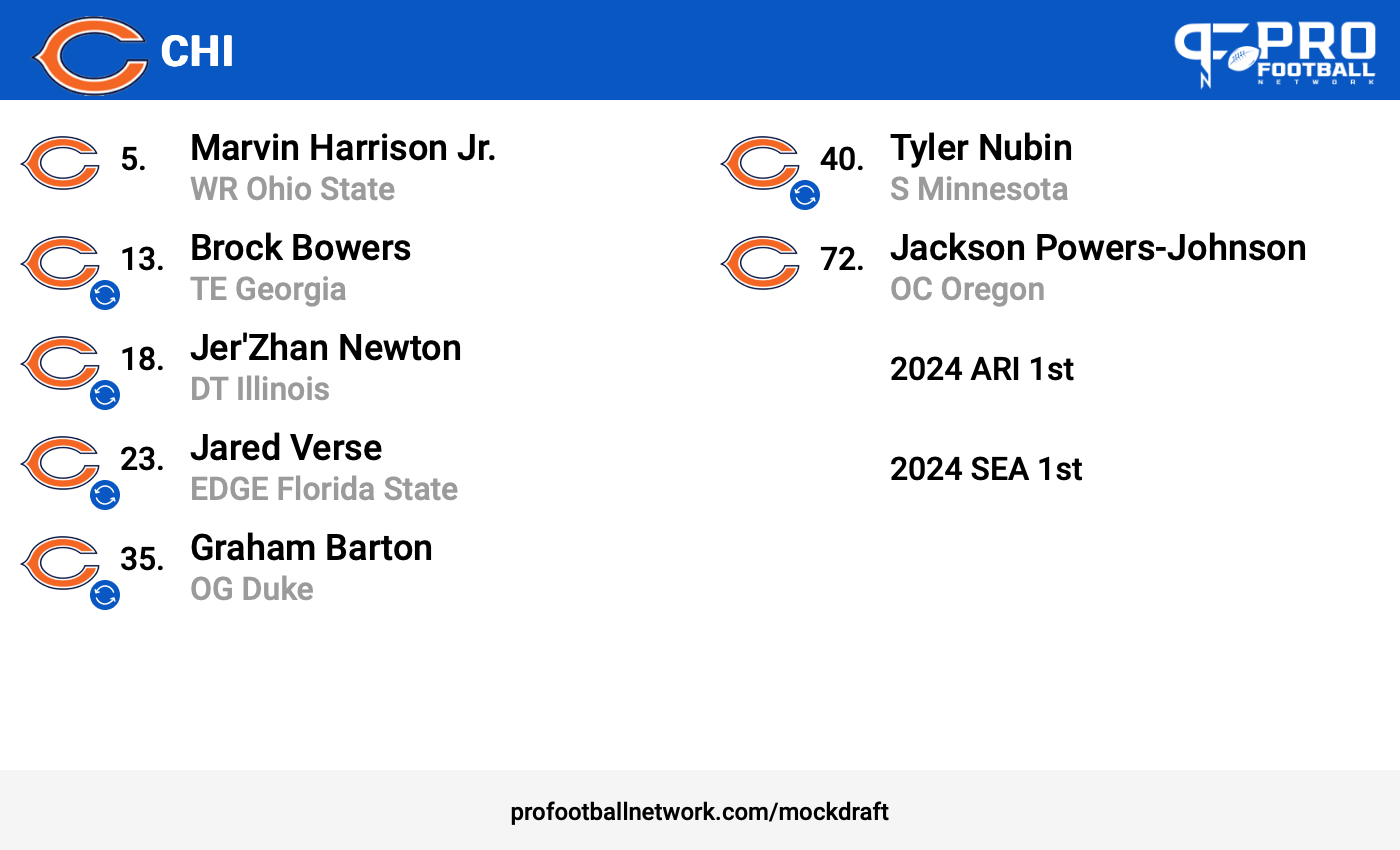
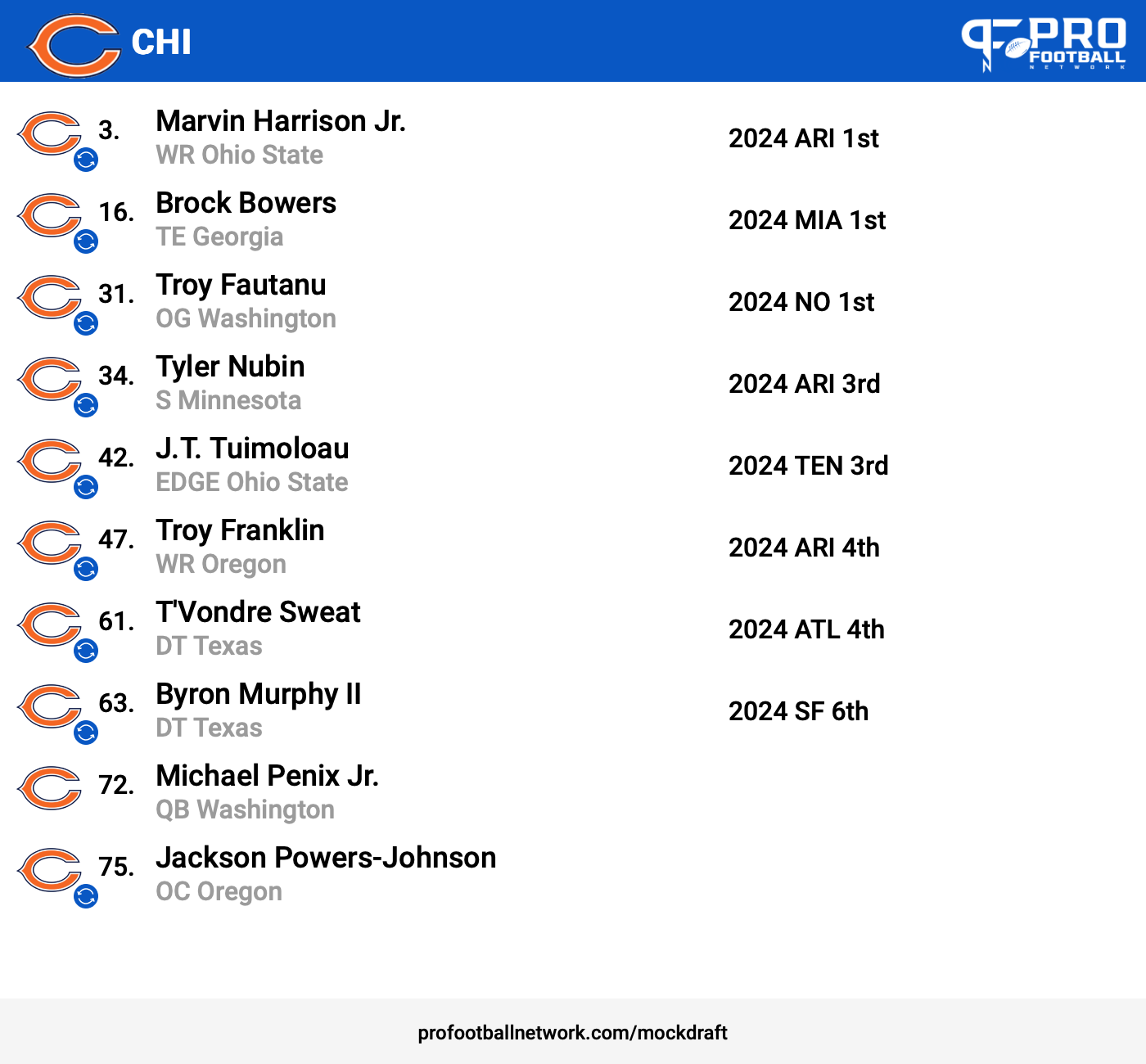
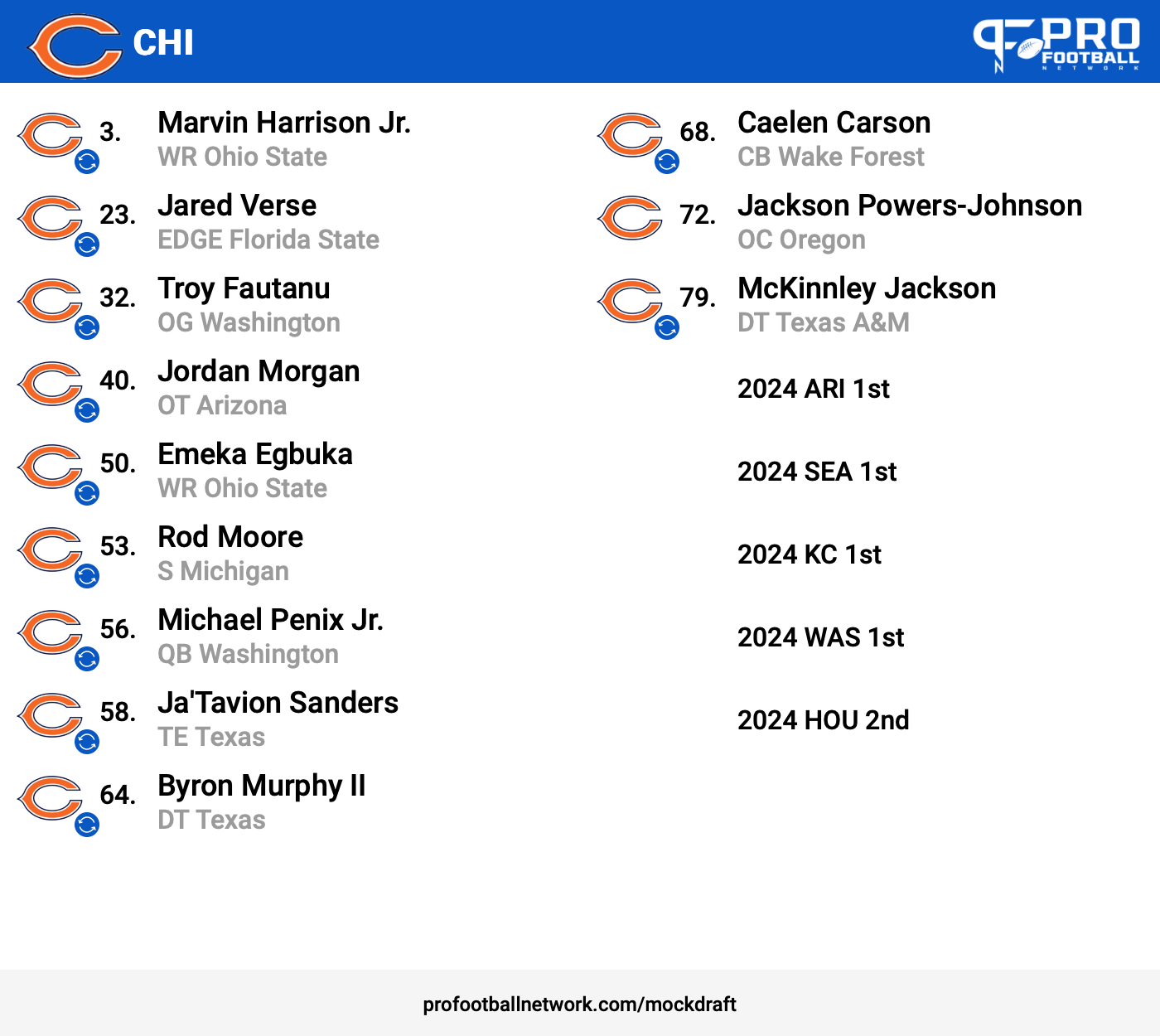
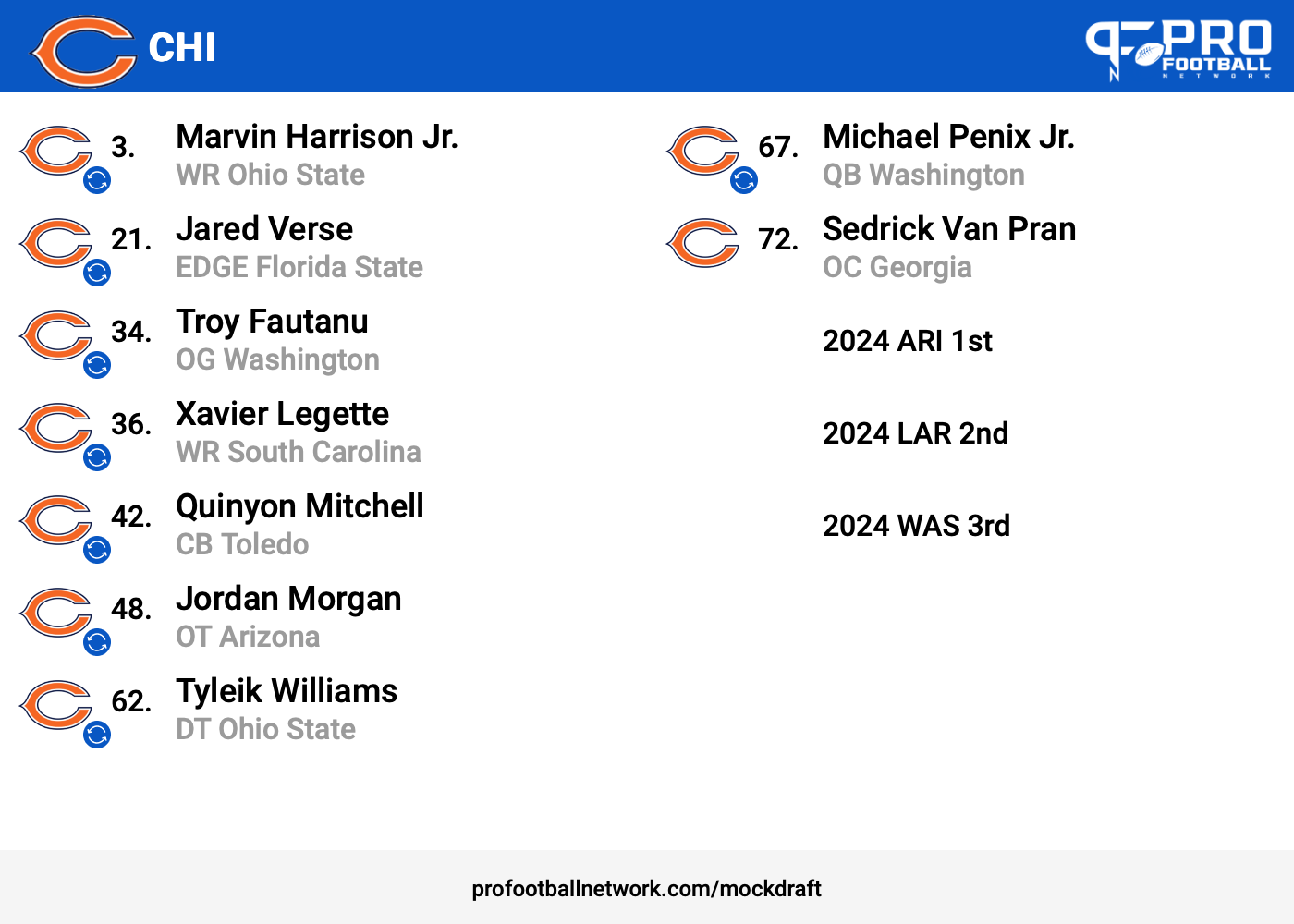
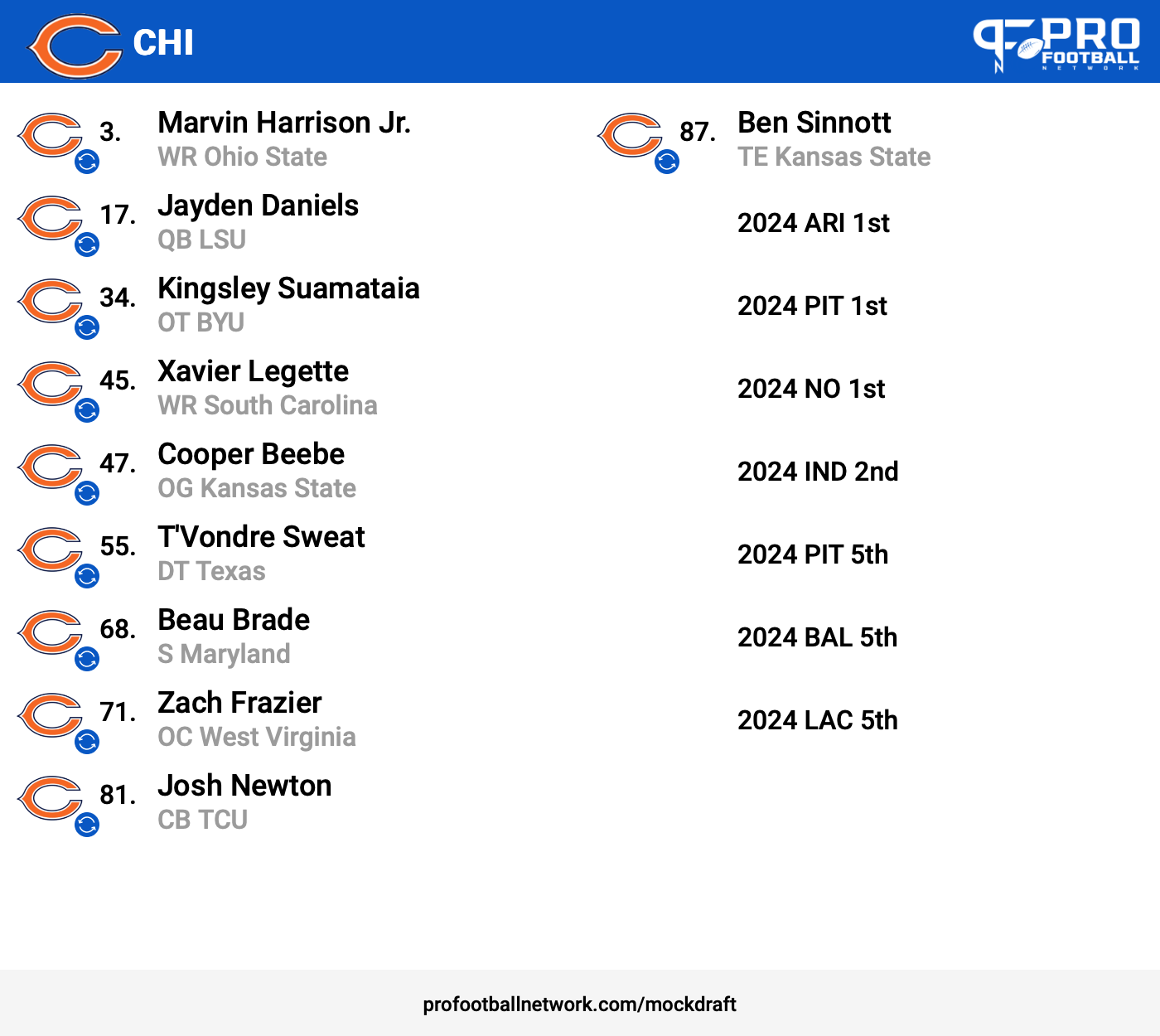
Ok these are all my drafts on my outer back to 12/14. I'll dump the saved phone drafts later ?!
-
Ok these are all my drafts on my outer back to 12/14. I'll dump the saved phone drafts later ?!
-
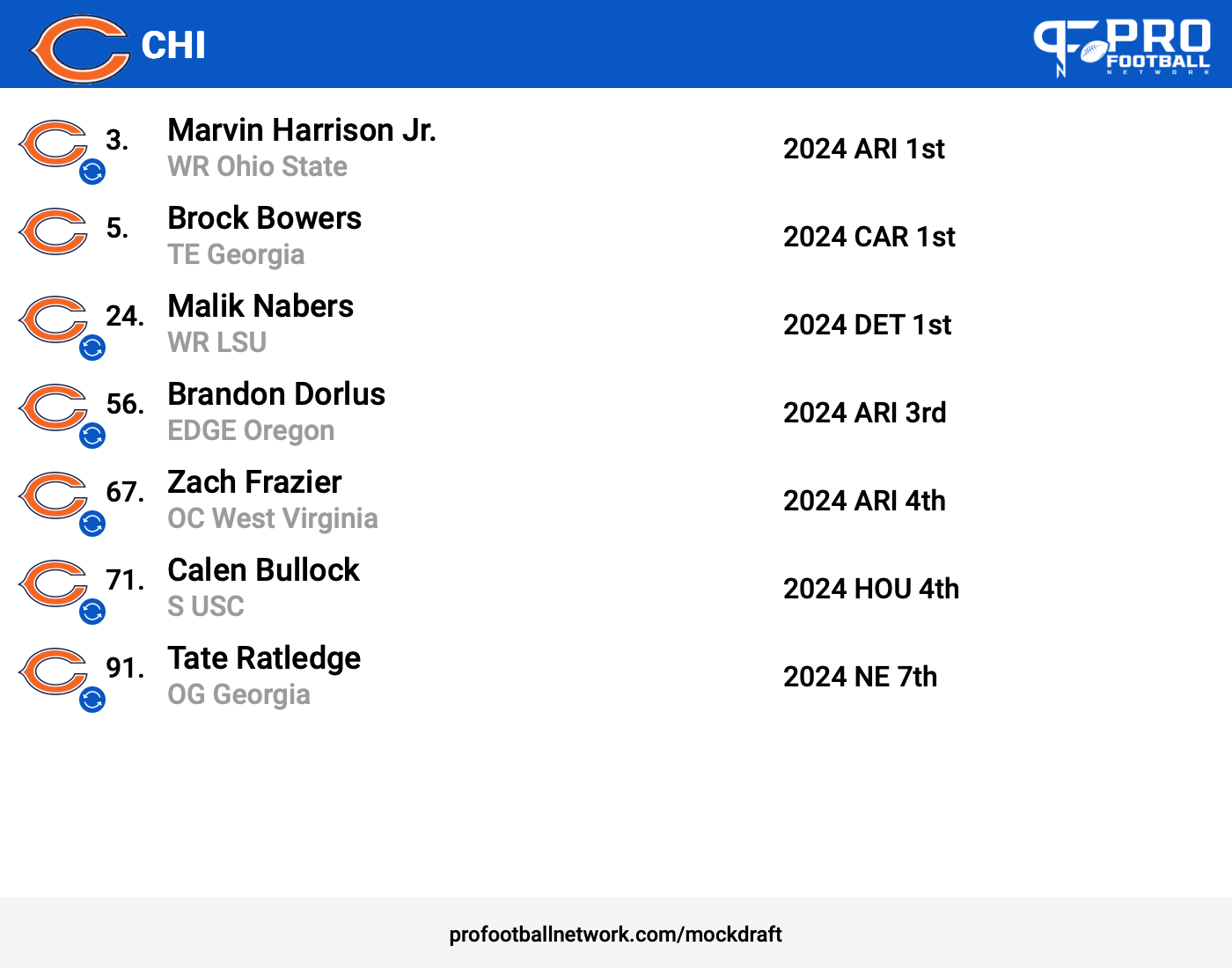
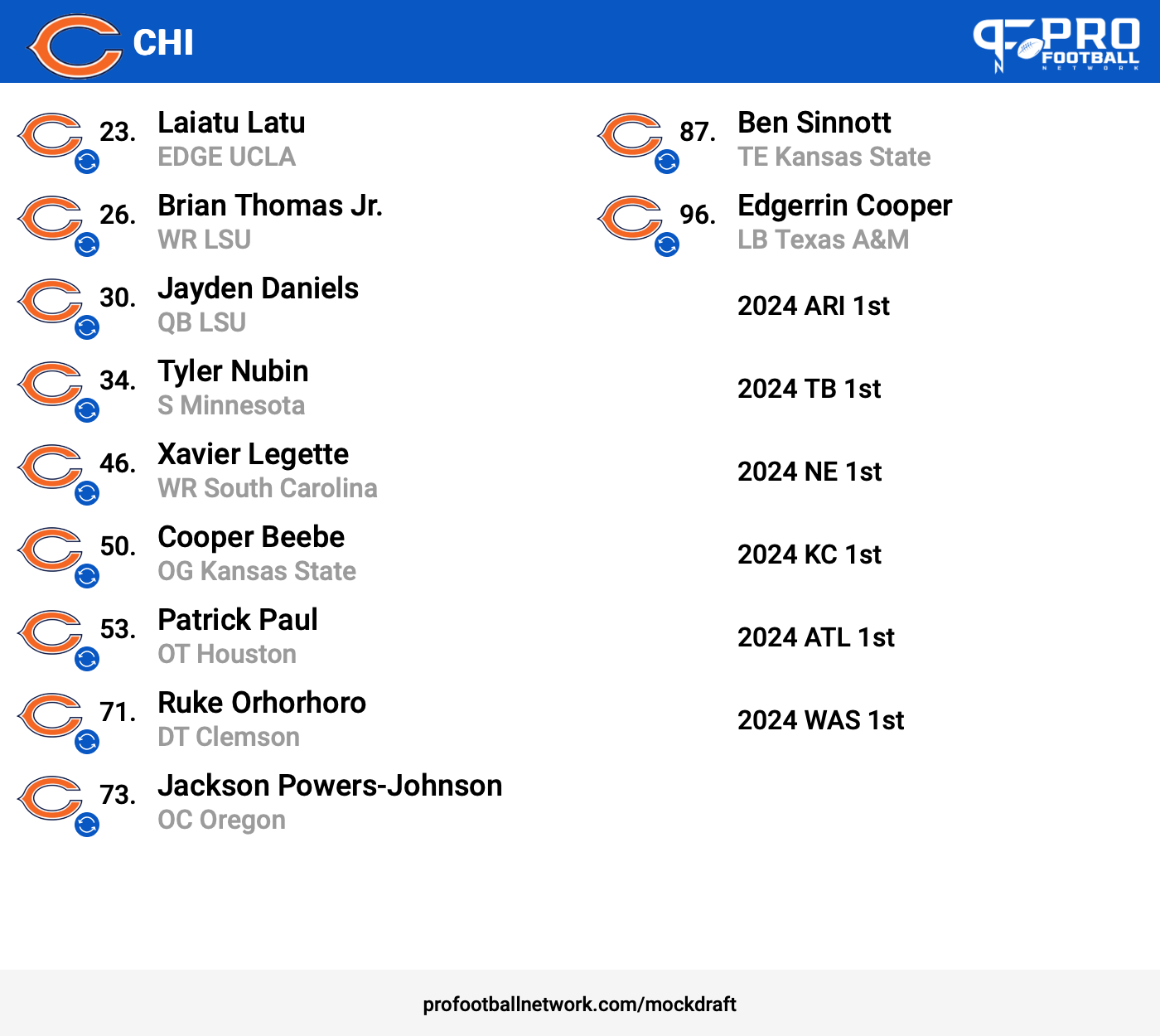
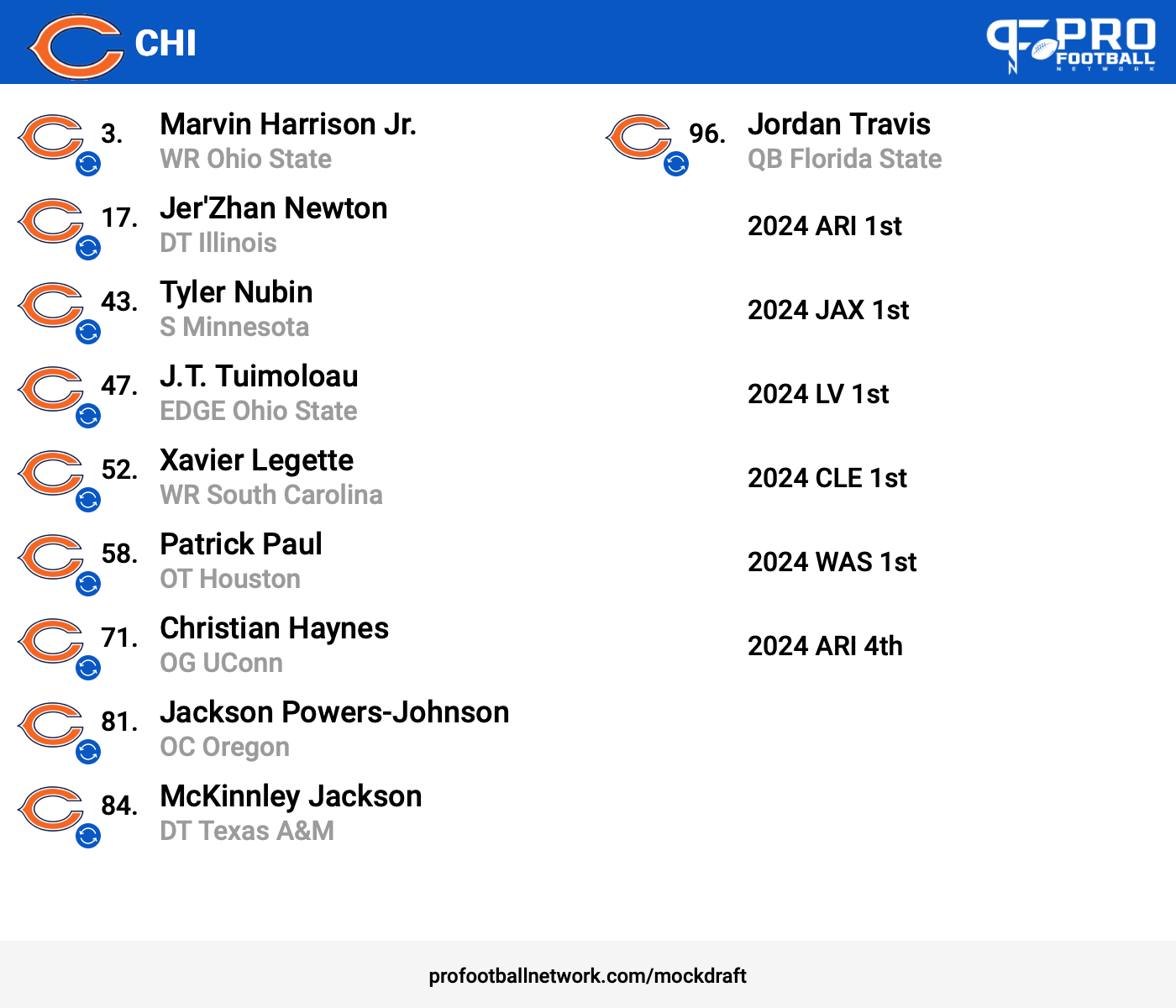
I think these next ones are outdated by a week but here anyways (12/18)
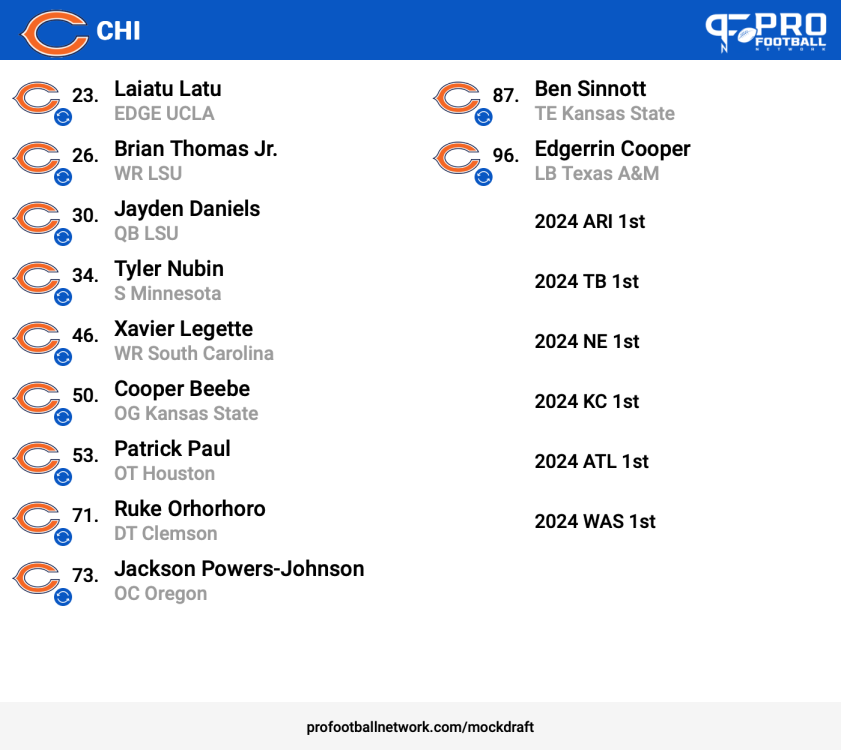 Common trends: MHJ, Daniels, and a second WR. Outside of Moore, those guys have been terrible. I rather the blockers like last year if they can separate or catch ffs.
Account
Navigation
Search
Configure browser push notifications
Chrome (Android)
- Tap the lock icon next to the address bar.
- Tap Permissions → Notifications.
- Adjust your preference.
Chrome (Desktop)
- Click the padlock icon in the address bar.
- Select Site settings.
- Find Notifications and adjust your preference.
Safari (iOS 16.4+)
- Ensure the site is installed via Add to Home Screen.
- Open Settings App → Notifications.
- Find your app name and adjust your preference.
Safari (macOS)
- Go to Safari → Preferences.
- Click the Websites tab.
- Select Notifications in the sidebar.
- Find this website and adjust your preference.
Edge (Android)
- Tap the lock icon next to the address bar.
- Tap Permissions.
- Find Notifications and adjust your preference.
Edge (Desktop)
- Click the padlock icon in the address bar.
- Click Permissions for this site.
- Find Notifications and adjust your preference.
Firefox (Android)
- Go to Settings → Site permissions.
- Tap Notifications.
- Find this site in the list and adjust your preference.
Firefox (Desktop)
- Open Firefox Settings.
- Search for Notifications.
- Find this site in the list and adjust your preference.