

killakrzydav
Super Fans
-
Joined
-
Last visited
Everything posted by killakrzydav
-
Rooting for losses here. Guess in y’all’s minds I’m not a true fan either.
-
Bowers has been back for a few weeks
-
If Field could elevate his plays and we don't have to draft a QB it would be huge for the franchise.
-
I don't think I'd take either of the top 2 qbs at 21 million and a number one overall.
-
Like it as well
-
A lot of bitching between members lately. Stop squatting to pee y'all and respect that another person has a right to their opinions.
-
Rumblings are they are opening up the checkbooks for Beck with huge NILs. Not telling if he's coming out since they've started the Beck for Heisman campaign as well. He could be like Purdy or better. Nothing rattles dude.
-
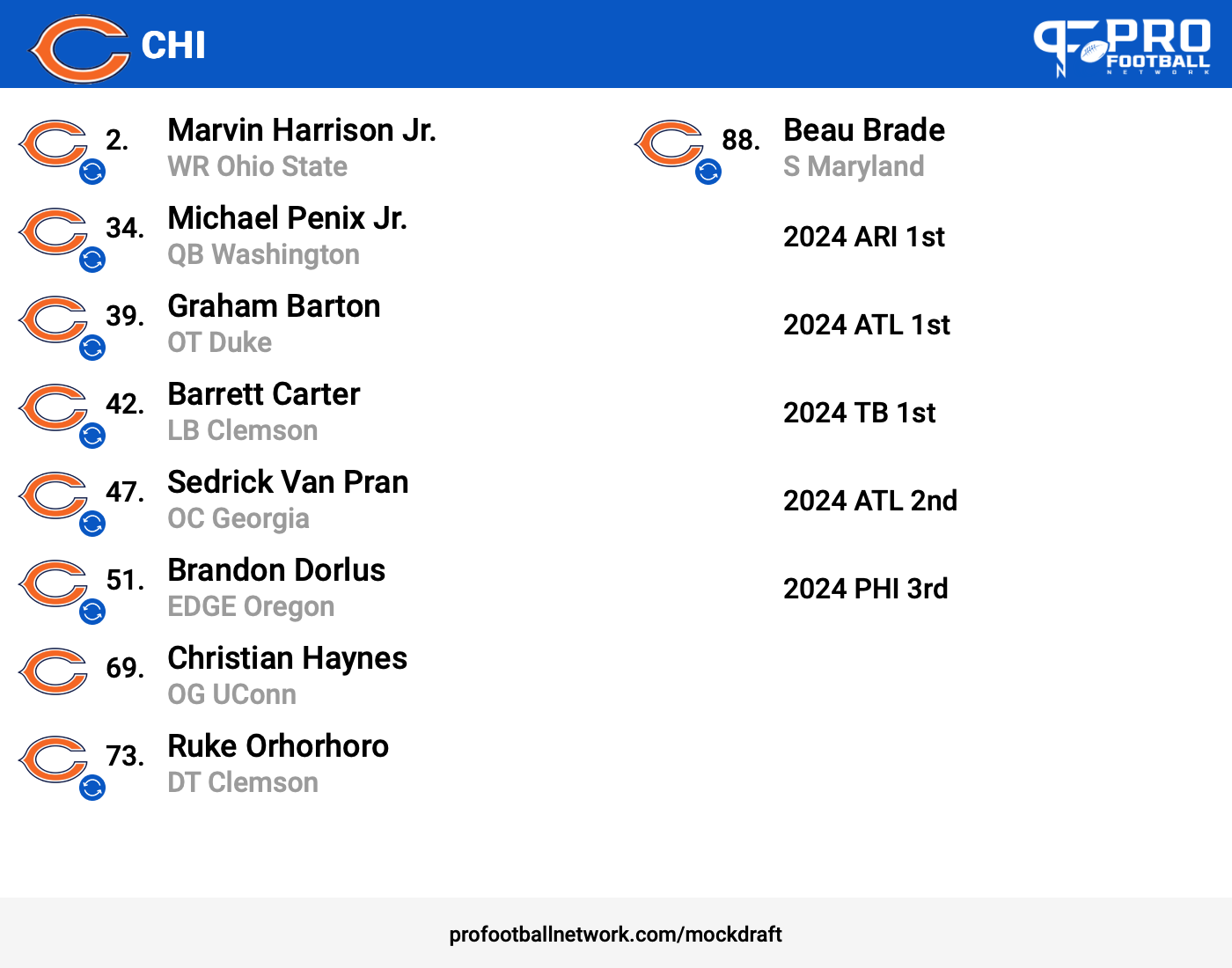
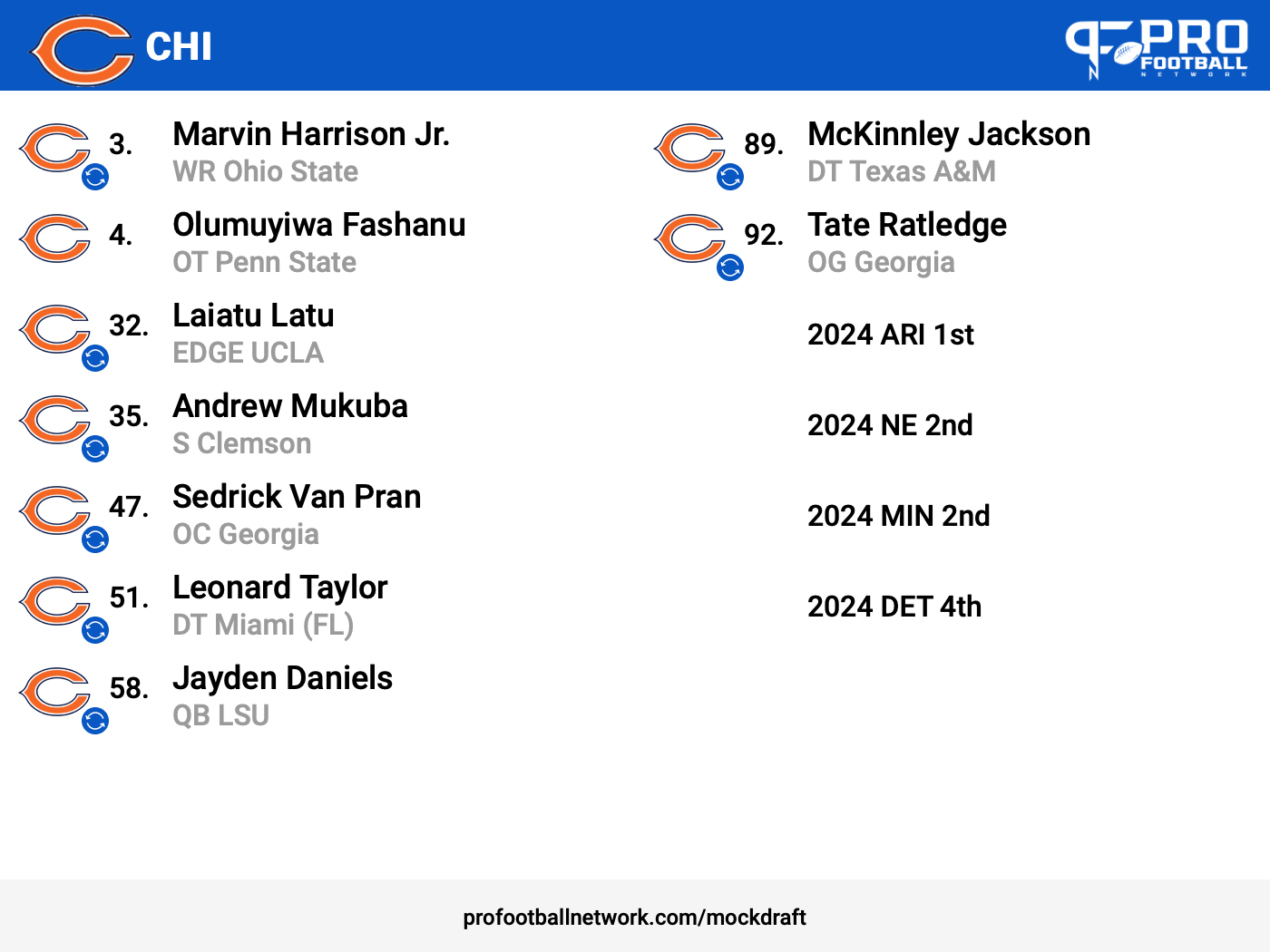
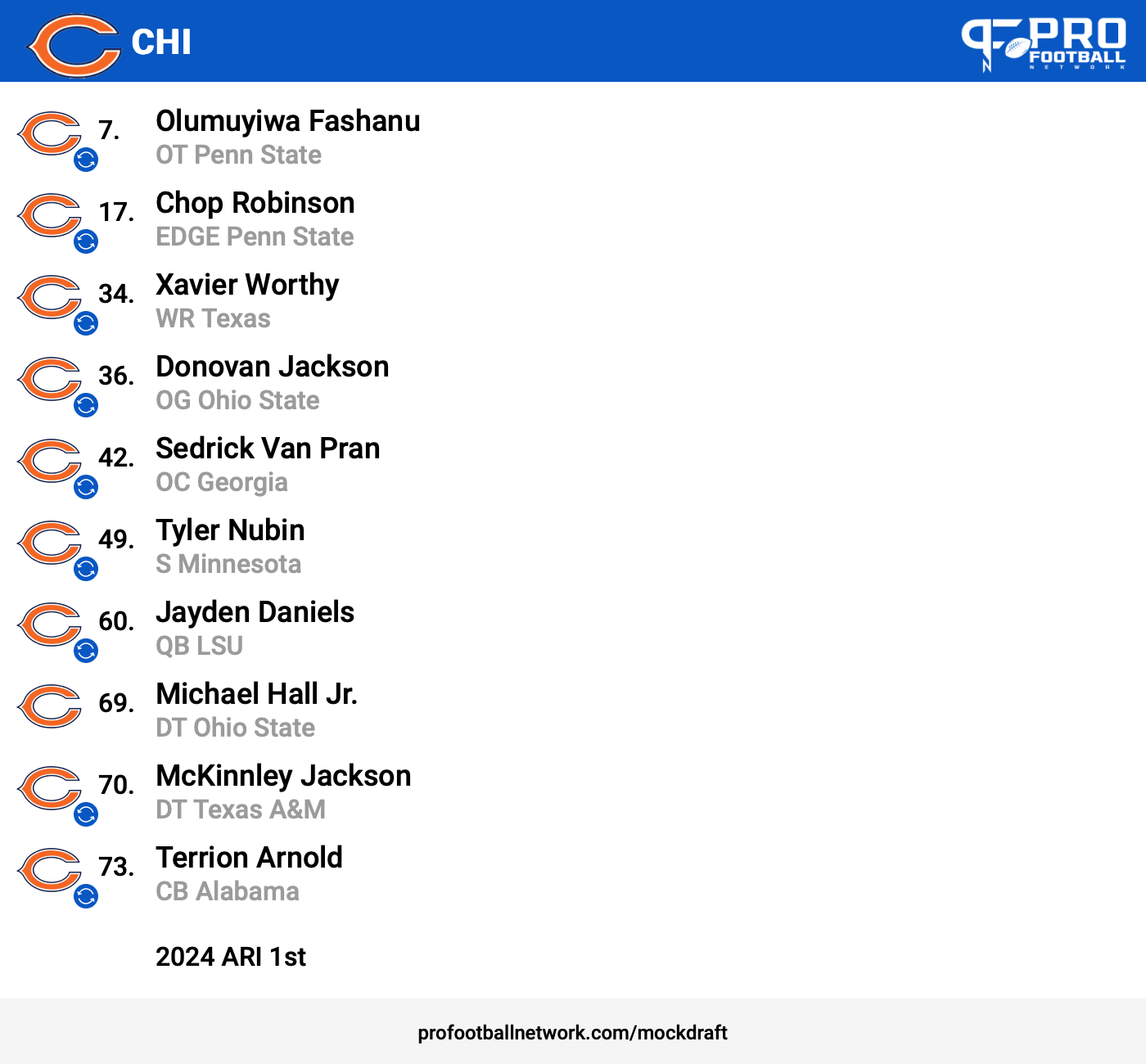
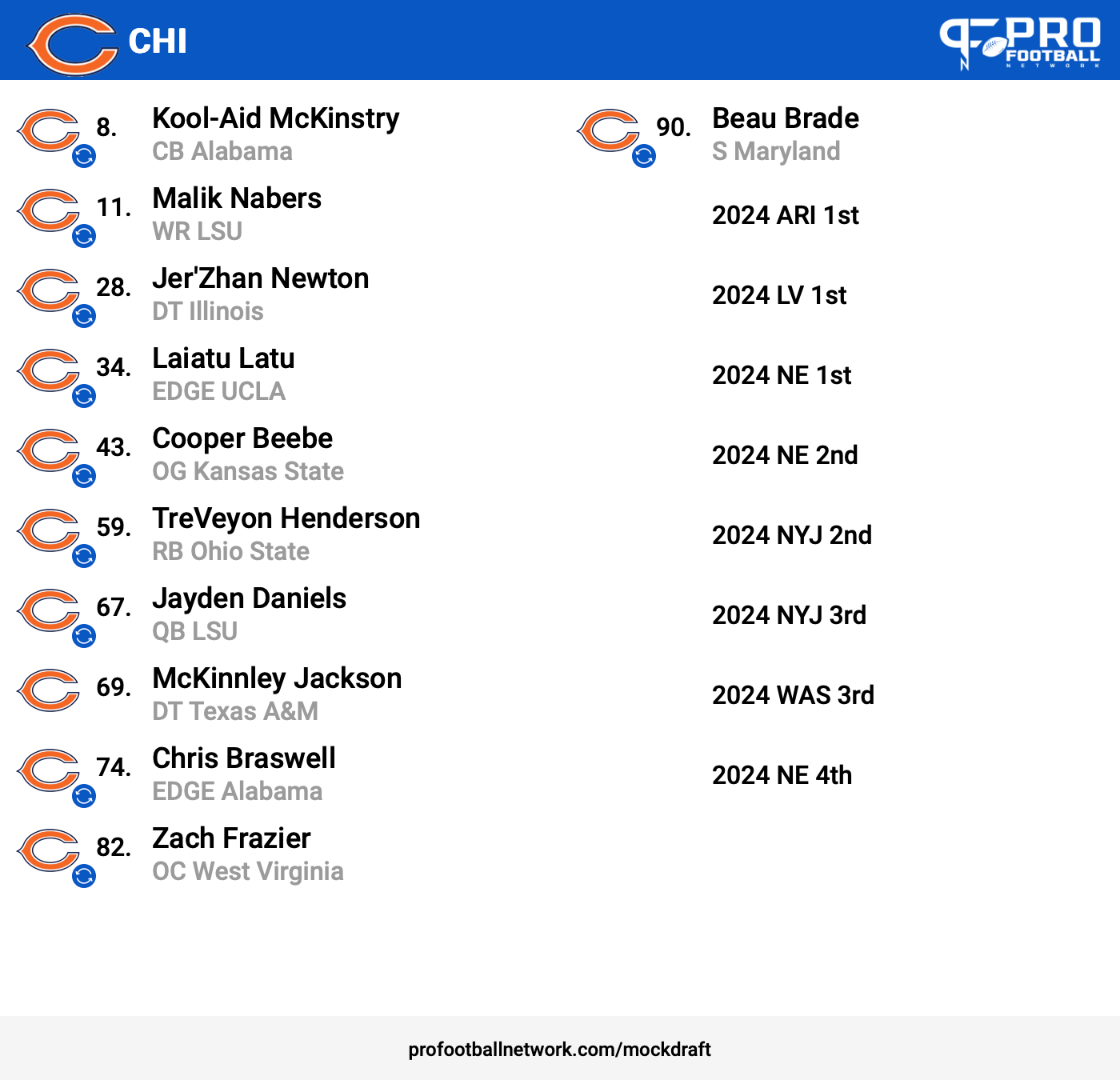
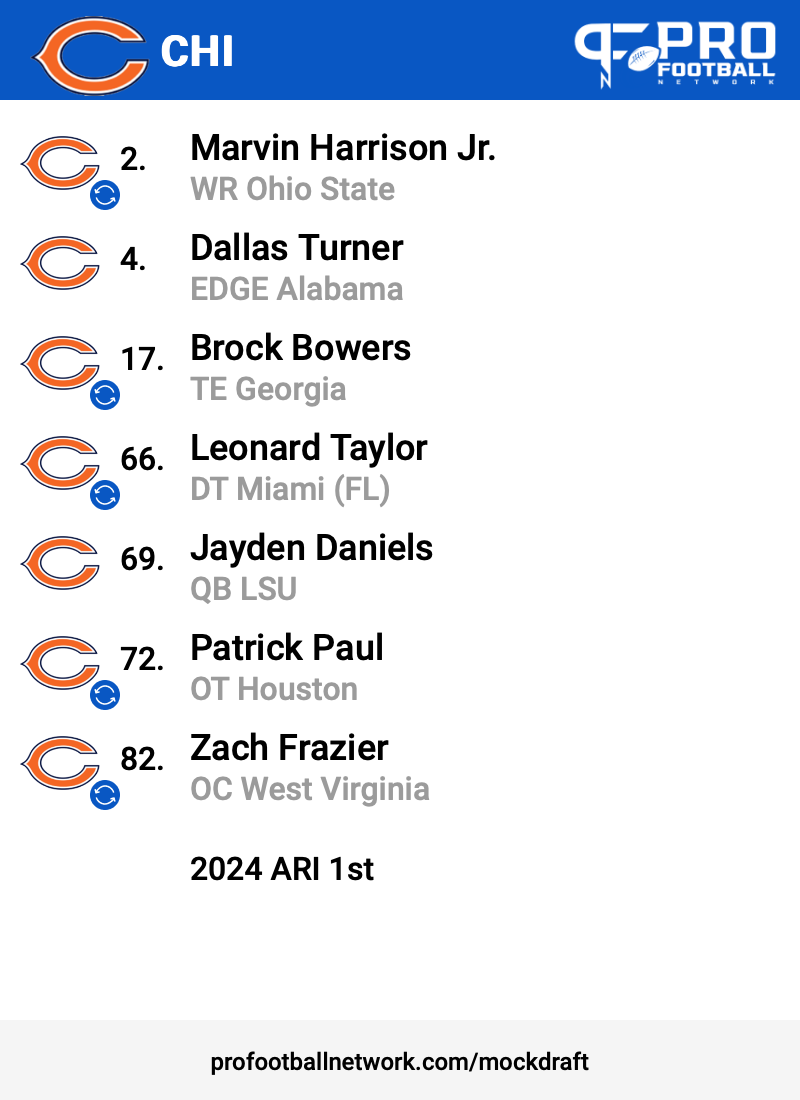
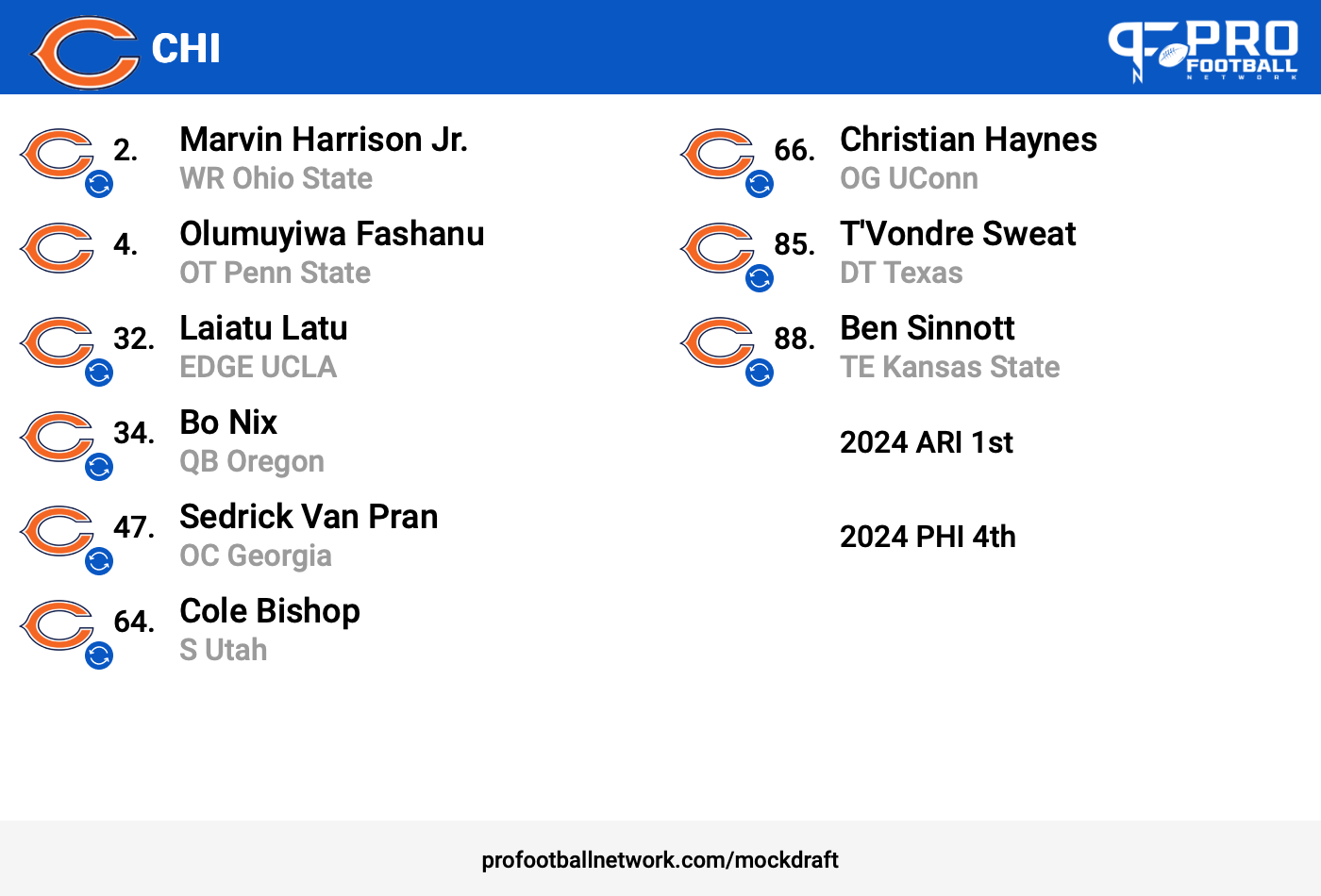
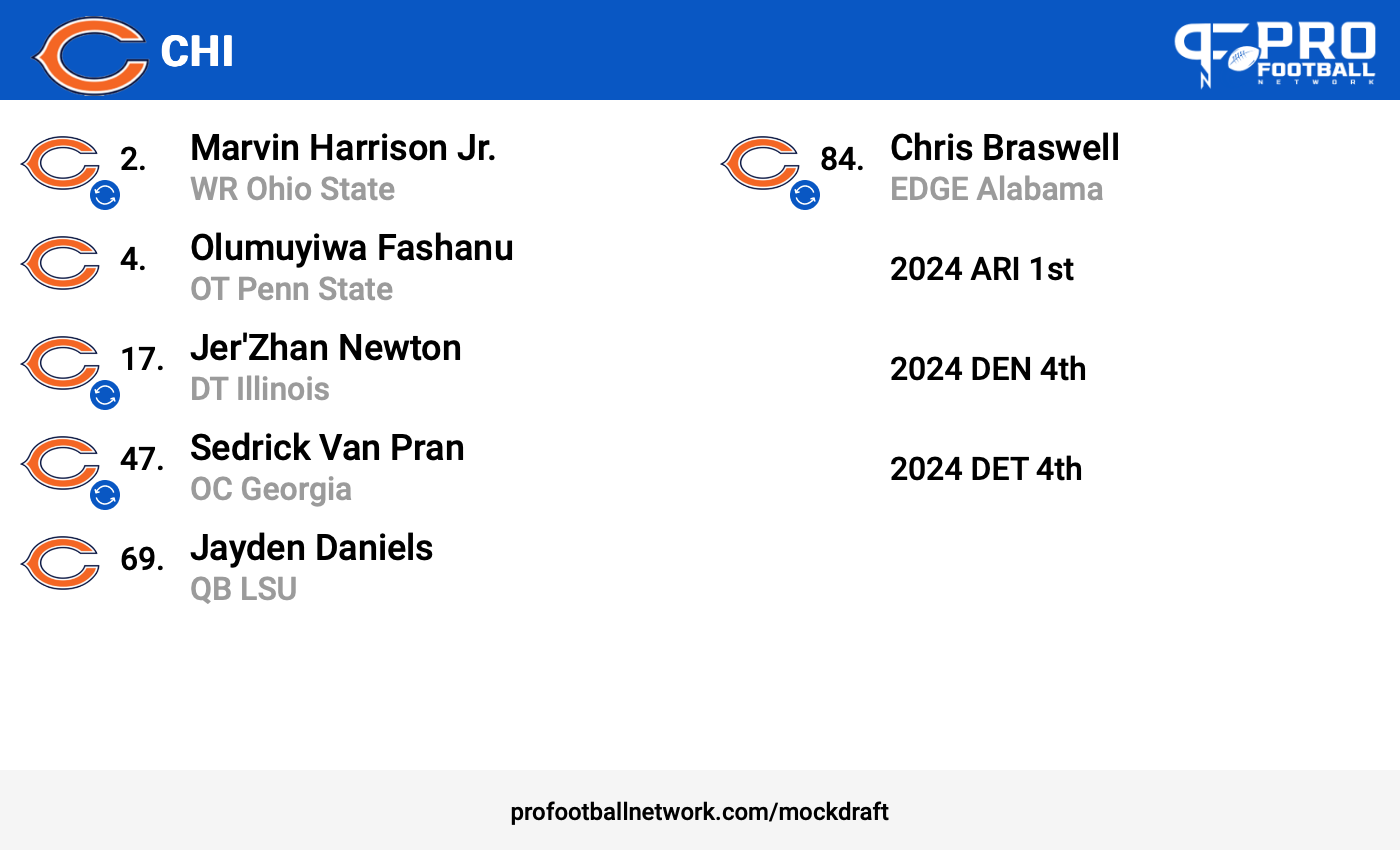
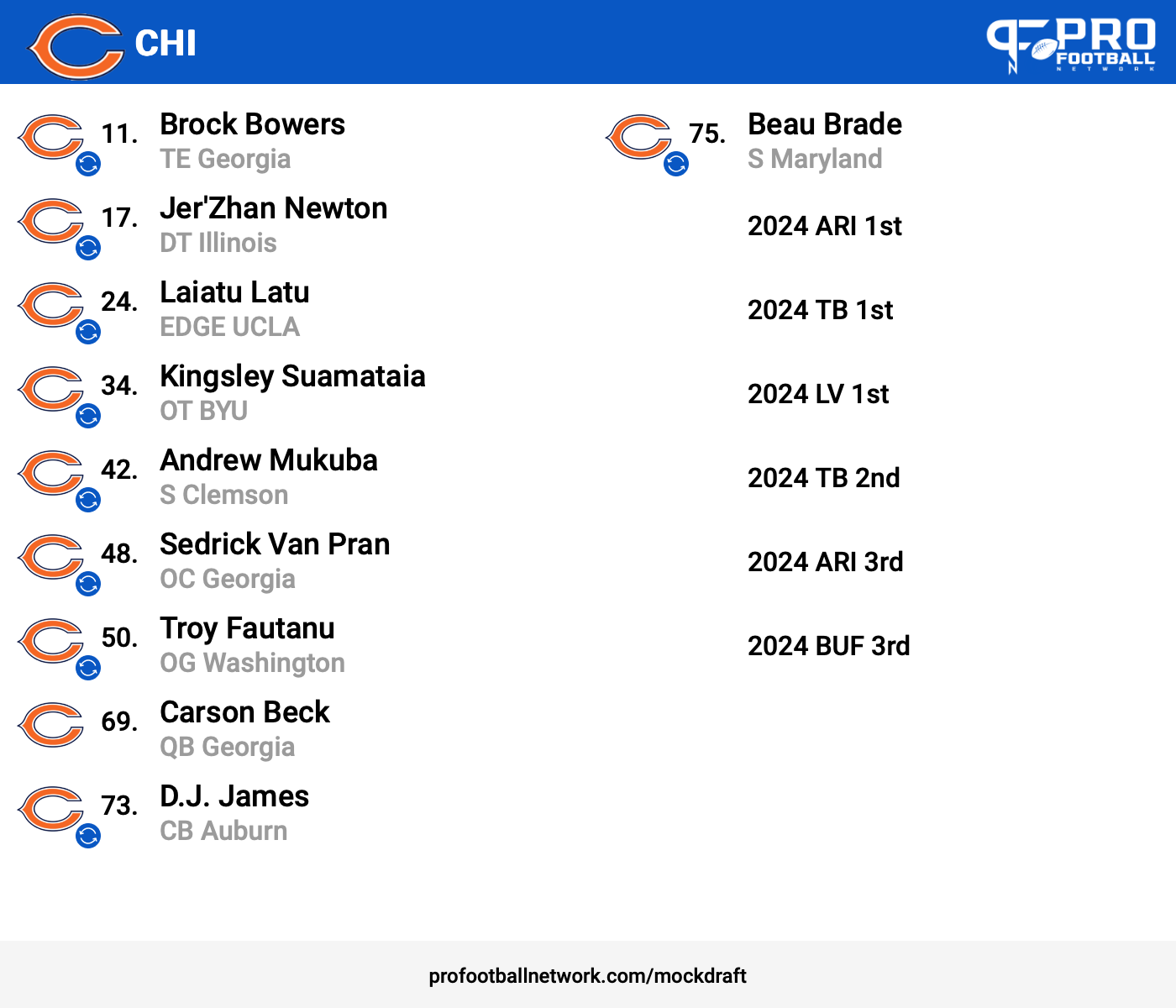
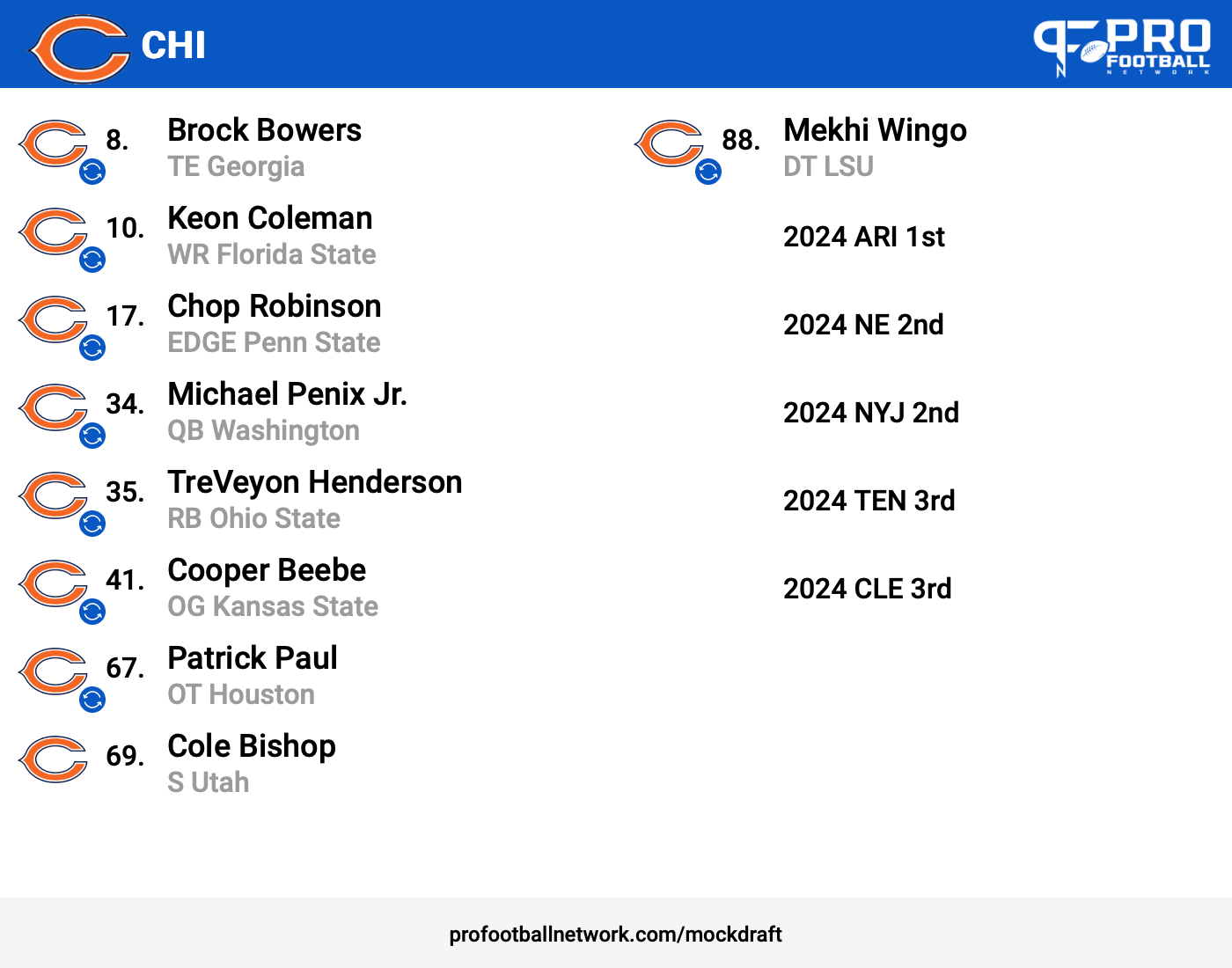
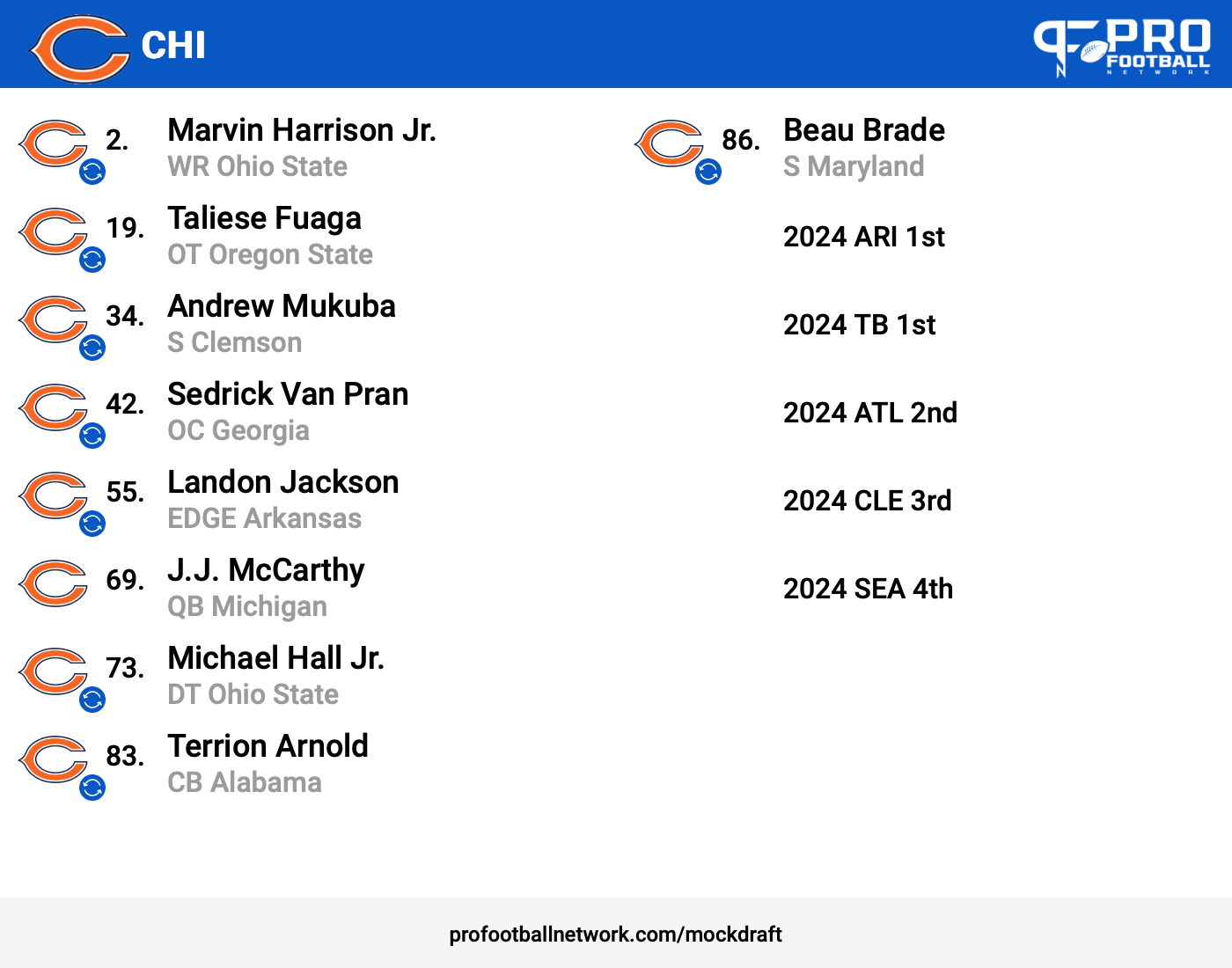
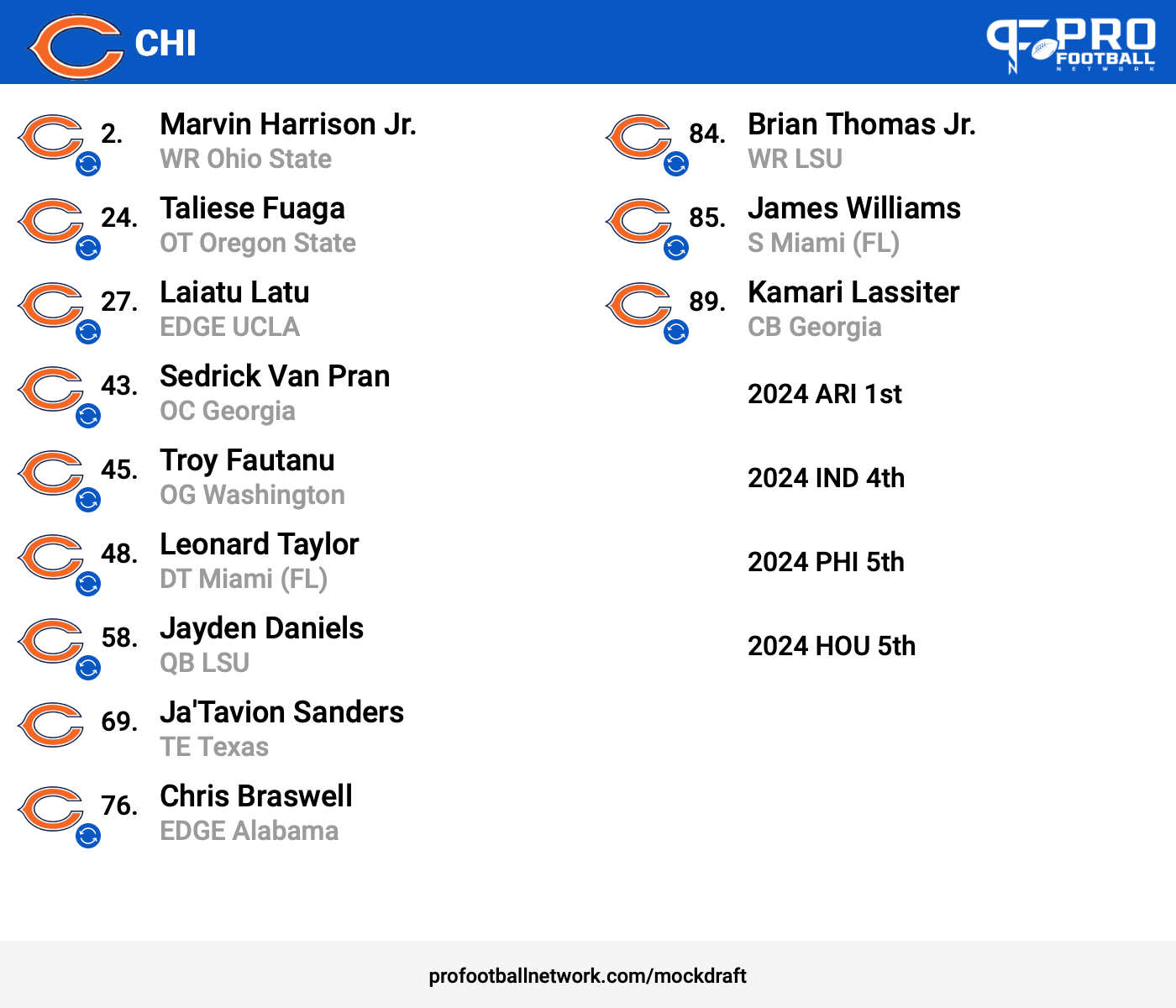
This one had 5-2025 first round picks. Ari, NE, NYJ, TB, and LVTrying not to. Some of my best drafts are not showing my extra picks.Future looks bright
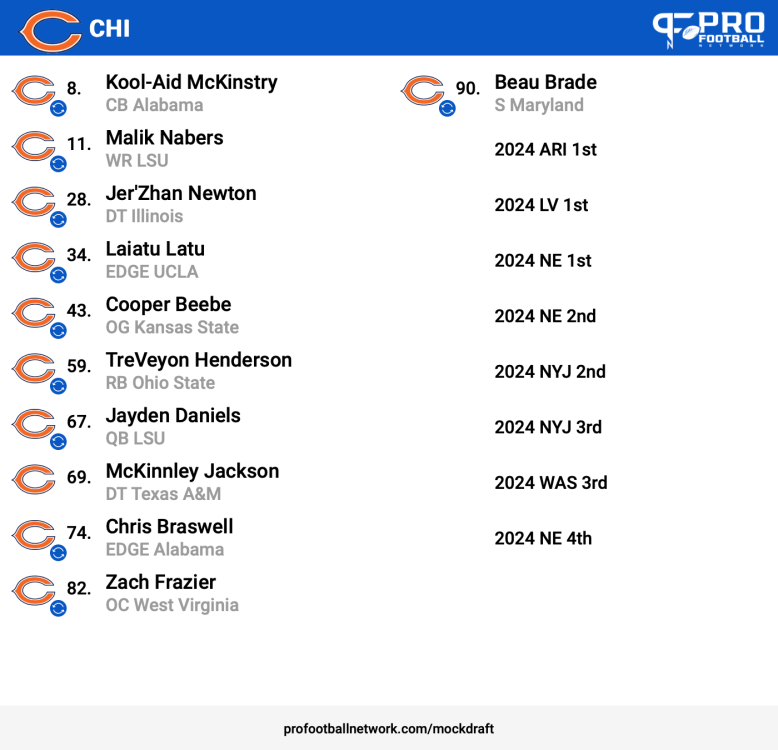 Meh
Meh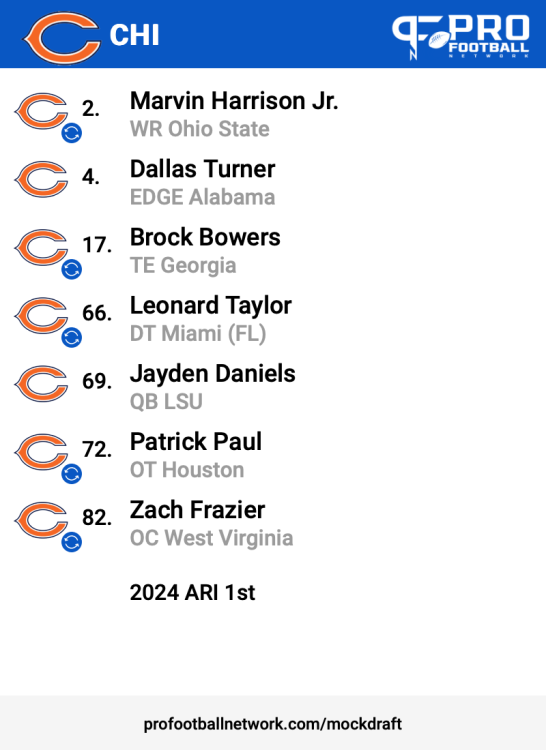 Didn't hit my goal numbers agin.
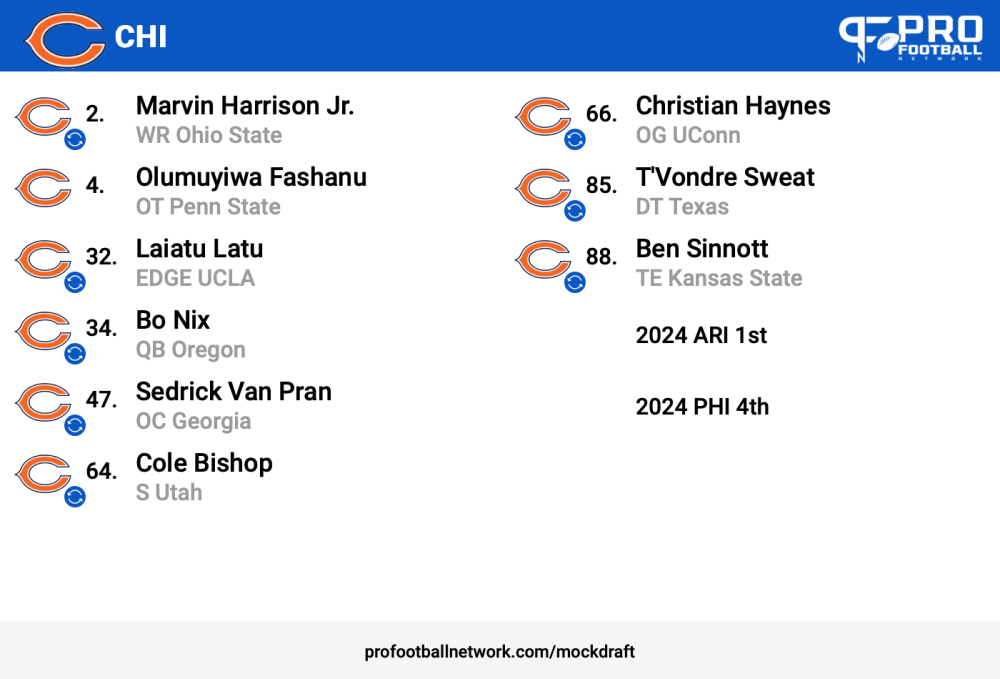 Nobody wanted to trade but I still got 4 players ranked at the very top of their positions
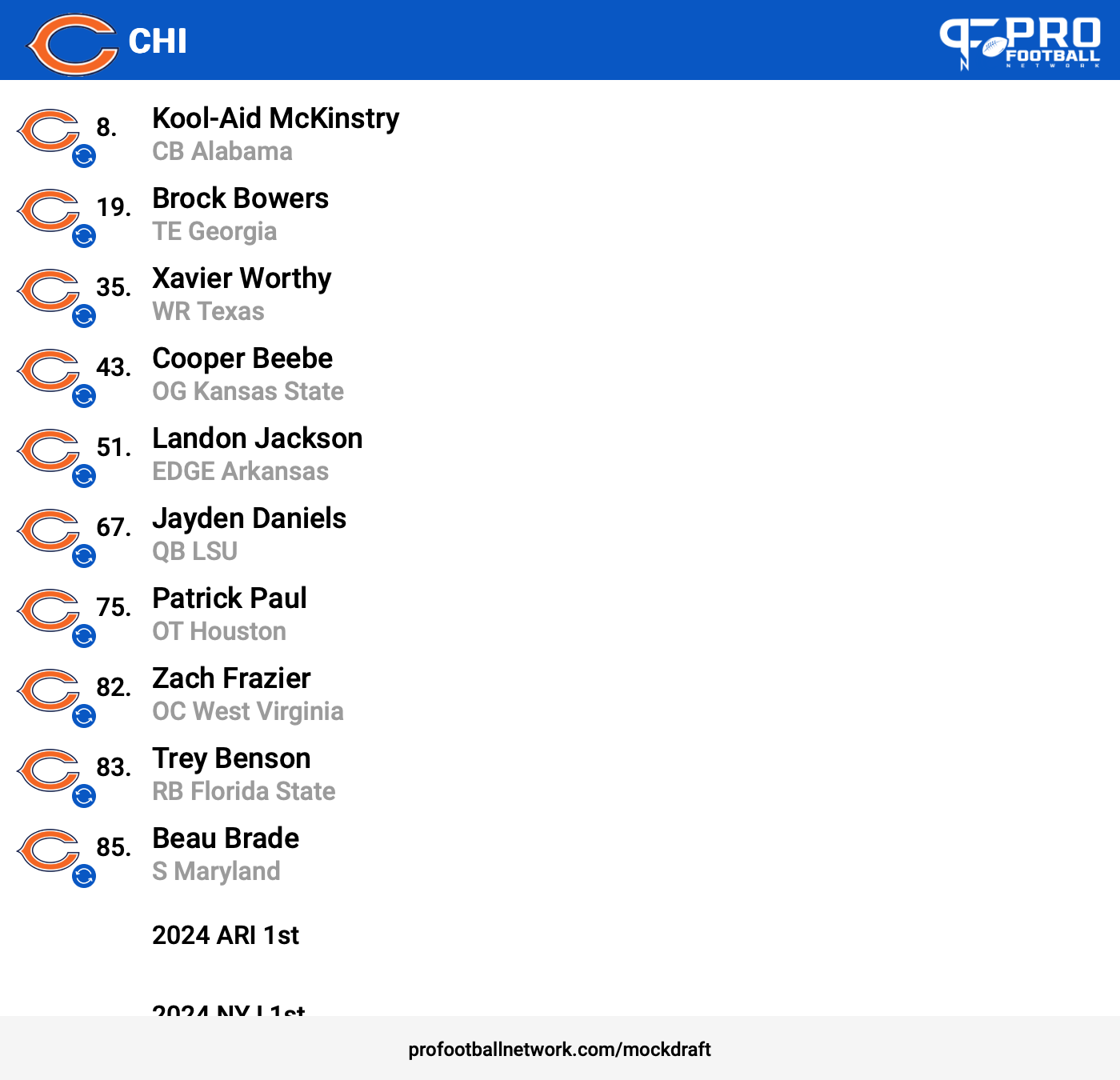
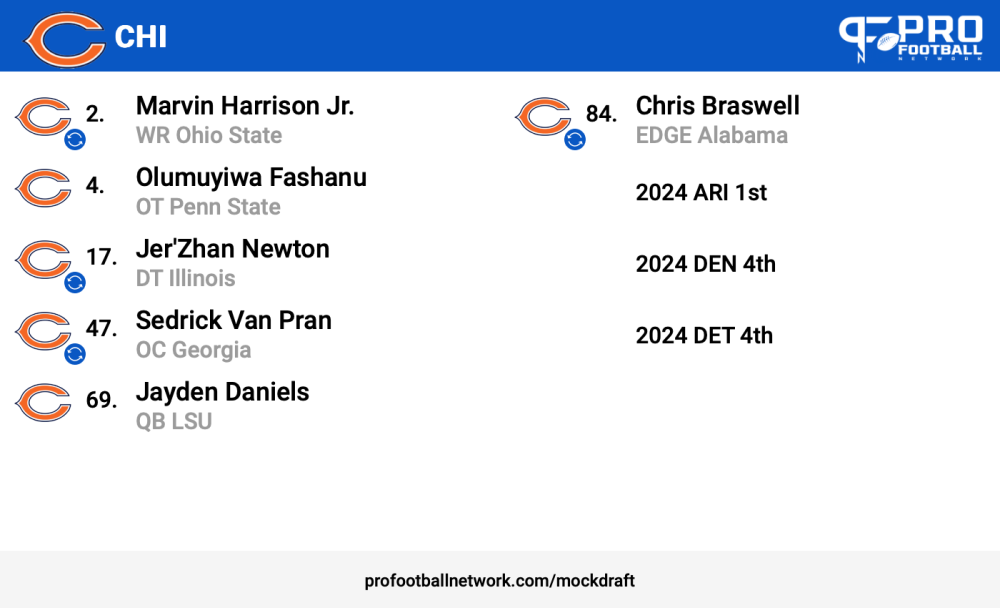 3 extra first and 5 blue chippers.
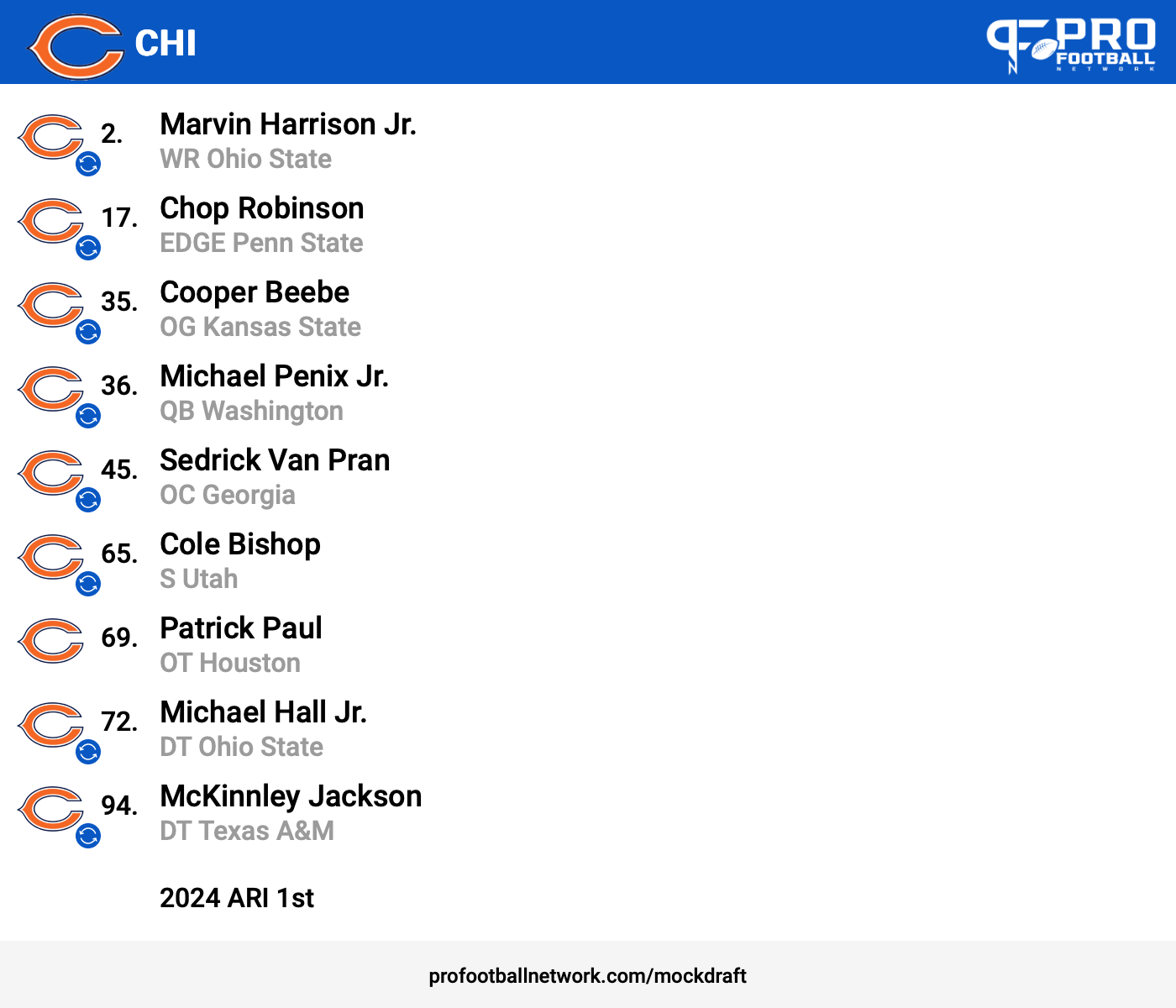
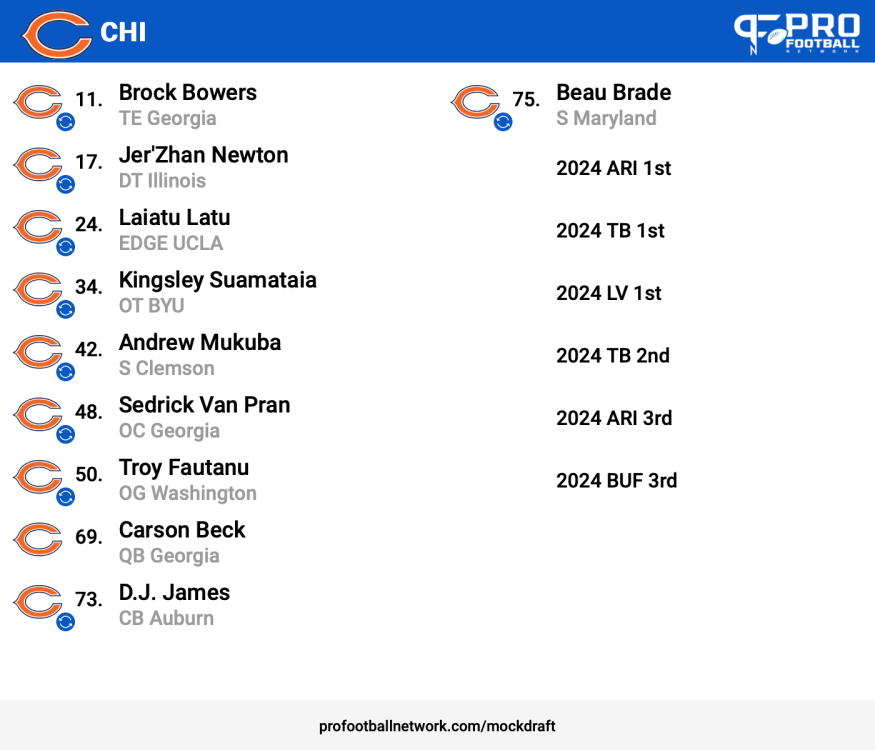 2 1st and a tumbling JJ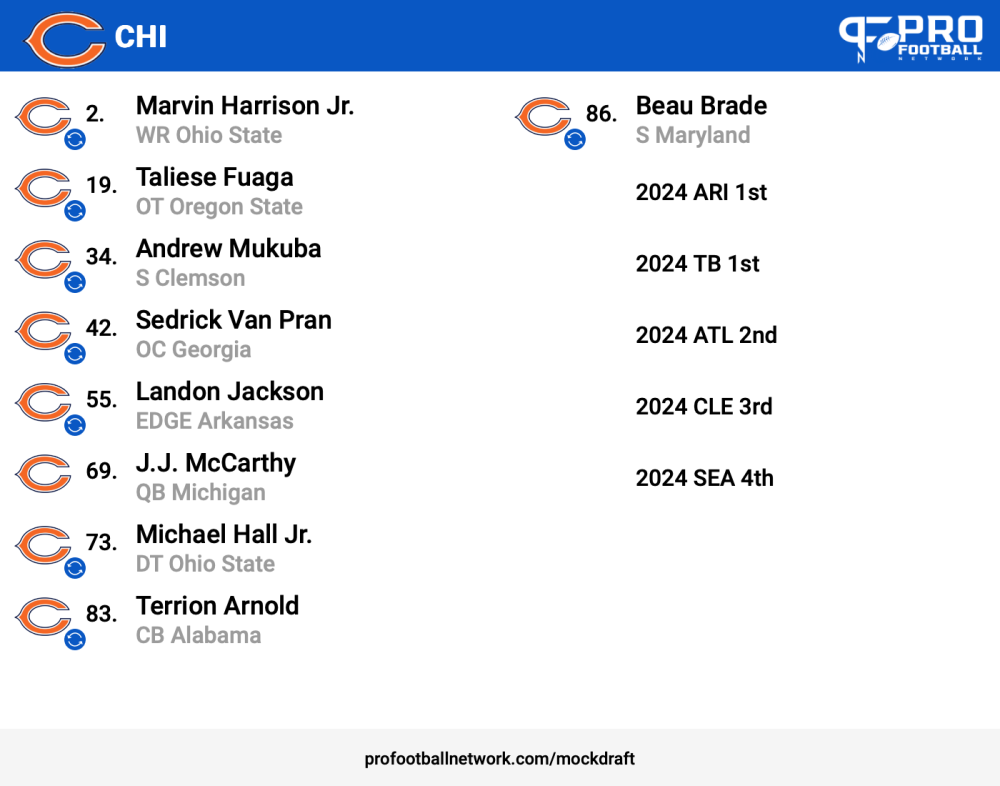


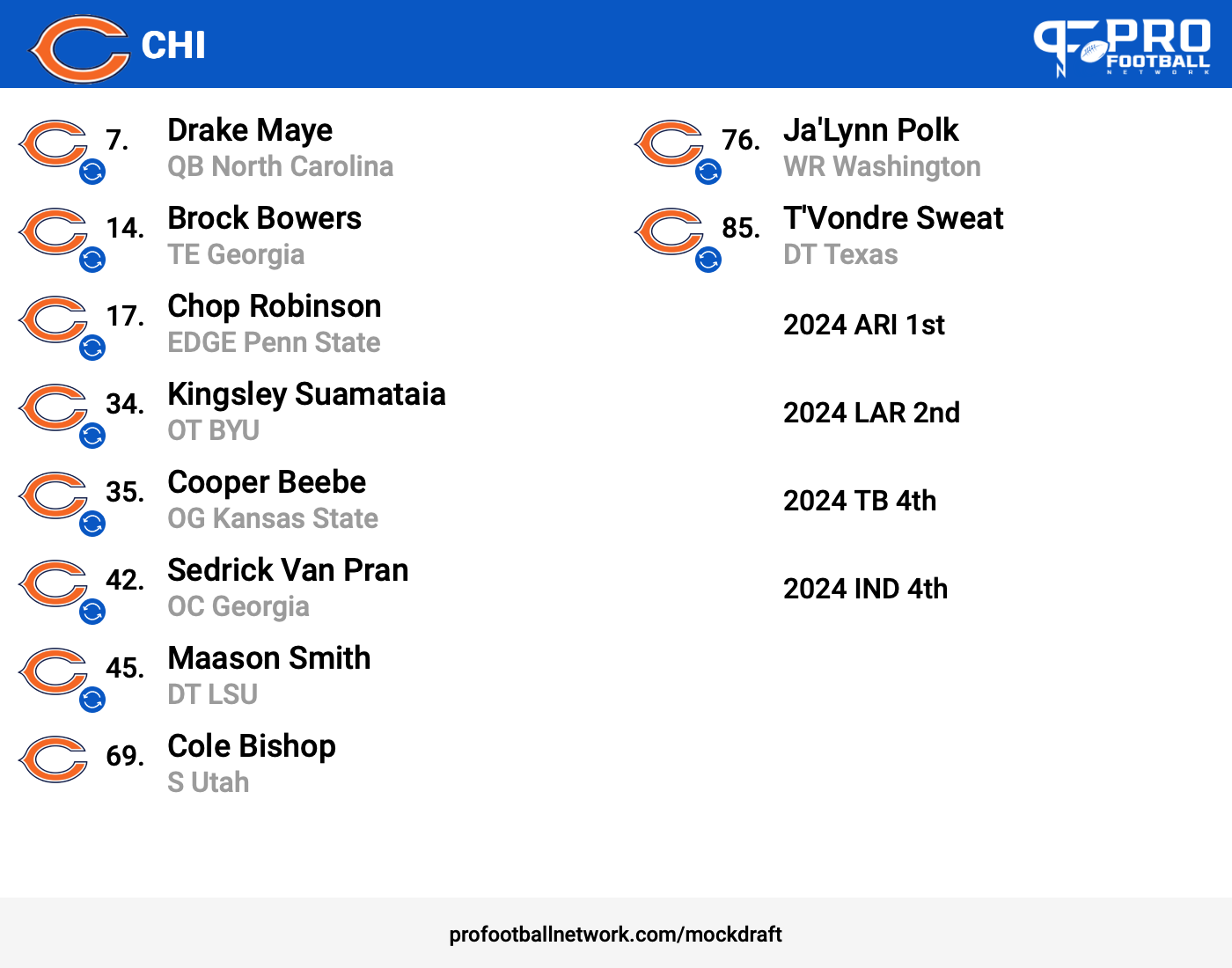
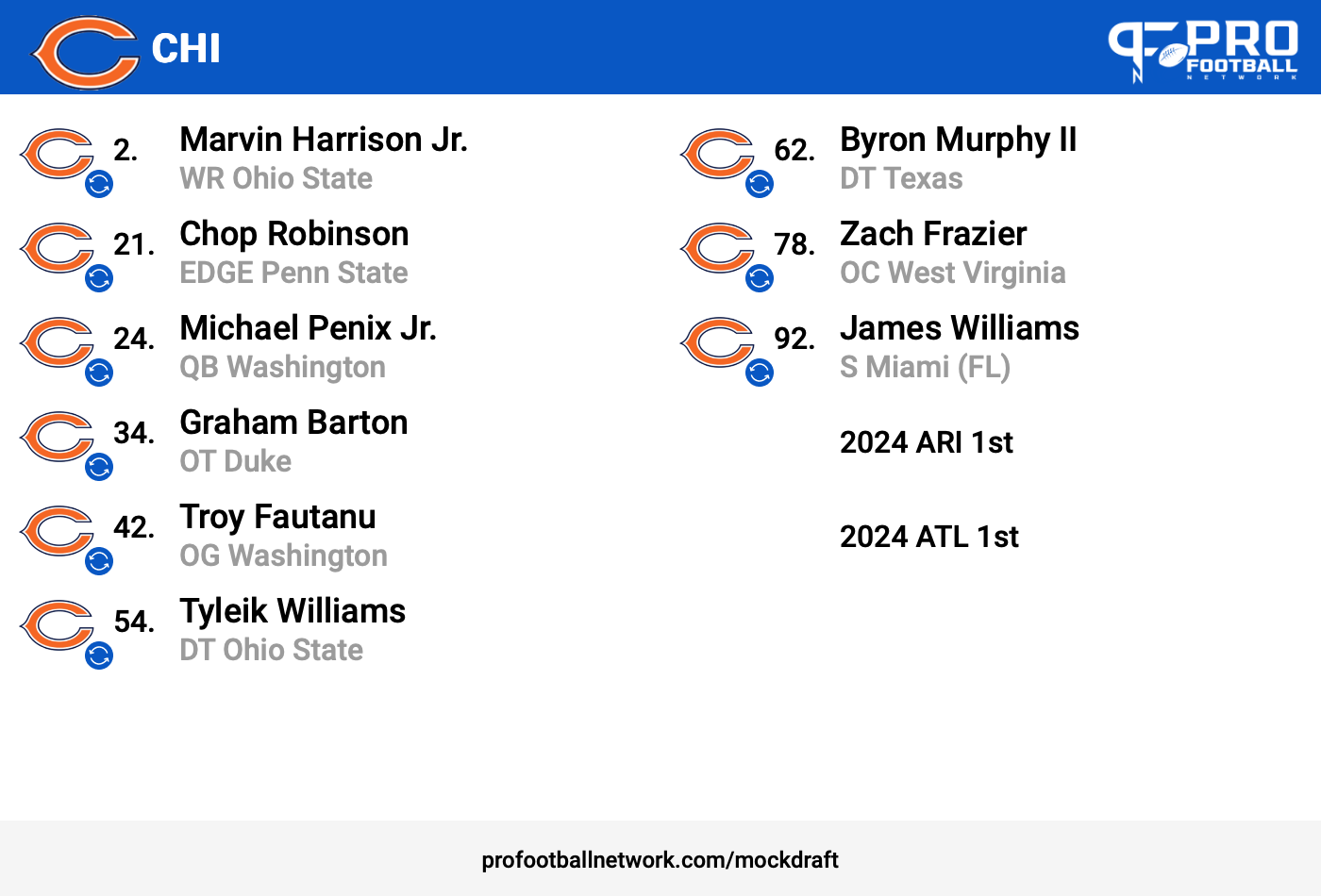
Account
Navigation
Search
Configure browser push notifications
Chrome (Android)
- Tap the lock icon next to the address bar.
- Tap Permissions → Notifications.
- Adjust your preference.
Chrome (Desktop)
- Click the padlock icon in the address bar.
- Select Site settings.
- Find Notifications and adjust your preference.
Safari (iOS 16.4+)
- Ensure the site is installed via Add to Home Screen.
- Open Settings App → Notifications.
- Find your app name and adjust your preference.
Safari (macOS)
- Go to Safari → Preferences.
- Click the Websites tab.
- Select Notifications in the sidebar.
- Find this website and adjust your preference.
Edge (Android)
- Tap the lock icon next to the address bar.
- Tap Permissions.
- Find Notifications and adjust your preference.
Edge (Desktop)
- Click the padlock icon in the address bar.
- Click Permissions for this site.
- Find Notifications and adjust your preference.
Firefox (Android)
- Go to Settings → Site permissions.
- Tap Notifications.
- Find this site in the list and adjust your preference.
Firefox (Desktop)
- Open Firefox Settings.
- Search for Notifications.
- Find this site in the list and adjust your preference.