killakrzydav
Super Fans
-
Joined
-
Last visited
Everything posted by killakrzydav
-
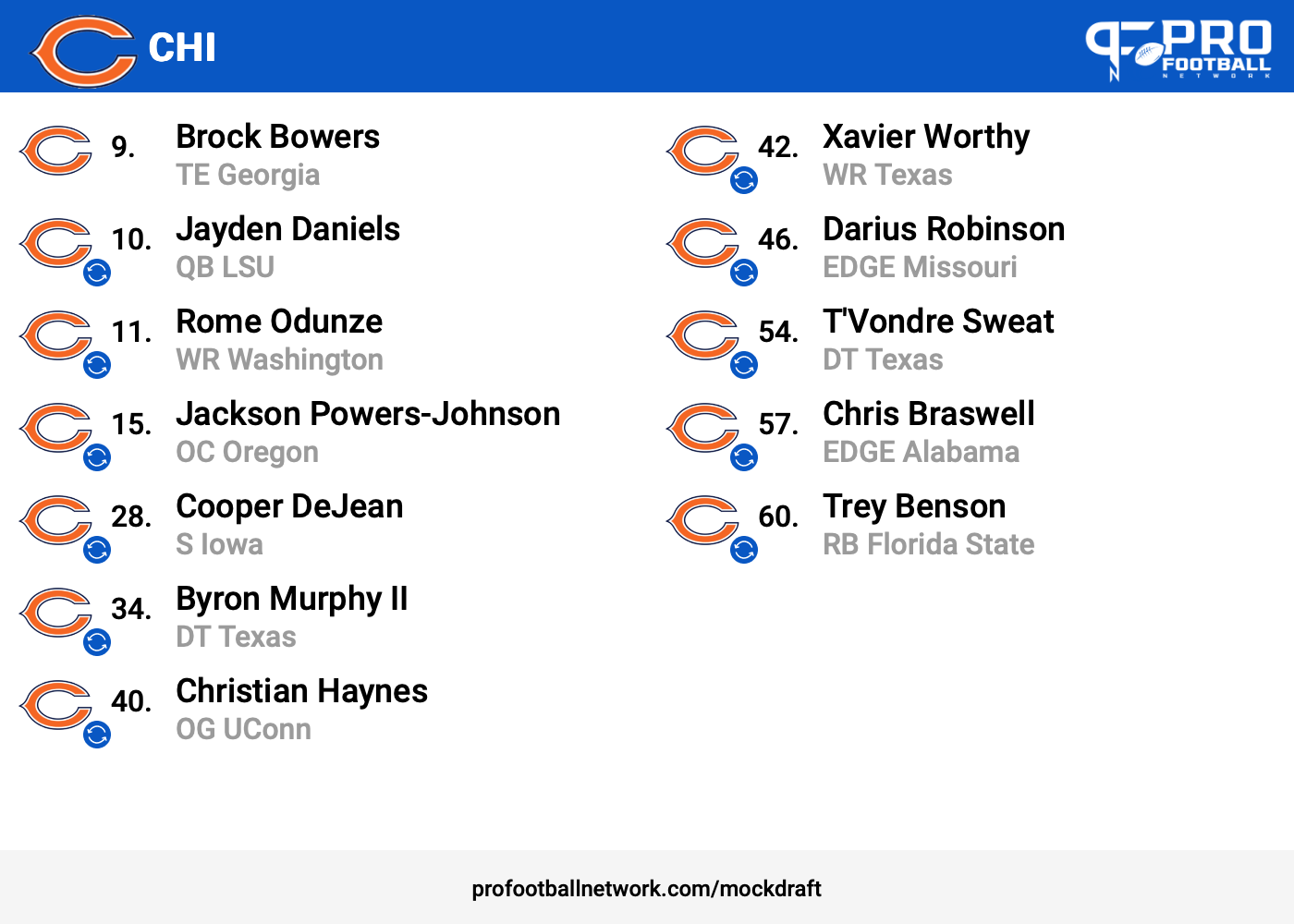
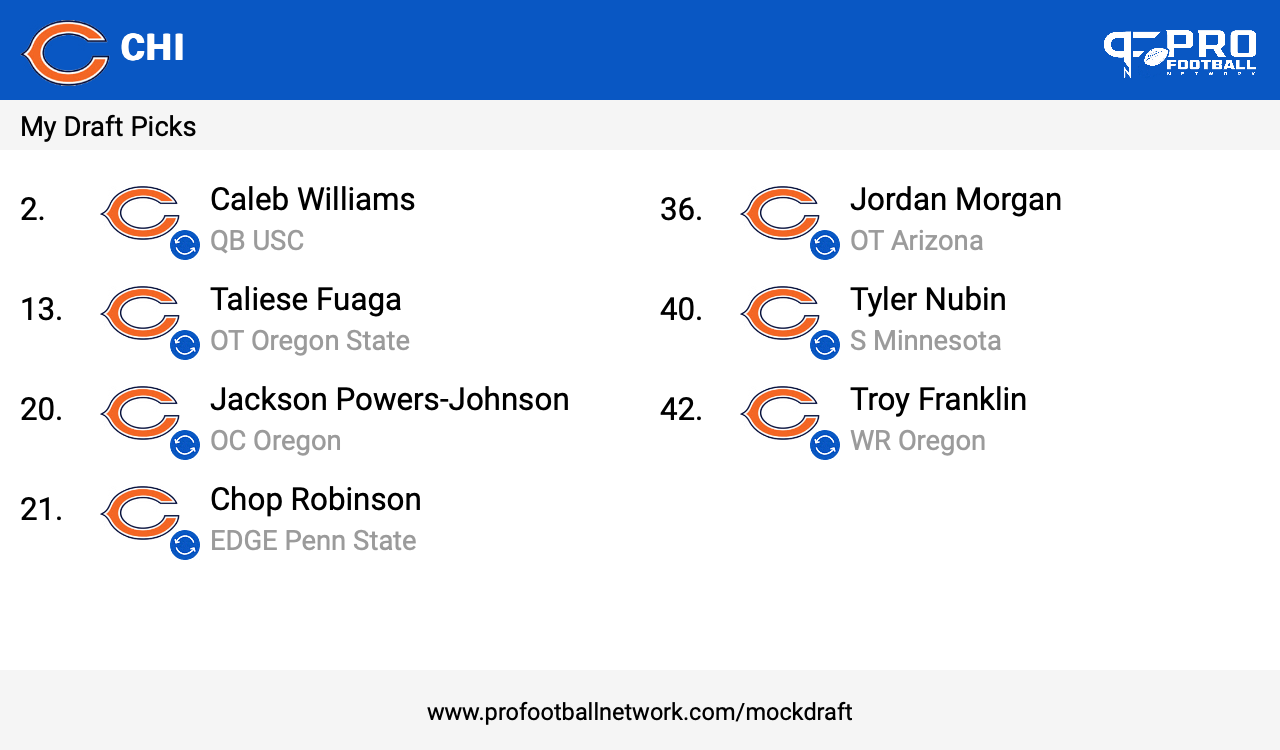
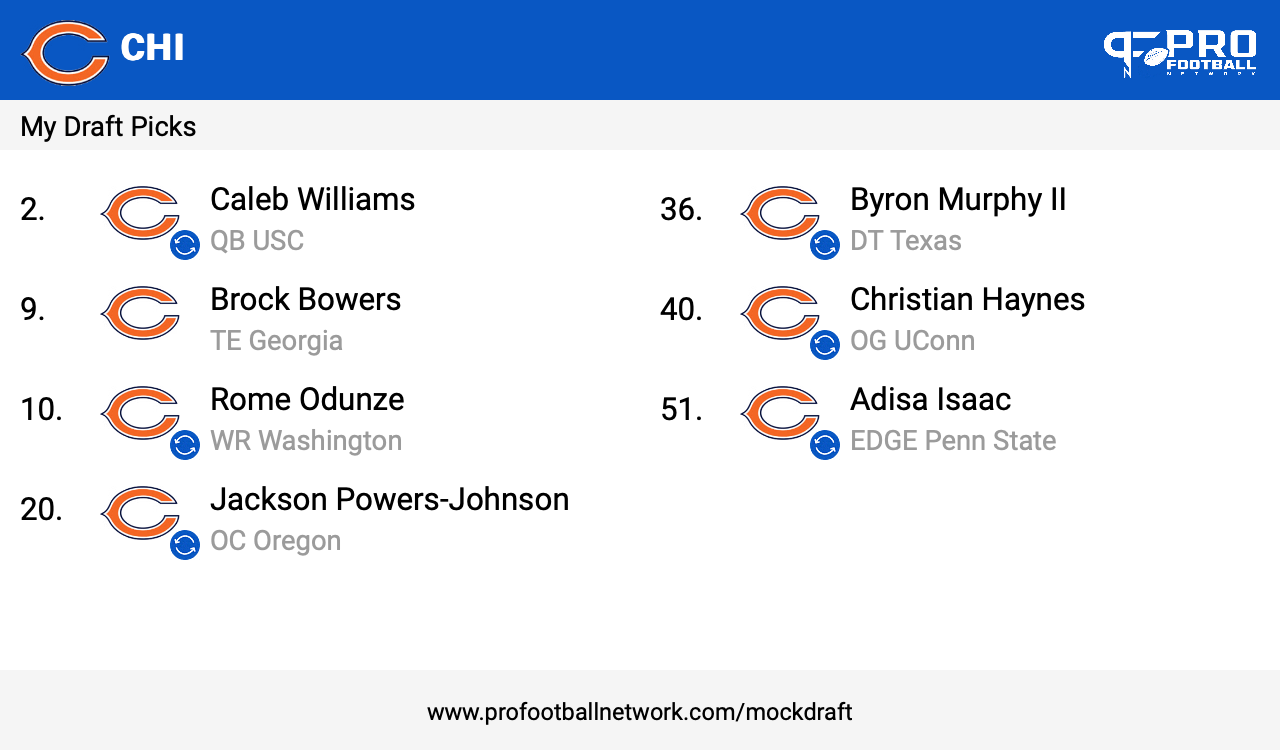
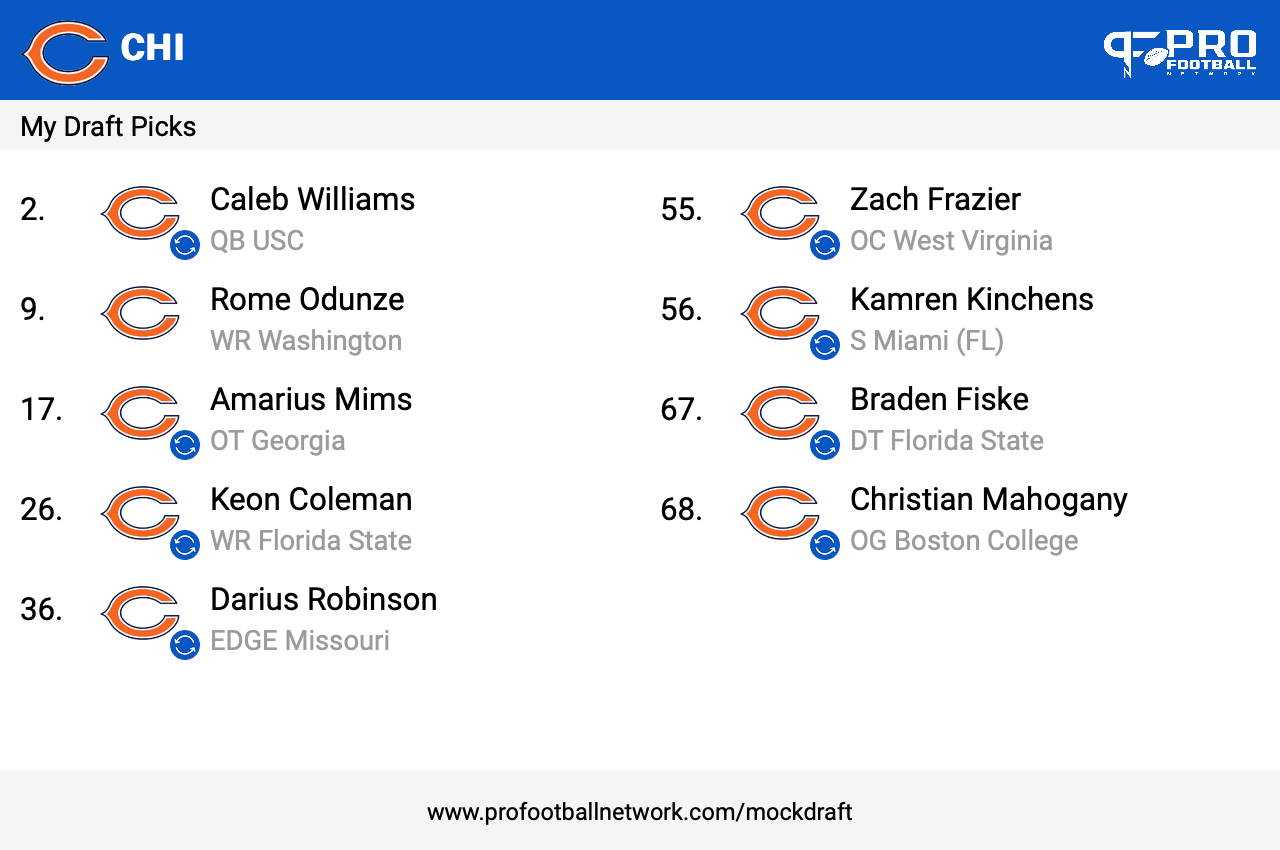
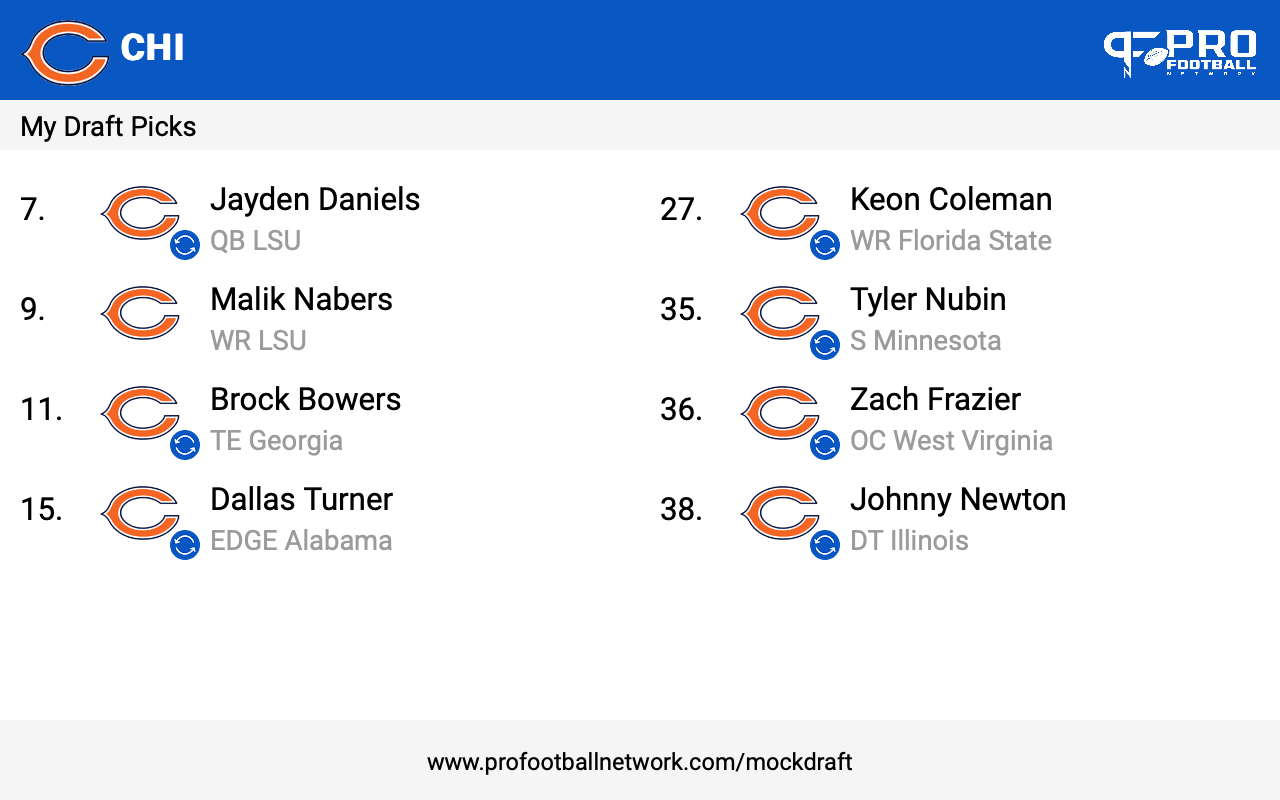
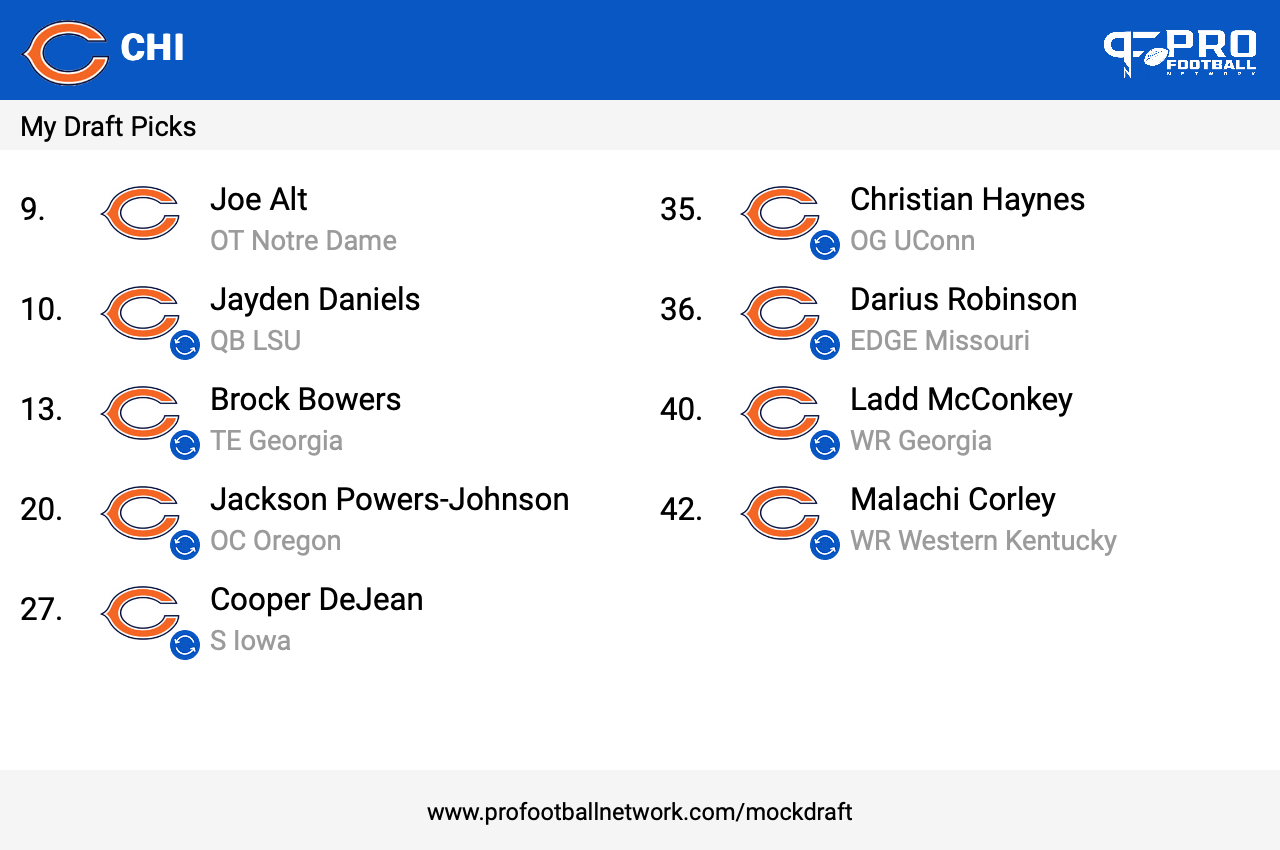
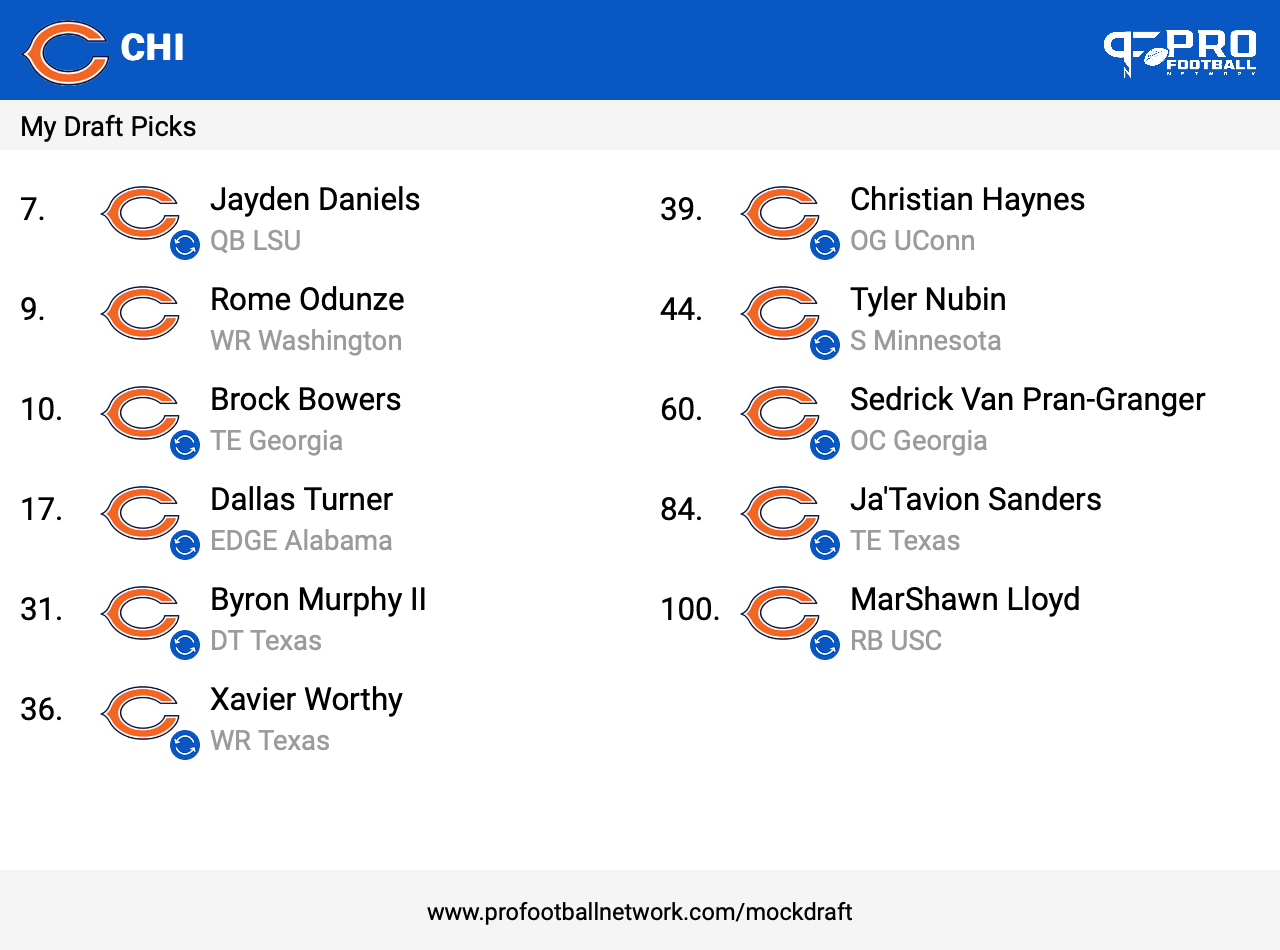
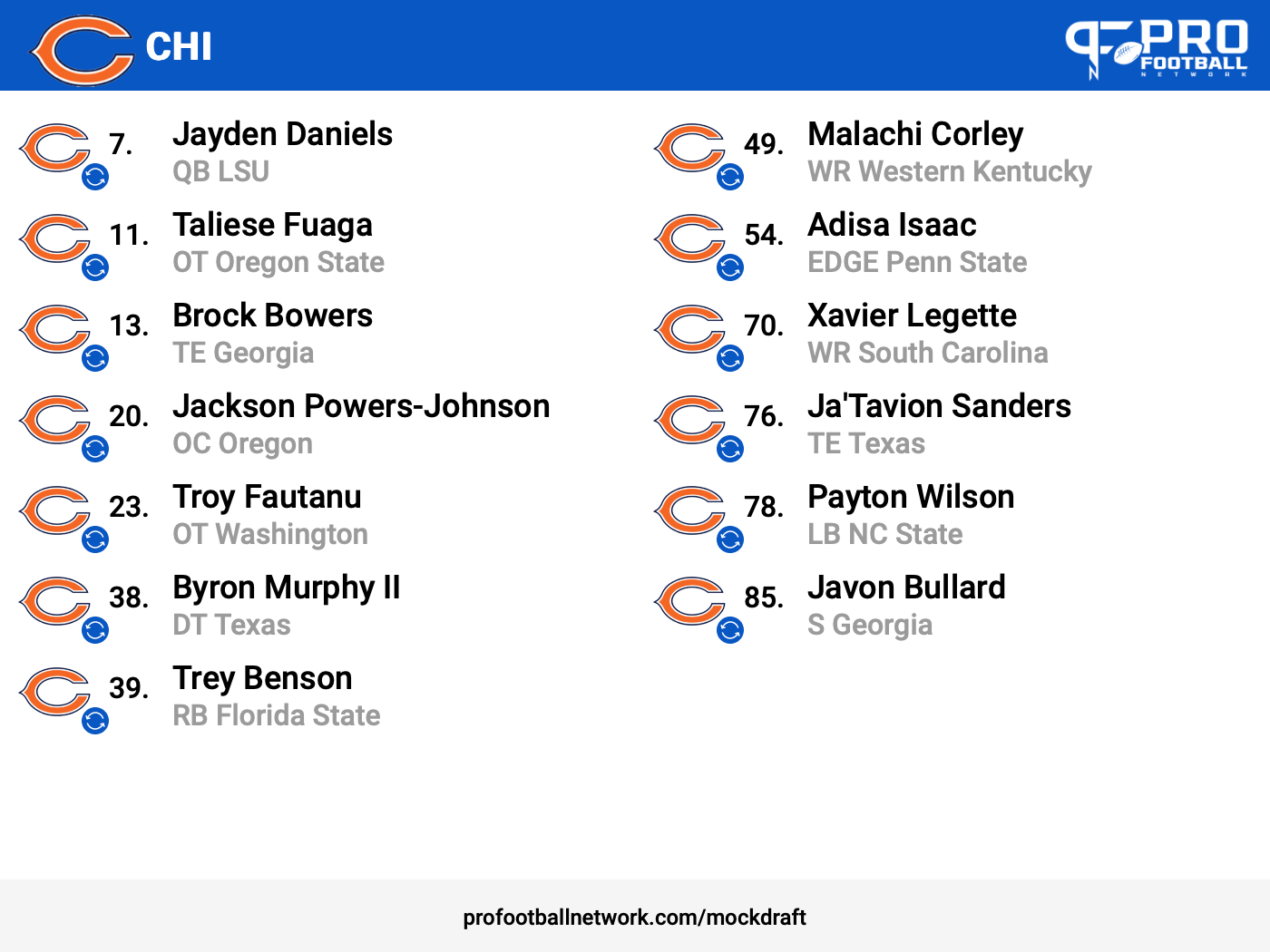
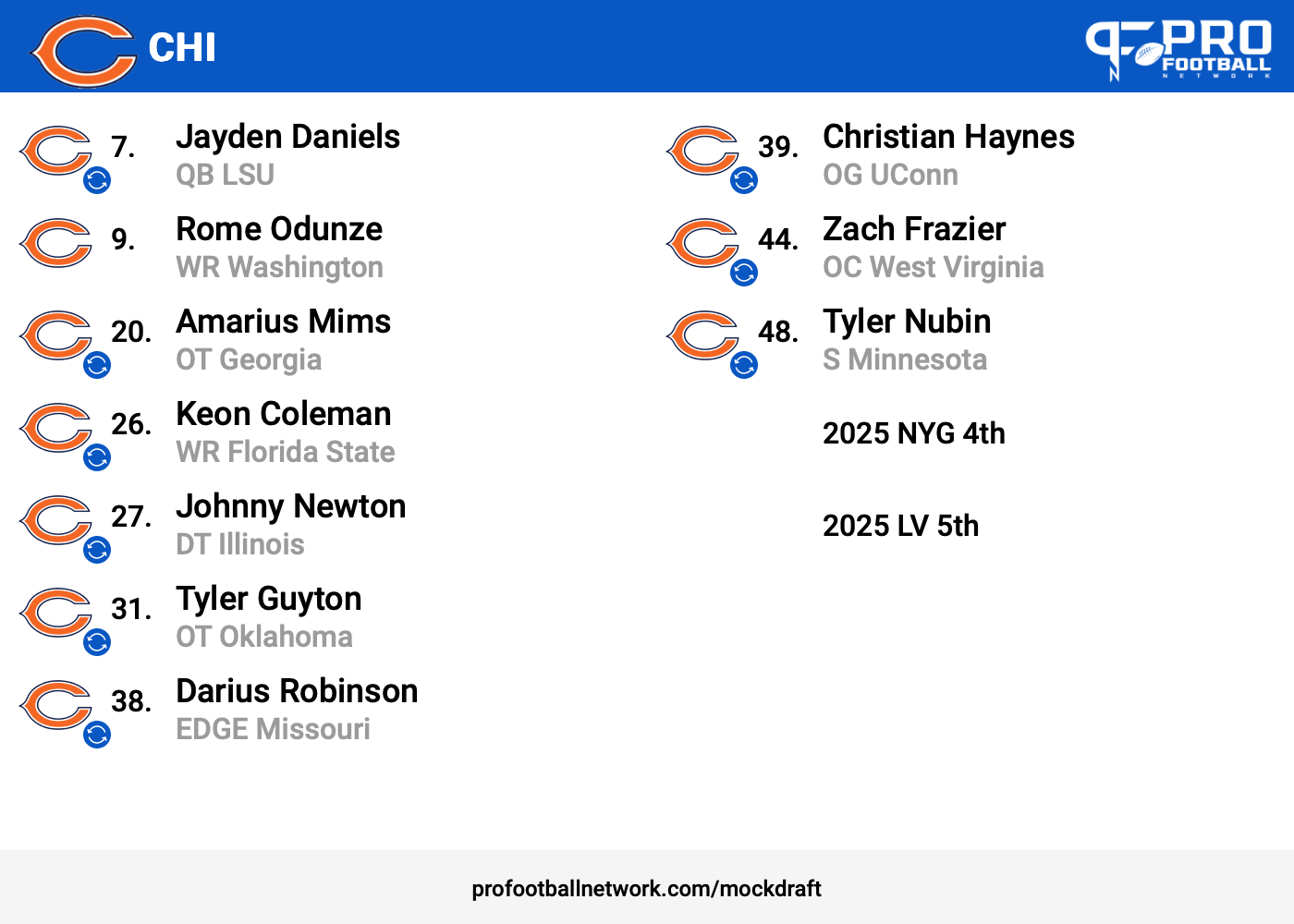
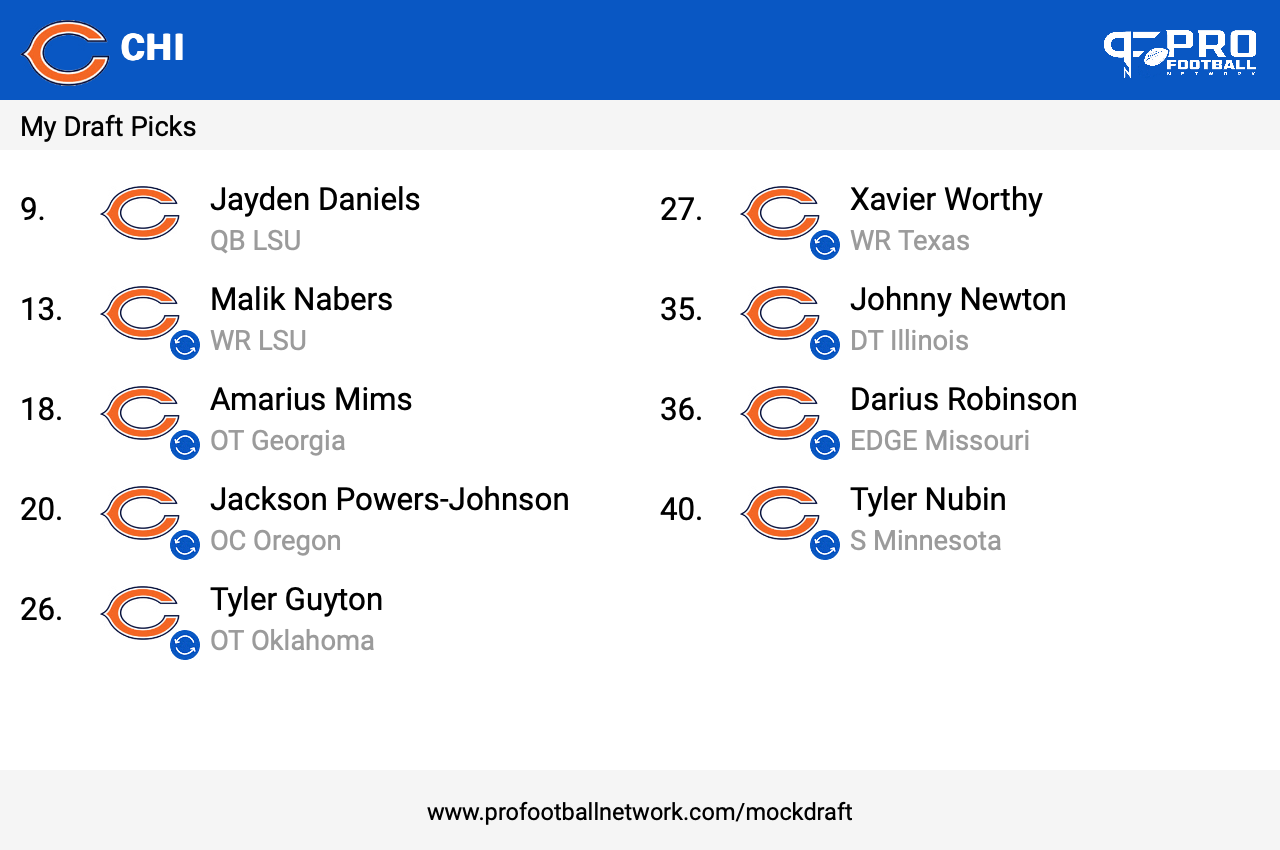
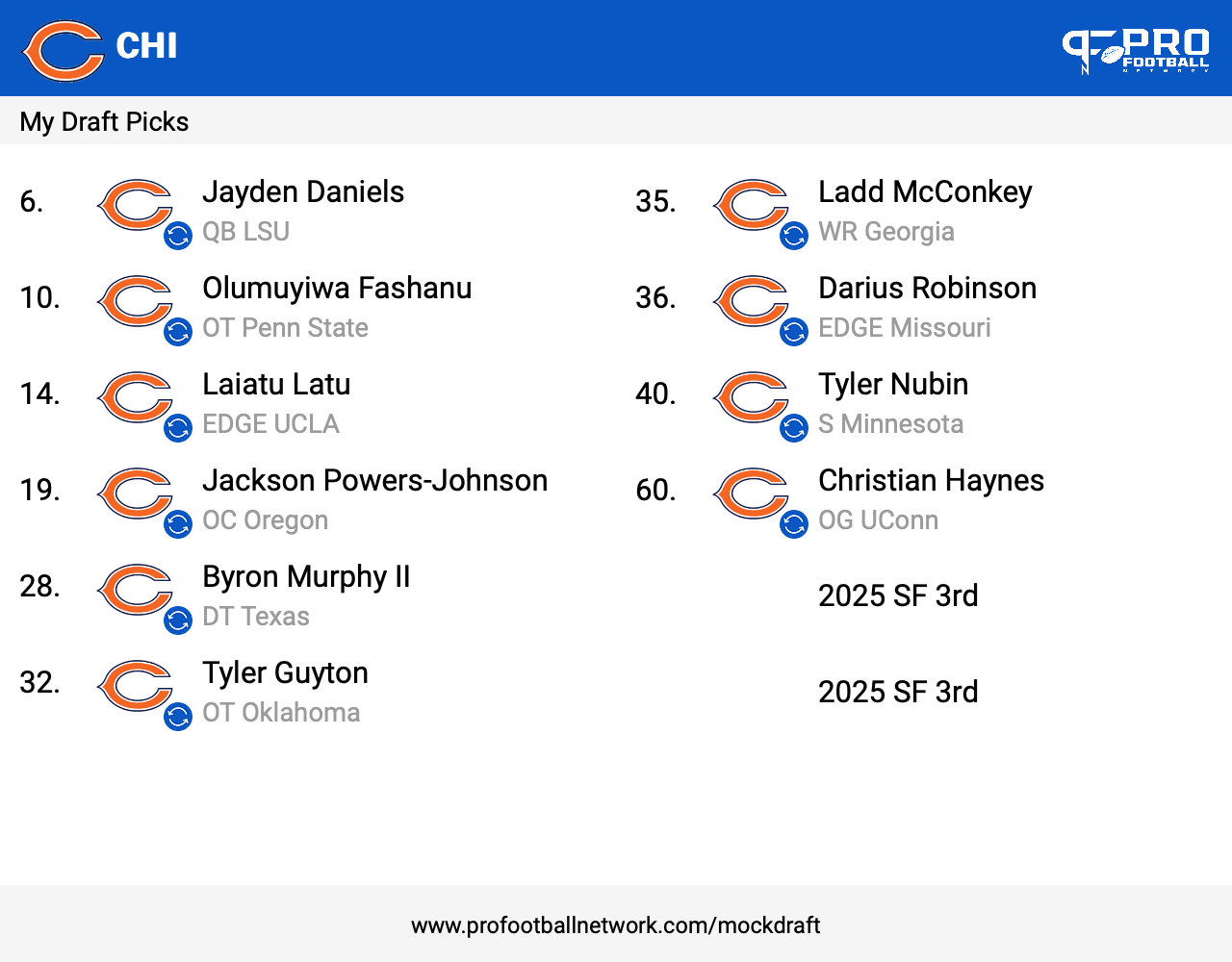
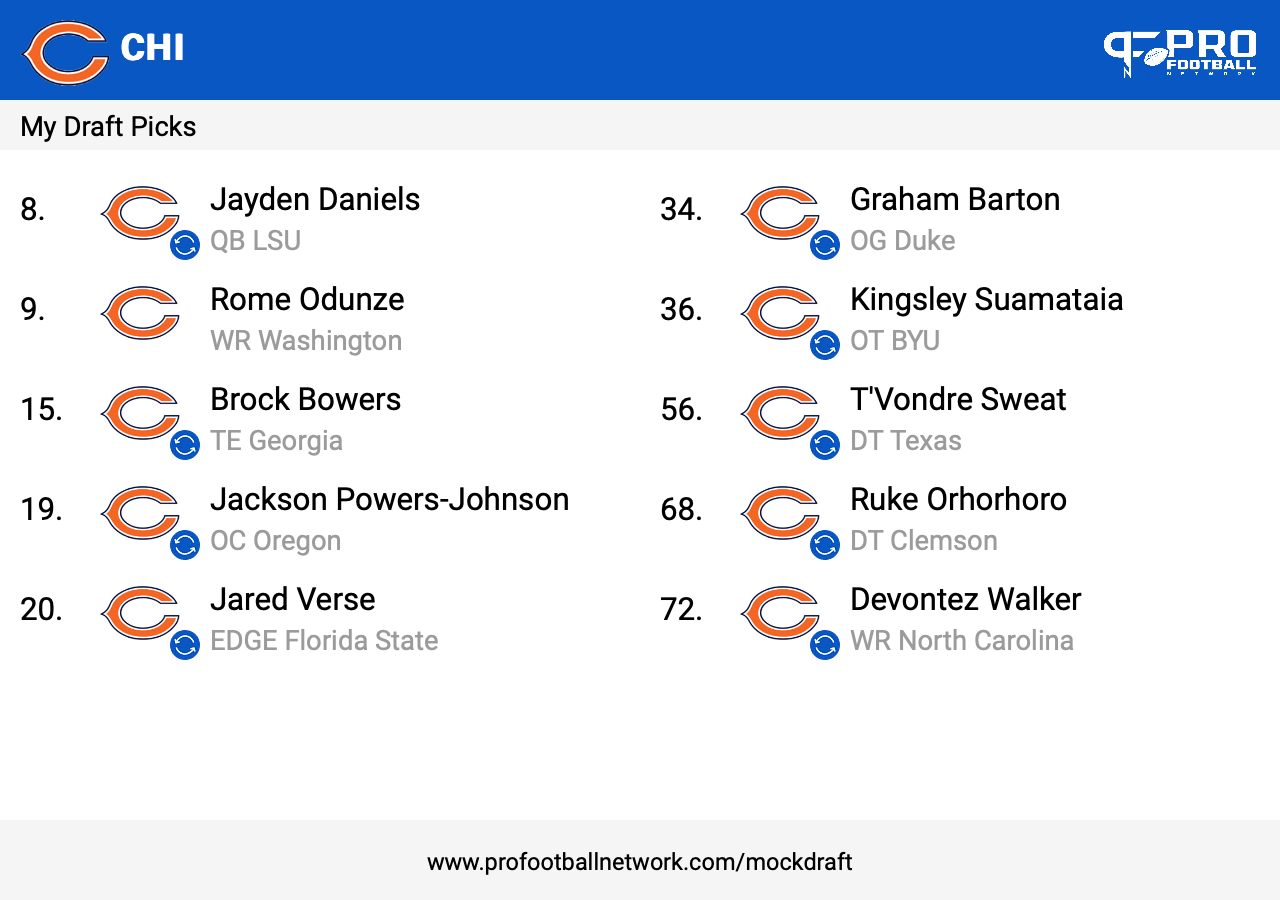
Same ole same ole. 3 round mocks.
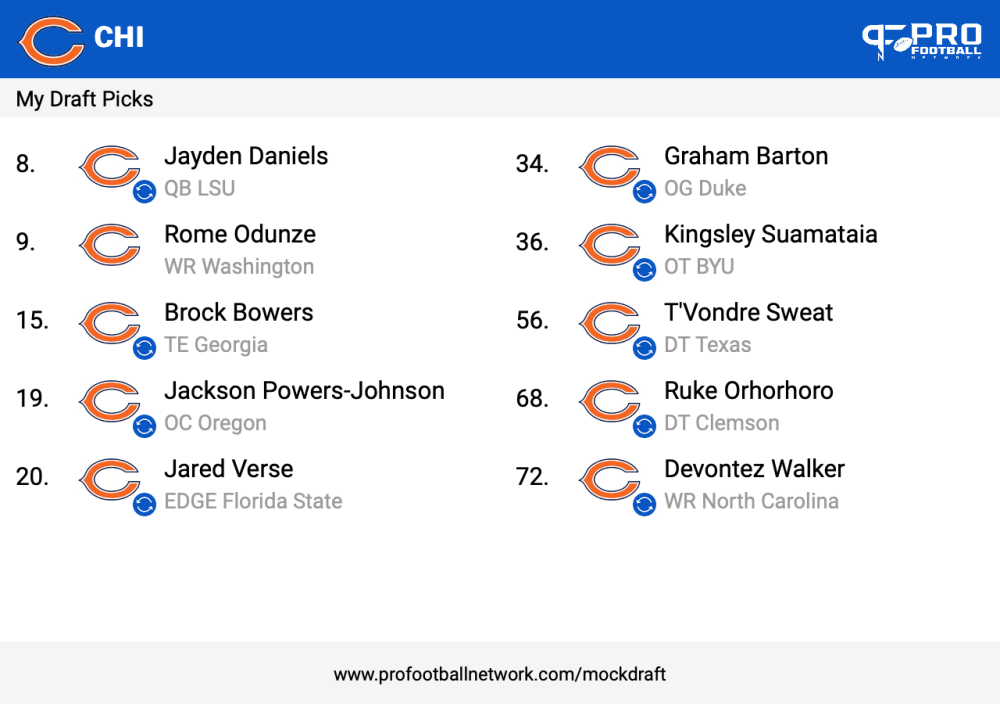 good pointsOR JF finally breaks out and can throw open a receiver. Shit would be greatI think they need to swing for the fences. WILKINSIm ok with this move. JCJ is unlikely to be a Bear unfortunatelyI think we need to buy a safely. Draft a WRFor some strange reason, I really feel like going fishingMy retarded ass is leaving 80 degree Florida to go meet Prime in Boulder. Step Kid signed with him a few weeks back and its his "official visit". Then to cold Albuquerque then colder Flagstaff. Currently snowing In Flag. I don't know how y'all live in Chicago. I don't even own a jacketThat's why homie called you a sexual predator. I still haven't heard the tea. I'm here for the fuckery whenever y'all.Headed to work o0n some killer Daniels draftsI think Caleb blew us off. For the JD camp....trade mf trade
Account
Navigation
Search
Configure browser push notifications
Chrome (Android)
- Tap the lock icon next to the address bar.
- Tap Permissions → Notifications.
- Adjust your preference.
Chrome (Desktop)
- Click the padlock icon in the address bar.
- Select Site settings.
- Find Notifications and adjust your preference.
Safari (iOS 16.4+)
- Ensure the site is installed via Add to Home Screen.
- Open Settings App → Notifications.
- Find your app name and adjust your preference.
Safari (macOS)
- Go to Safari → Preferences.
- Click the Websites tab.
- Select Notifications in the sidebar.
- Find this website and adjust your preference.
Edge (Android)
- Tap the lock icon next to the address bar.
- Tap Permissions.
- Find Notifications and adjust your preference.
Edge (Desktop)
- Click the padlock icon in the address bar.
- Click Permissions for this site.
- Find Notifications and adjust your preference.
Firefox (Android)
- Go to Settings → Site permissions.
- Tap Notifications.
- Find this site in the list and adjust your preference.
Firefox (Desktop)
- Open Firefox Settings.
- Search for Notifications.
- Find this site in the list and adjust your preference.